Design your own cross stitch patterns with ease.
Cross Stitch Pattern Creator
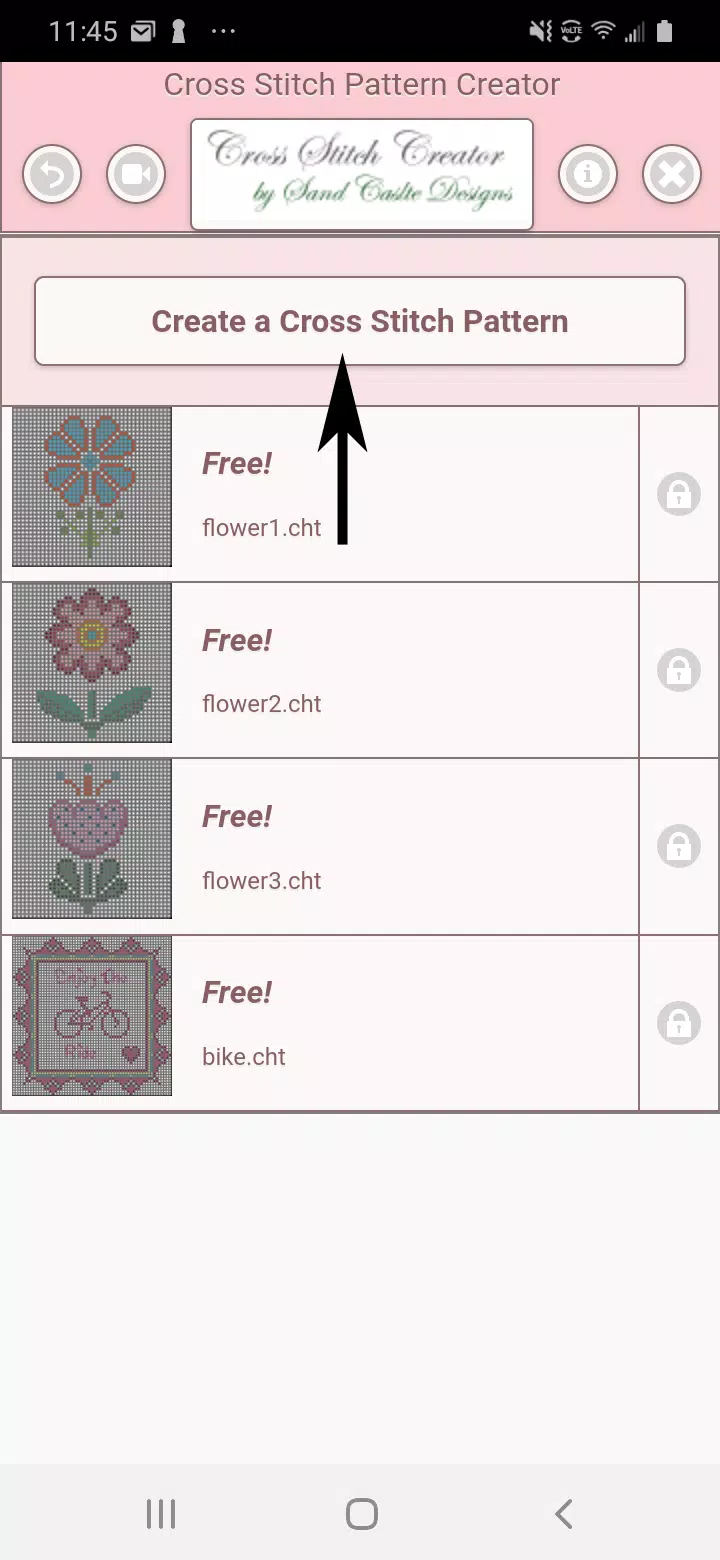
Includes 4 free sample patterns. Download is complimentary; activation is $2.99.
Optimized for tablet use due to pattern dimensions.
Build custom cross stitch patterns using the Cross Stitch Pattern Creator tool
Start designing by selecting the Create a Cross Stitch Pattern button.
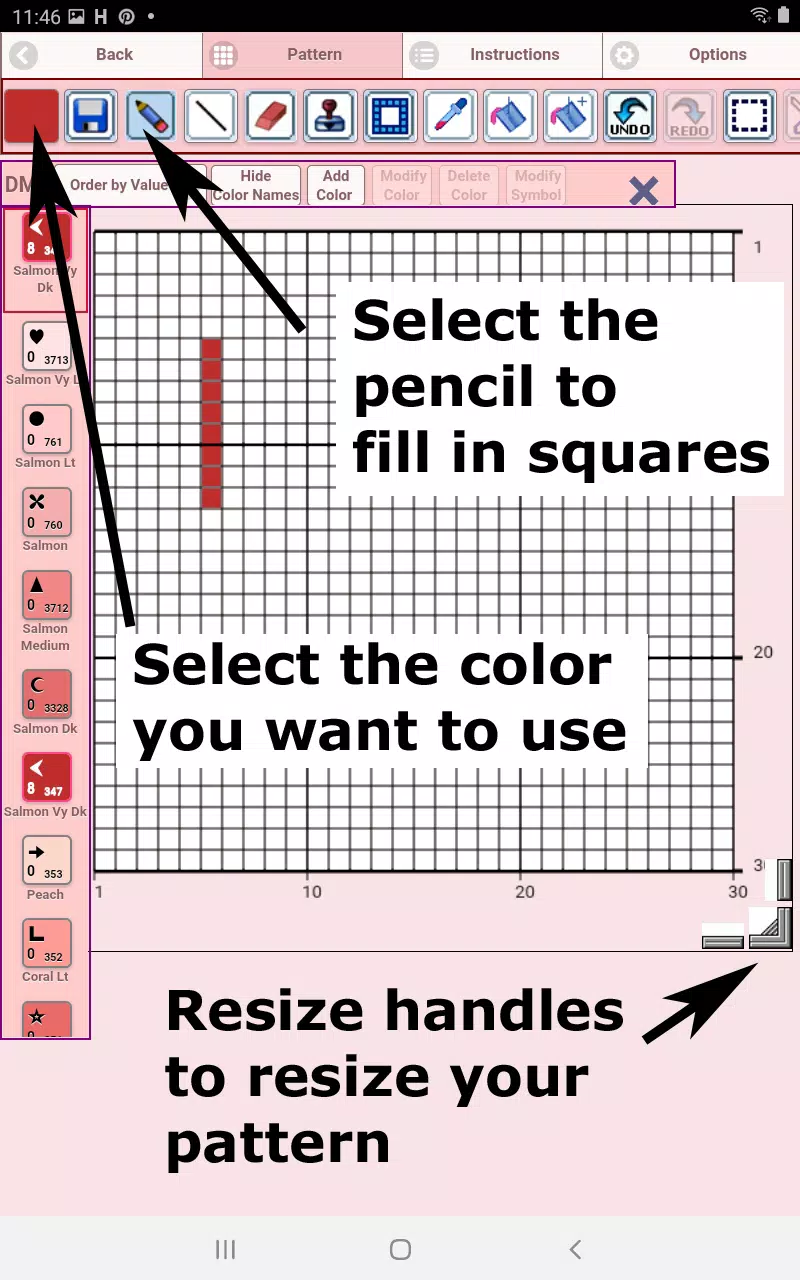
The Cross Stitch Pattern Editor opens. Fill grid squares with DMC floss colors.
Option to add custom colors as needed.
Getting started - Use the pencil tool to fill squares in your pattern. Use the Eraser to clear marked squares.
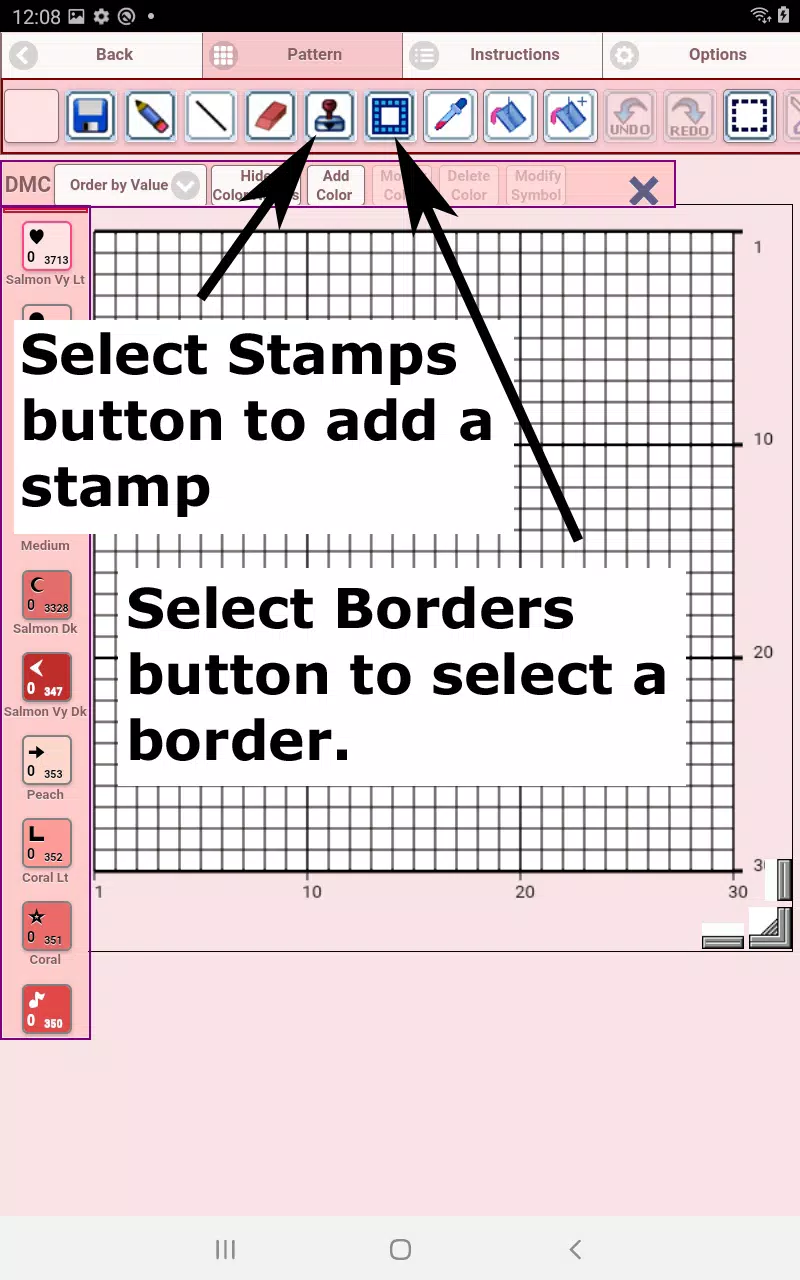
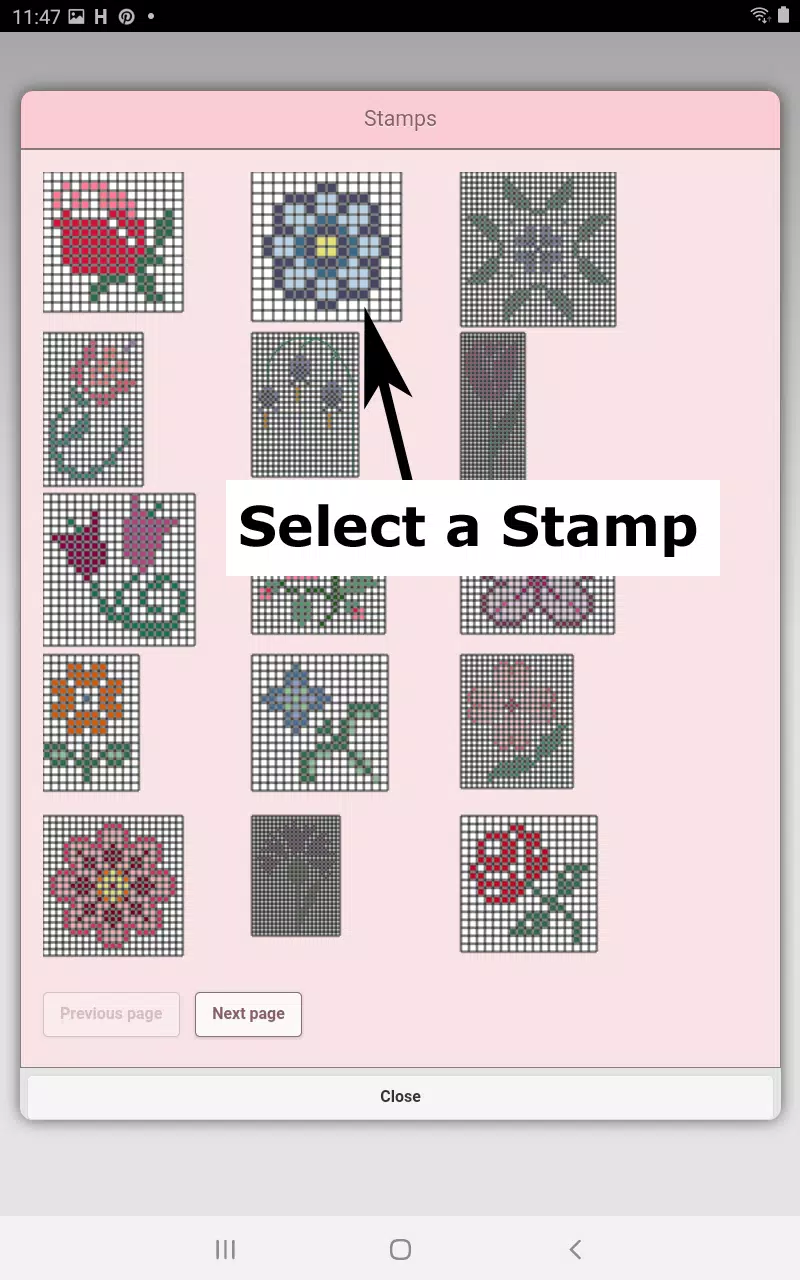
Choose from over 80 decorative stamps and borders to enhance your design.
Toolbar buttons from left to right:
DMC Floss Color - select your preferred floss color
Save - store your pattern
Pencil - mark squares on your pattern
Eraser - remove filled squares and backstitch lines
Backstitch - First choose color, then apply backstitch lines to your pattern
Backstitch Move - Select and drag backstitches to new positions
Backstitch End Adjustment - Select any backstitch to reveal blue endpoint markers for precise repositioning
Stamps - Apply miniature cross stitch designs to your pattern
Borders - Add framing borders that automatically adapt to your pattern dimensions
Dropper - Extract colors from your design for consistent color matching
Bucket - Fill designated areas with currently selected color
Bucket+ - Replace existing colors with new selections
Undo - Reverse previous modifications
Redo - Restore undone changes
Selection Box - Define pattern areas for editing operations
Cut - Remove selected pattern sections after using Selection Box
Copy - Duplicate selected areas to clipboard using Selection Box
Paste - Insert copied elements and position them as desired
Rotate - Turn selected areas or entire pattern
Flip Horizontal - Mirror selections or complete pattern
Flip Vertical - Invert selected areas or full pattern vertically
Zoom In - Enlarge pattern view
Zoom Out - Reduce pattern view
Symbols - Show unique identifiers for each color value
Picture - Convert device images into stitch patterns
Social Media - Share creations via email, messaging, or other platforms
Resize Handles - Adjust pattern dimensions using corner drag controls
Settings - Modify grid colors, switch between Solid and X fill styles,
hide row/column counters
Instructions - View DMC color references and finished sizes for
various Aida cloth counts
Preview - Display stitched outcome with adjustable fabric colors