
Design your own cross stitch patterns with ease.
轻松设计属于自己的十字绣图案。
Cross Stitch Pattern Creator
十字绣图案生成器
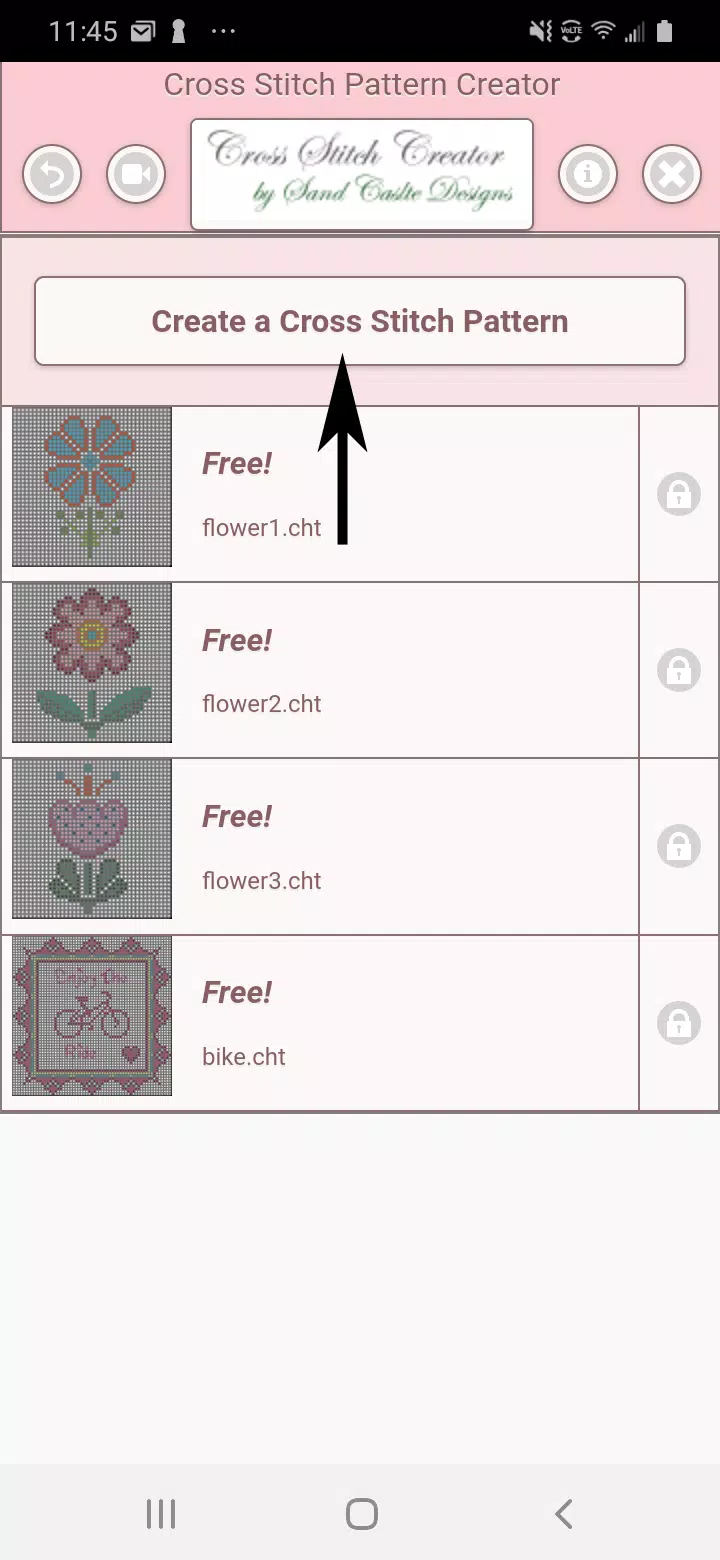
Includes 4 free sample patterns. Download is complimentary; activation is $2.99.
包含4个免费示例图案。免费下载,激活费用为2.99美元。
Optimized for tablet use due to pattern dimensions.
由于图案尺寸较大,已针对平板设备使用进行优化。
Build custom cross stitch patterns using the Cross Stitch Pattern Creator tool
使用十字绣图案生成器工具构建自定义十字绣图案
Start designing by selecting the Create a Cross Stitch Pattern button.
点击“创建十字绣图案”按钮开始设计。
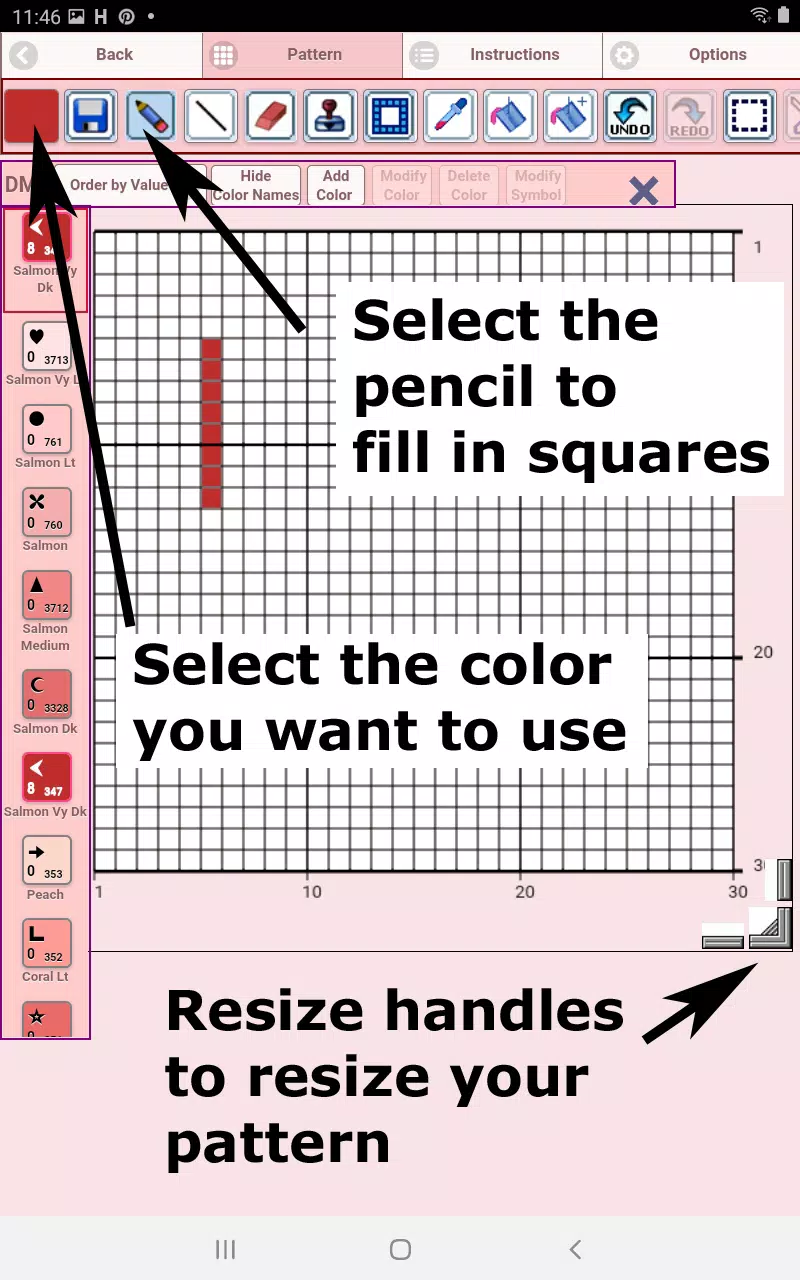
The Cross Stitch Pattern Editor opens. Fill grid squares with DMC floss colors.
打开十字绣图案编辑器,用DMC线颜色填充网格方块。
Option to add custom colors as needed.
可根据需要添加自定义颜色。
Getting started - Use the pencil tool to fill squares in your pattern. Use the Eraser to clear marked squares.
入门指南——使用铅笔工具为图案中的方块上色;使用橡皮擦清除已标记的方块。
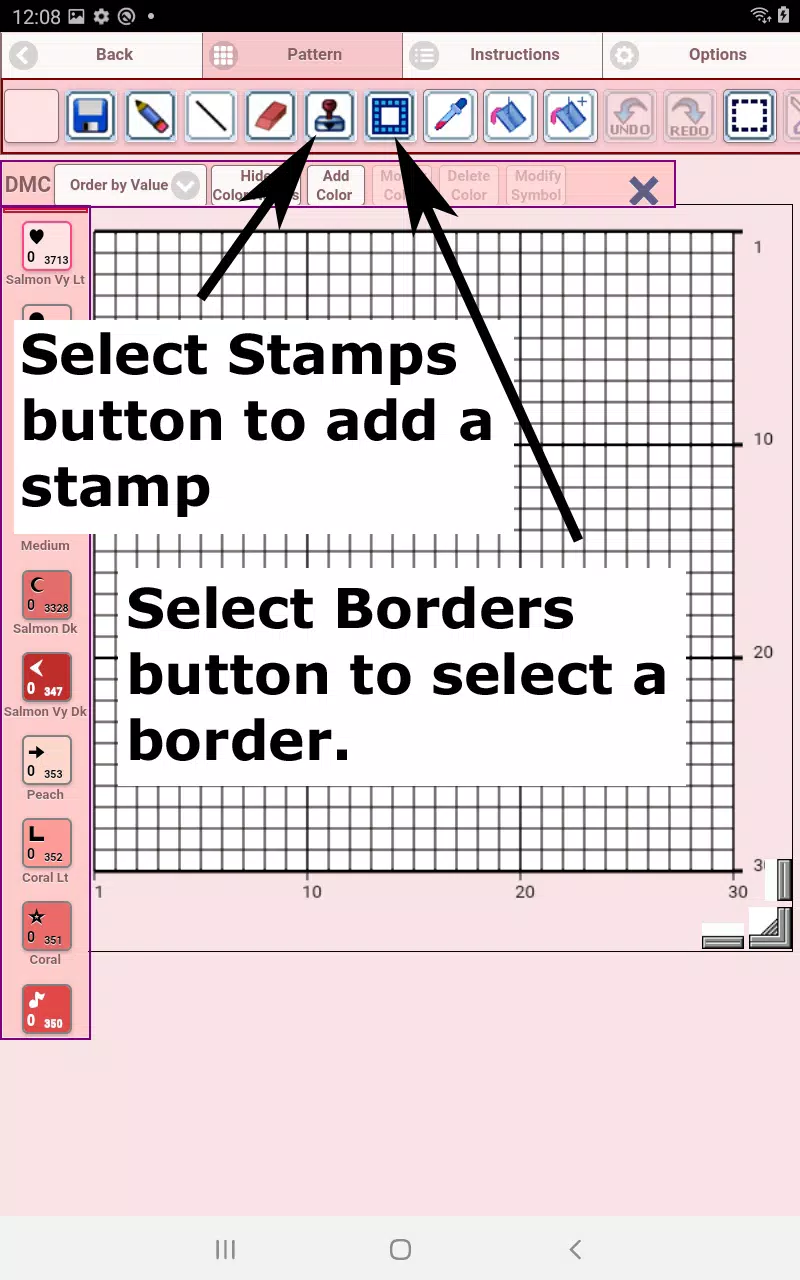
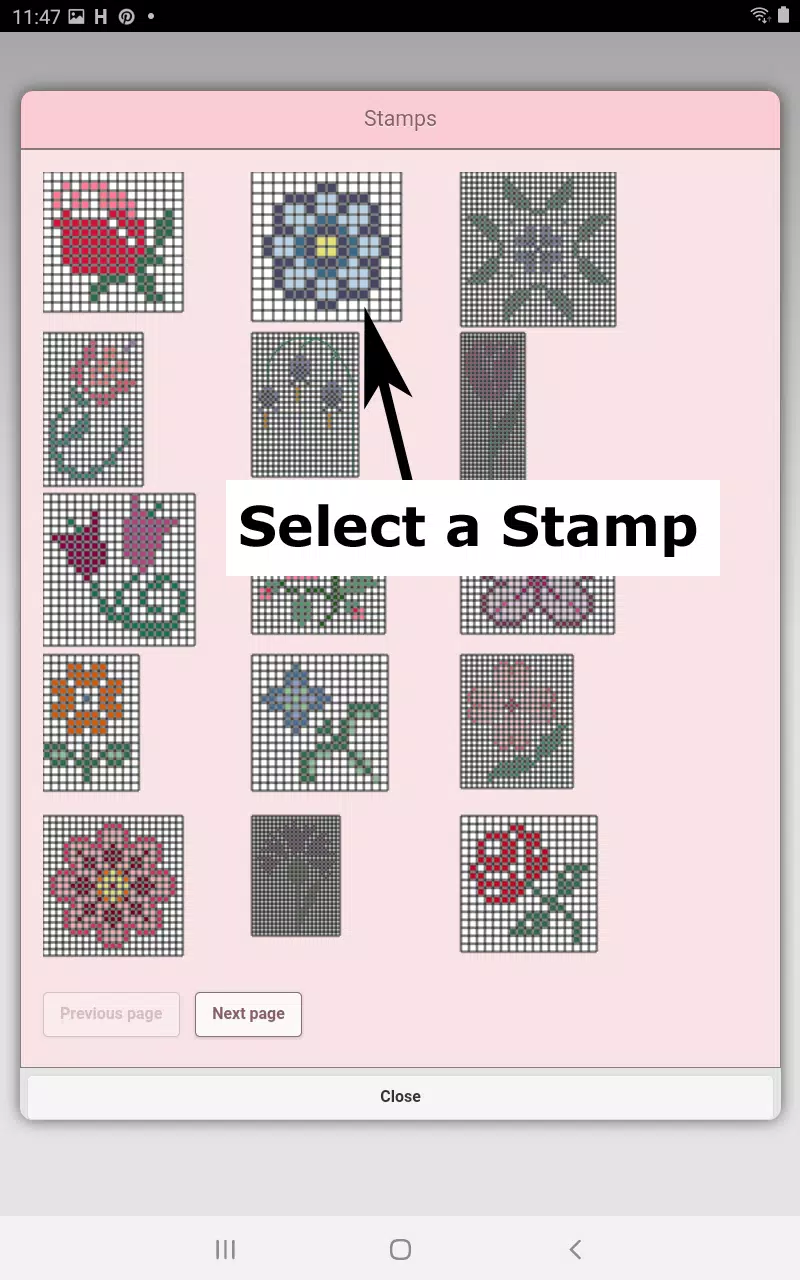
Choose from over 80 decorative stamps and borders to enhance your design.
从超过80种装饰印章和边框中选择,以丰富你的设计效果。
Toolbar buttons from left to right:
从左至右的工具栏按钮:
DMC Floss Color - select your preferred floss color
DMC线颜色——选择你偏好的线材颜色
Save - store your pattern
保存——存储你的图案
Pencil - mark squares on your pattern
铅笔——在图案中标记方块
Eraser - remove filled squares and backstitch lines
橡皮擦——清除已填充的方块及轮廓绣线条
Backstitch - First choose color, then apply backstitch lines to your pattern
轮廓绣(Backstitch)——先选择颜色,再为图案添加轮廓绣线条
Backstitch Move - Select and drag backstitches to new positions
移动轮廓绣——选中并拖动轮廓绣至新位置
Backstitch End Adjustment - Select any backstitch to reveal blue endpoint markers for precise repositioning
调整轮廓绣端点——选择任意轮廓绣以显示蓝色端点标记,实现精准重定位
Stamps - Apply miniature cross stitch designs to your pattern
印章——将迷你十字绣设计应用到你的图案中
Borders - Add framing borders that automatically adapt to your pattern dimensions
边框——添加自动适配你图案尺寸的装饰性边框
Dropper - Extract colors from your design for consistent color matching
吸管工具——从设计中提取颜色,确保色彩匹配一致
Bucket - Fill designated areas with currently selected color
油漆桶——用当前选中的颜色填充指定区域
Bucket+ - Replace existing colors with new selections
油漆桶(替换)——将现有颜色替换为新选的颜色
Undo - Reverse previous modifications
撤销——回退上一步修改操作
Redo - Restore undone changes
重做——恢复被撤消的更改
Selection Box - Define pattern areas for editing operations
选择框——定义用于编辑操作的图案区域
Cut - Remove selected pattern sections after using Selection Box
剪切——使用选择框后移除选中的图案部分
Copy - Duplicate selected areas to clipboard using Selection Box
复制——通过选择框将选定区域复制到剪贴板
Paste - Insert copied elements and position them as desired
粘贴——插入已复制的元素并按需定位
Rotate - Turn selected areas or entire pattern
旋转——旋转选中区域或整个图案
Flip Horizontal - Mirror selections or complete pattern
水平翻转——镜像选中内容或完整图案
Flip Vertical - Invert selected areas or full pattern vertically
垂直翻转——将选中区域或整幅图案上下颠倒
Zoom In - Enlarge pattern view
放大——扩大图案视图比例
Zoom Out - Reduce pattern view
缩小——减小图案视图比例
Symbols - Show unique identifiers for each color value
符号显示——为每种颜色值展示唯一标识符
Picture - Convert device images into stitch patterns
图片导入——将设备中的图像转换为刺绣图案
Social Media - Share creations via email, messaging, or other platforms
社交媒体分享——通过电子邮件、即时通讯或其他平台分享作品
Resize Handles - Adjust pattern dimensions using corner drag controls
缩放手柄——拖动角落控制点调整图案尺寸
Settings - Modify grid colors, switch between Solid and X fill styles, hide row/column counters
设置——修改网格颜色,在实心填充与“X”形填充样式之间切换,隐藏行/列计数显示
Instructions - View DMC color references and finished sizes for various Aida cloth counts
说明文档——查看不同Aida绣布密度下的DMC色号参考及成品尺寸信息
Preview - Display stitched outcome with adjustable fabric colors
预览功能——展示刺绣完成效果,支持调节面料底色