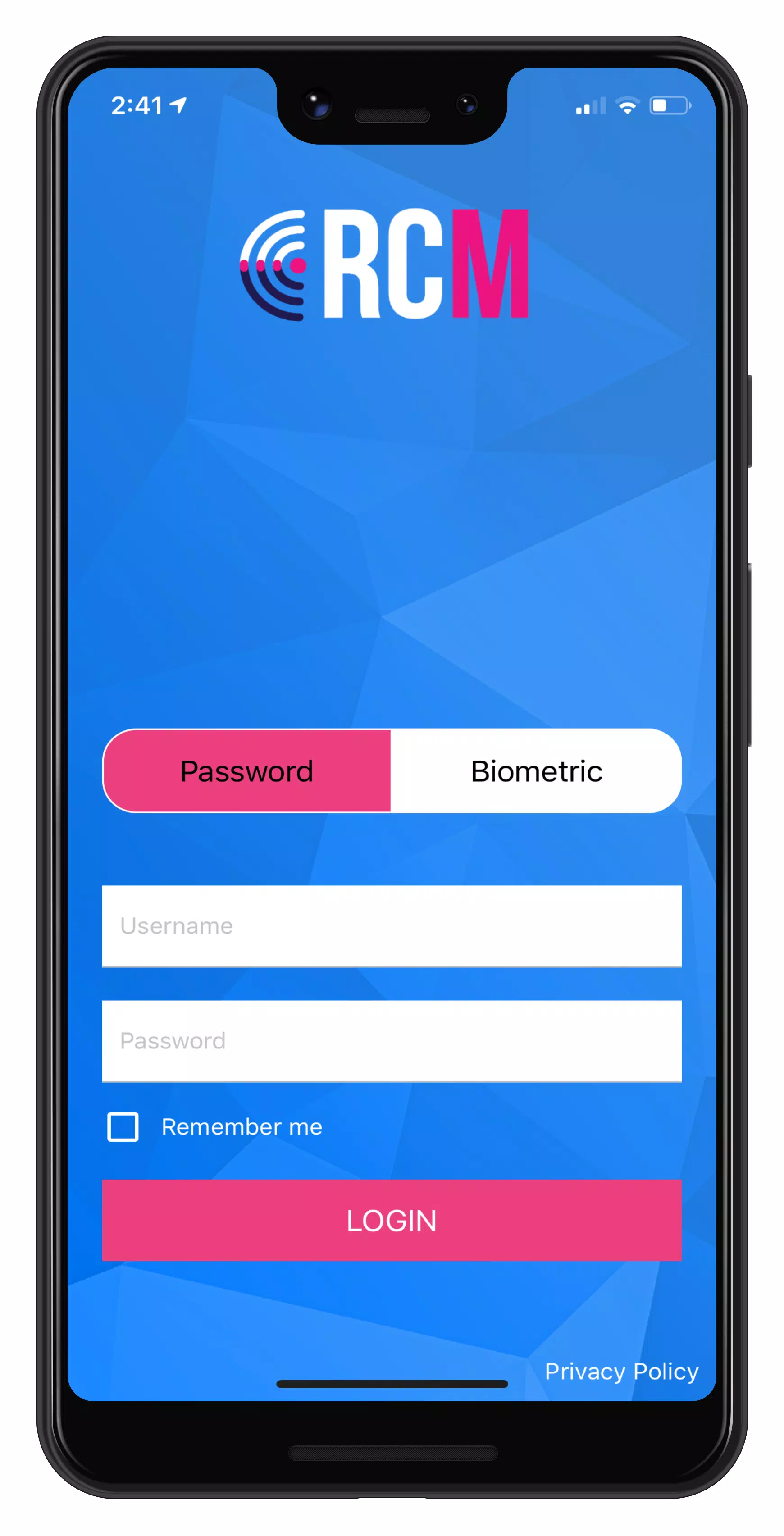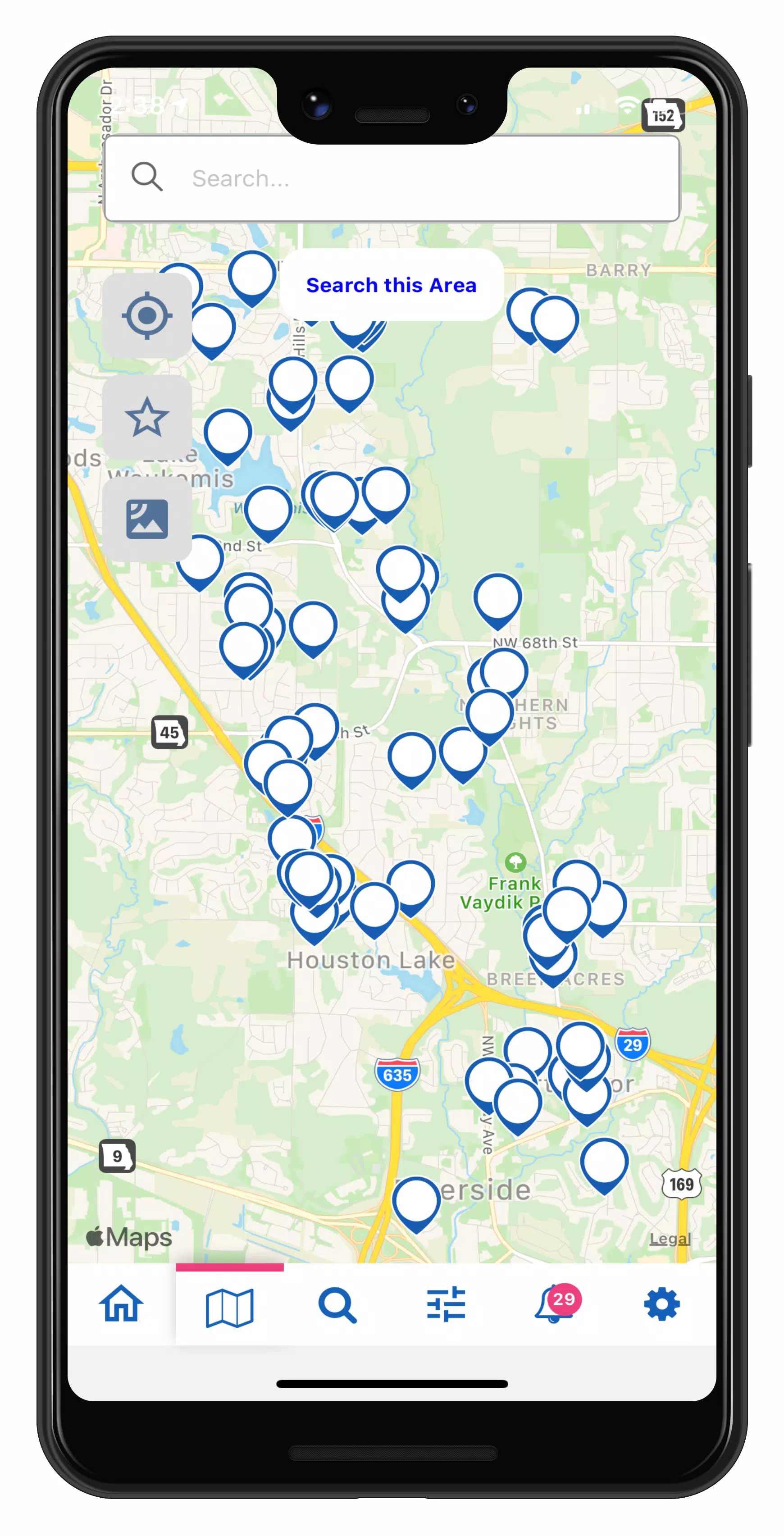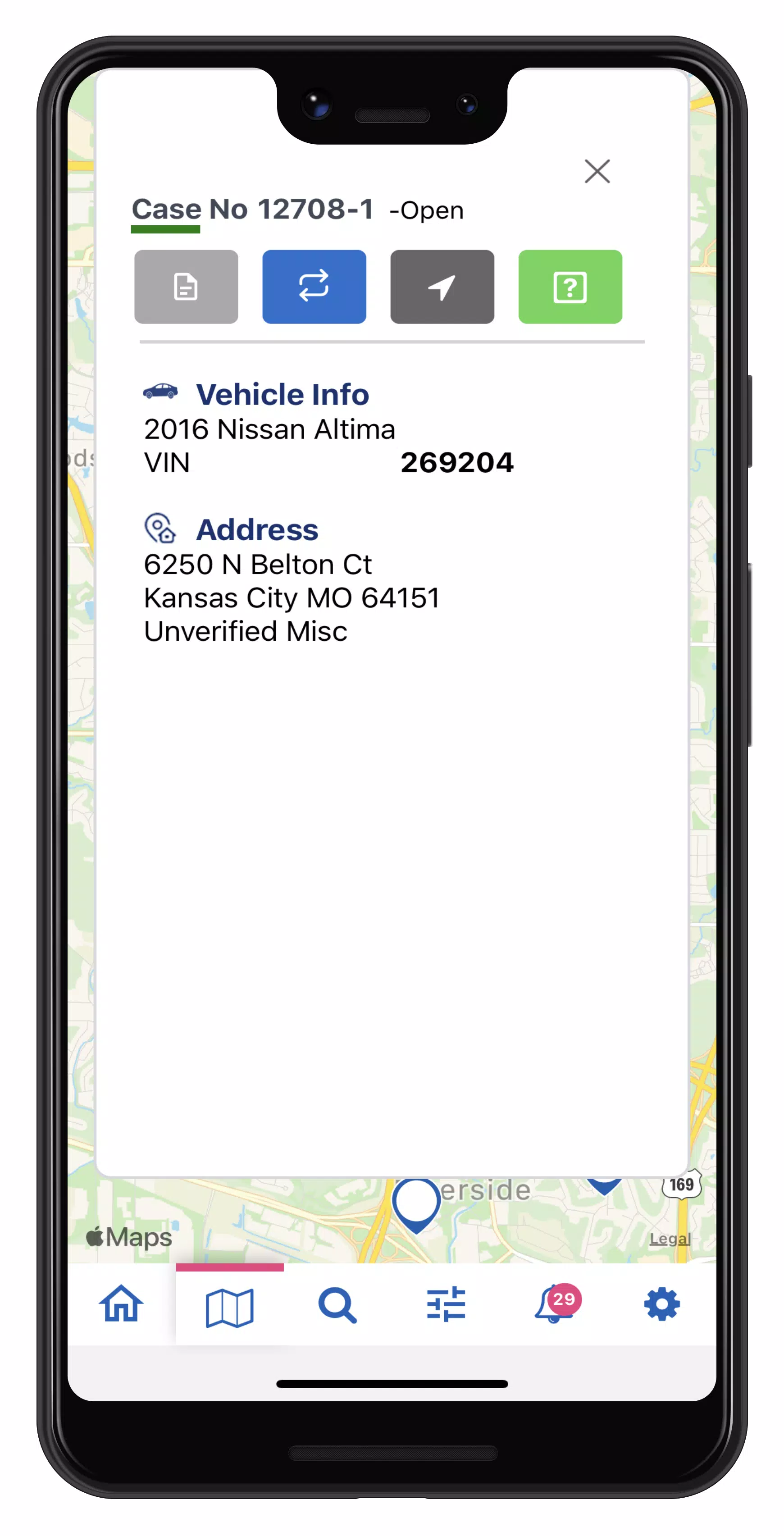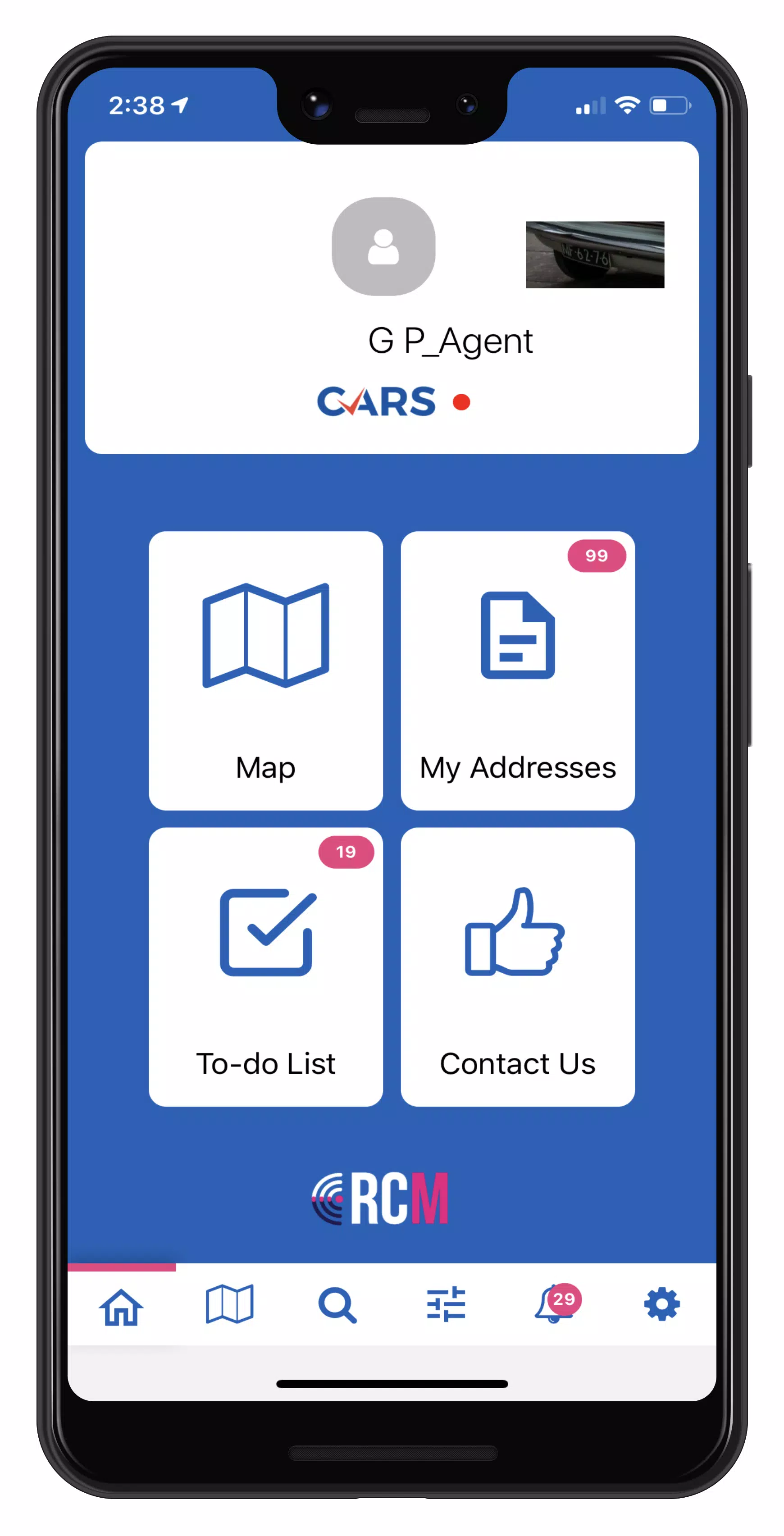
Map cases with RCM! It seamlessly integrates with the RecoveryConnect® and MRS web applications.
Permissions Walkthrough - https://youtu.be/rW0rJGe0Wr8
Privacy Policy - https://mbsicorp.com/privacy/.
Empower your field agents with RCM, delivering real-time repossession assignment details. Instant access to case data helps agents reduce risk by preventing wrongful repossessions and allows them to swiftly update a unit's status to On Hook. Once marked On Hook, agents can safely and conveniently complete the asset recovery process.
RCM's mapping enables drivers to efficiently scan custom icons, run addresses, submit one-tap updates, set pick-up locations, and recover more units. Quickly create and save custom map filters to focus on what matters most to your agency. Every asset recovery form captures condition details and photos, automatically generating a professional Condition Report for the client.
With RCM, you can:
• Customize map icons (Pro)
• Mark collateral as On-Hook with a single tap
• Streamline the Asset Recovery process for fast condition, photo, and personal property reporting
• Access real-time case information and addresses
• Search your map quickly (Pro)
• Mark "Favorite" cases for easy access
• Filter cases to run addresses efficiently
• Submit one-tap quick updates
• Receive auto-generated geo-updates
• Work through your To-Do list to capture quick condition reports for recovered units
For assistance with RCM, our support team is available 24/7. Submit a request via Contact Us or visit our website: https://mbsicorp.com/contact/
What's New in the Latest Version 3.0.33
Last updated on Oct 2, 2024
Accept Cases in Mobile
New Feature: Users can now accept cases directly in the mobile app!
Accept or decline cases from the NEW CASES section on the home page
Long press to multi-select cases
Search or filter by client, case type, dates, or accepted-before status
All activity is logged in the case History