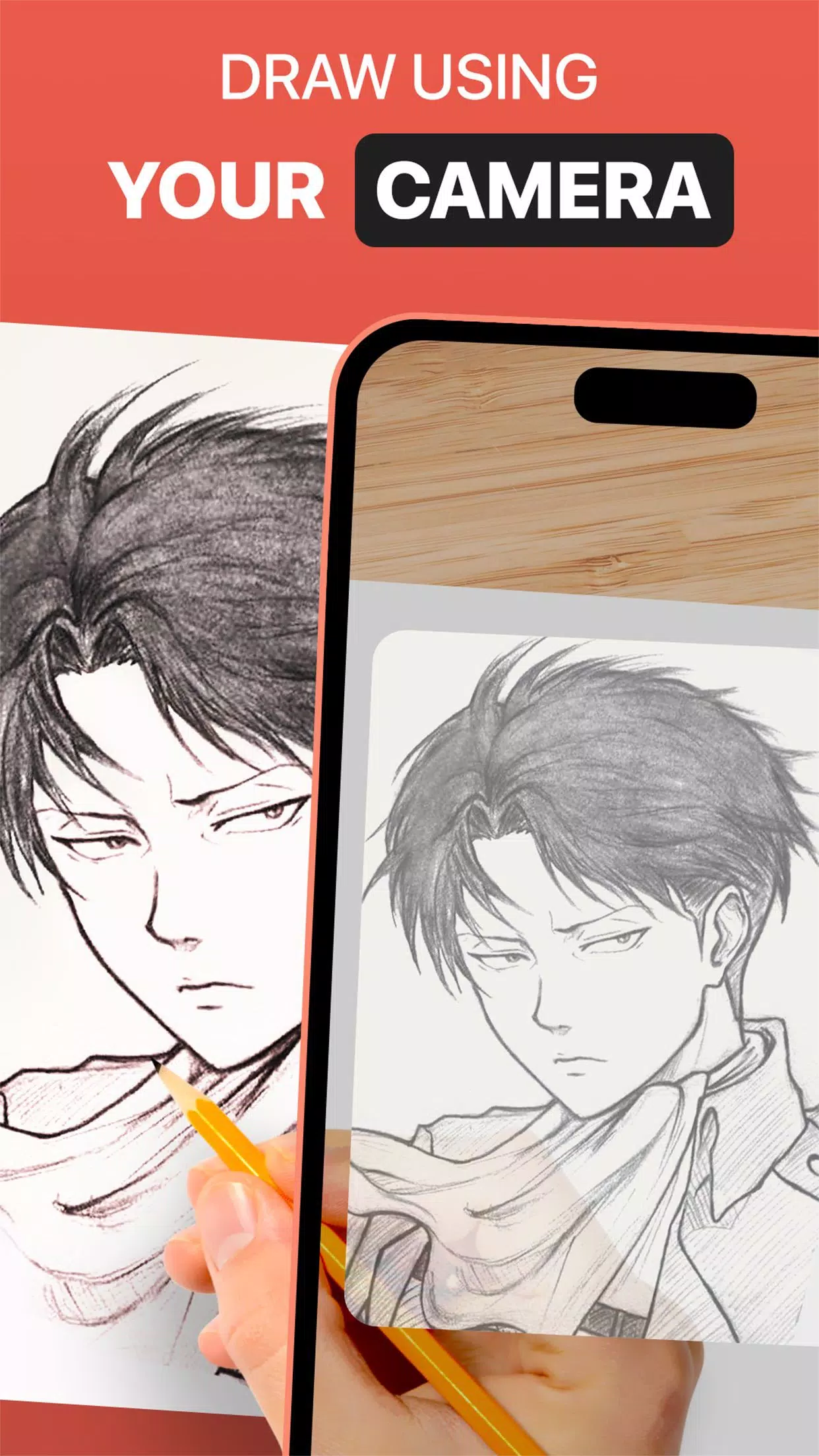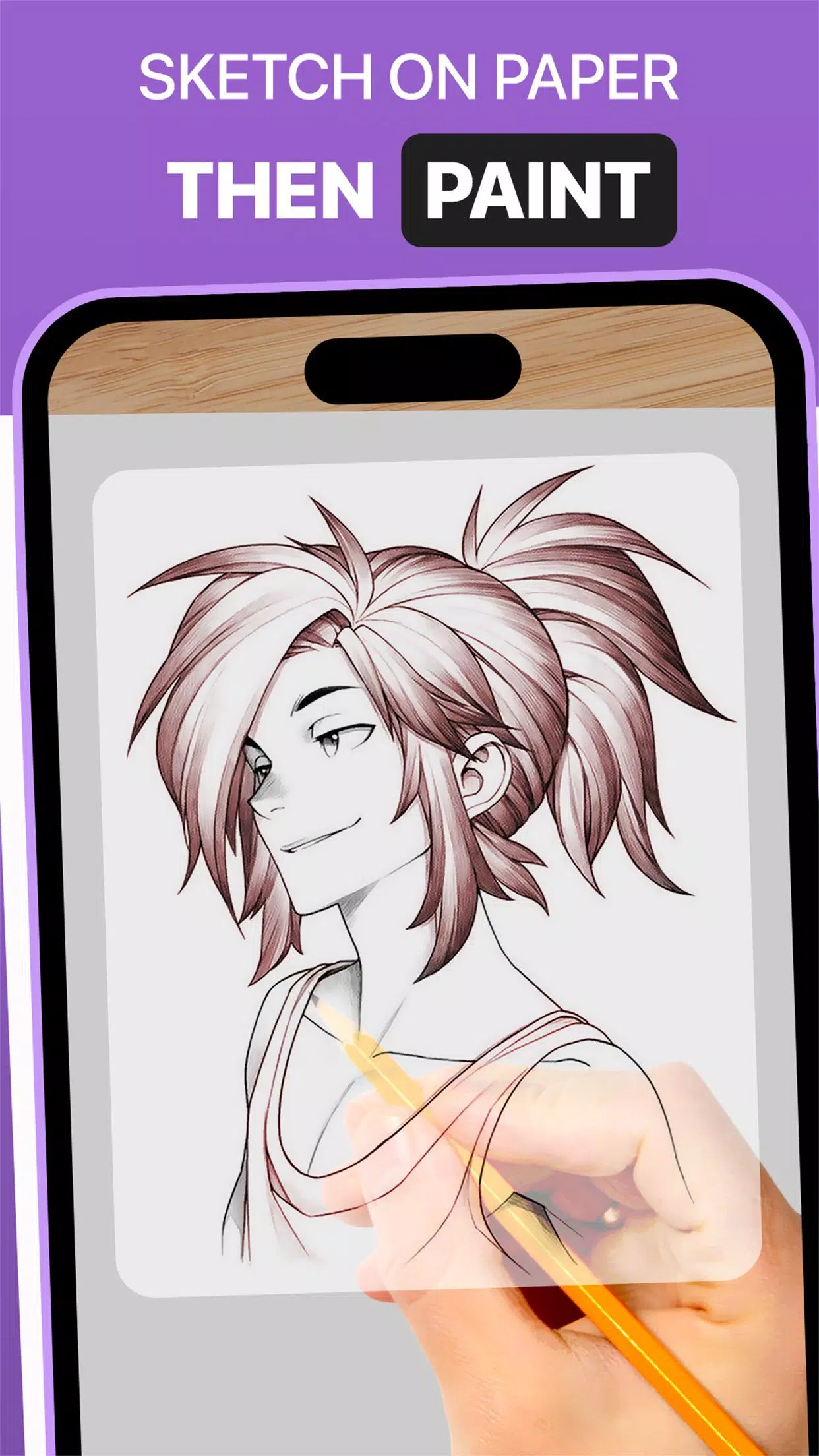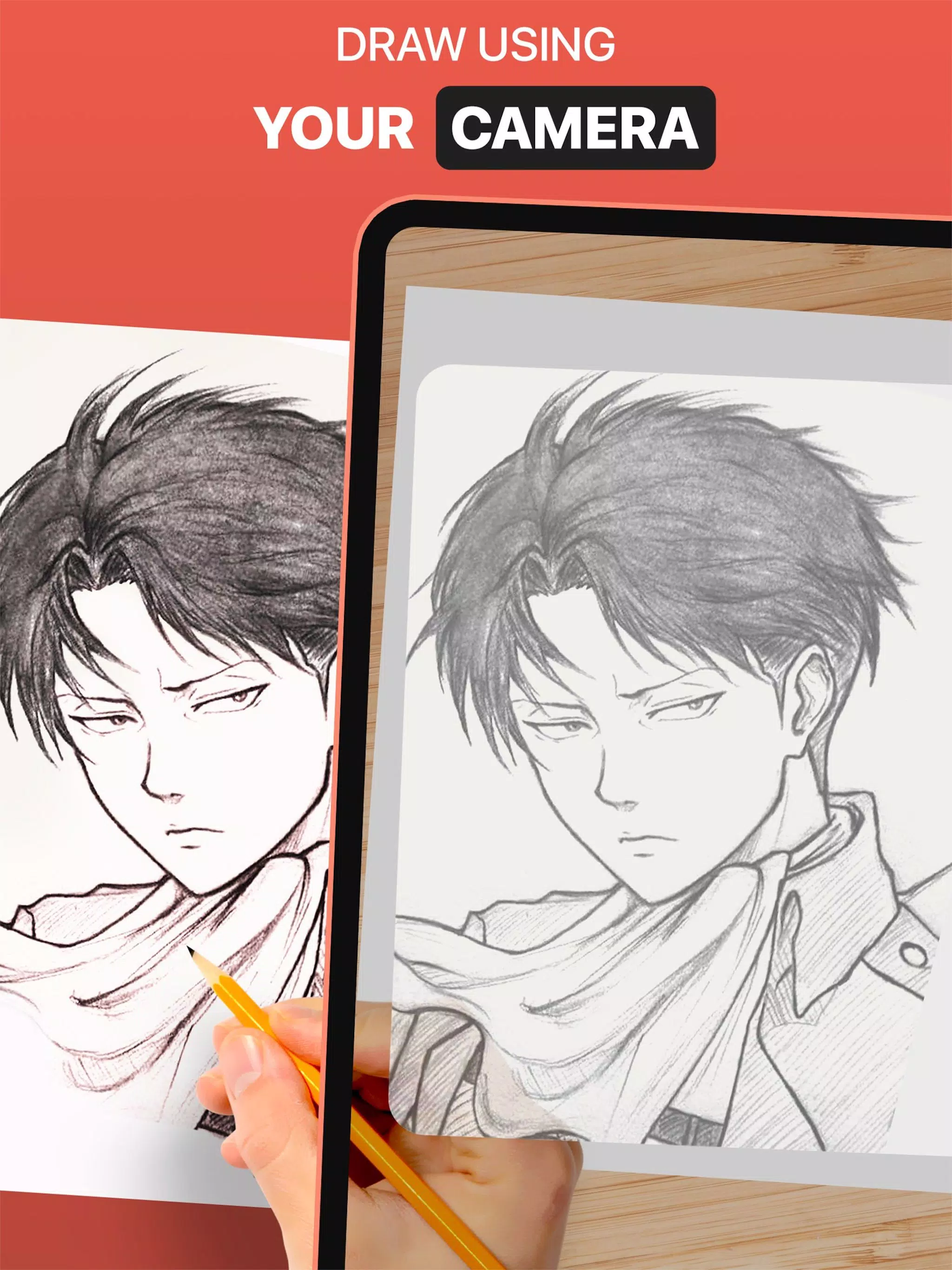
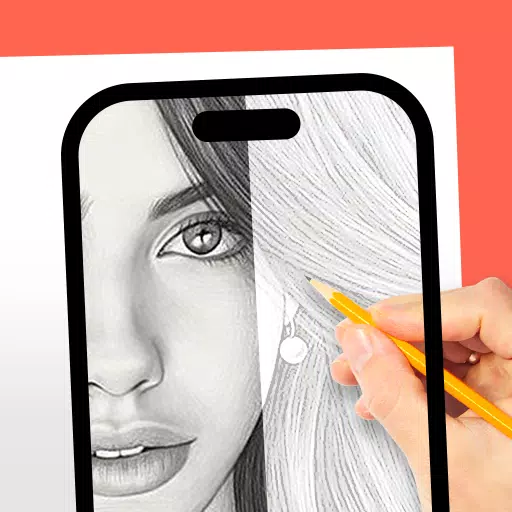
The DrawingAR app lets you trace images directly from your screen onto paper.
DrawingAR uses augmented reality (AR) to display an image on a surface like paper. Simply follow the on-screen outline as you draw, for a guided tracing experience.
Easy Drawing is a straightforward app that lets you import images from your gallery and overlay them with a transparent layer. You can then trace the sketch or image on your screen and quickly draw it on paper.
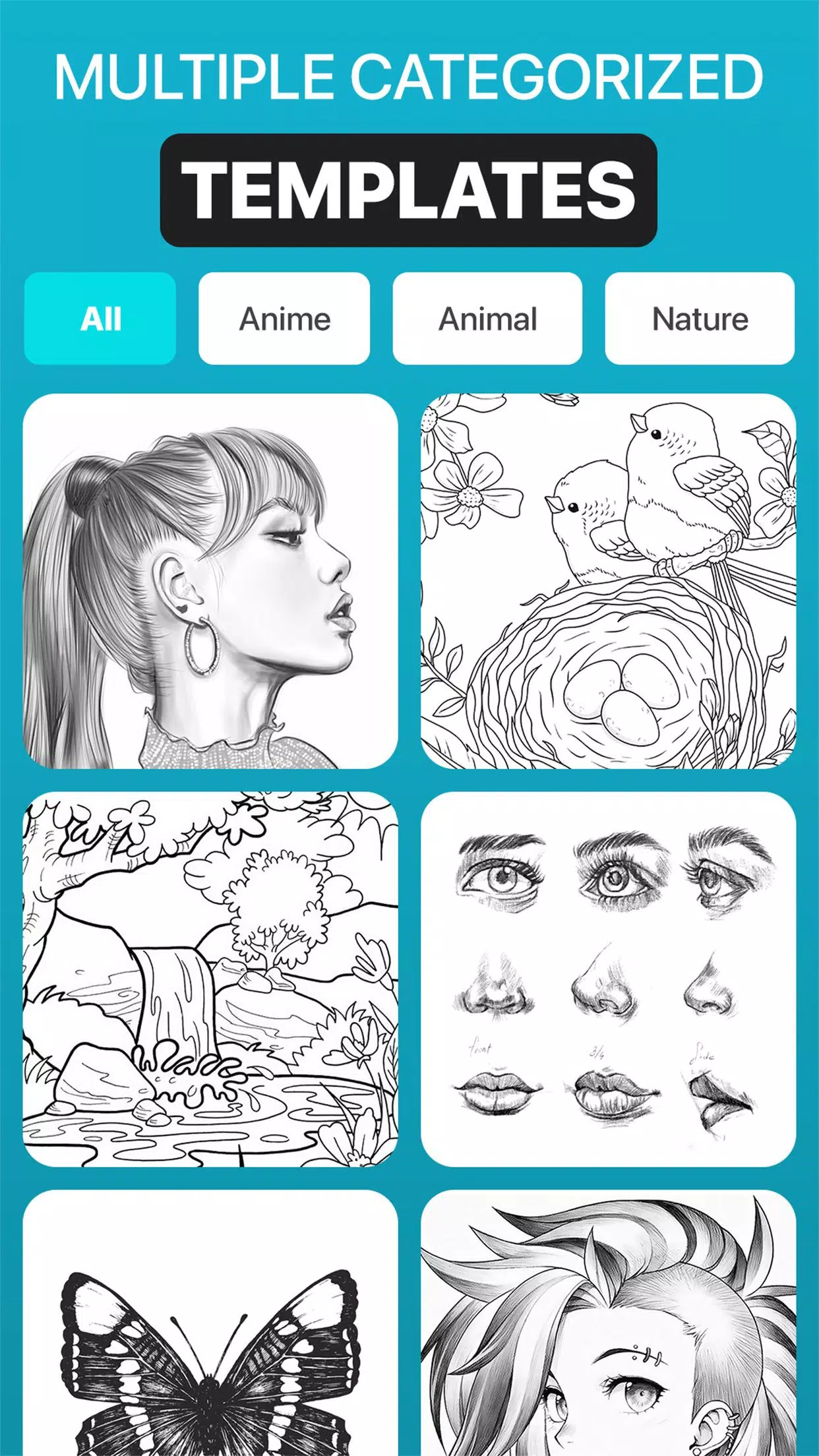
This Sketch AR app offers hundreds of pre-loaded images across categories like Animals, Cartoons, Foods, Birds, Trees, Rangolis, and many other sketches.
The Trace Anything app typically lets you adjust image opacity, zoom in or out, and select different images to trace. You can also paint your traced image on your sketchpad or tracing paper.
➤ Key Features of the AR Drawing App:
1. Image Import: The Easy Drawing app allows you to import photos or sketches from your device's gallery or take new ones with the camera to use as tracing references.
2. Image Overlay: Once imported, the Trace Anything app overlays the image on your screen. You can adjust the opacity to see both the image and your paper, making it easy to draw.
3. Built-in Browser: Easy Drawing includes a built-in browser to search for and import sketches or images directly, so you don't need to download them from another app.
4. Transparency Control: Adjust the transparency of the overlaid image in the Trace Drawing app to make it more or less visible as needed.
5. Record Videos: A dedicated recording button lets you capture video of your tracing process, including time-lapse. Videos are saved in your device's 'Drawing AR' folder.
6. Capture Photos: Take pictures of your traced artwork during or after drawing. These images are saved directly to your device's gallery.
7. Simple UI: Sketch AR features a clean, user-friendly interface with easy-to-manage tools for a smooth drawing experience.
➤ How to Use the AR Drawing App:
1. Download and open the DrawingAR app on your mobile device.
2. Import or select the image you wish to trace.
3. Place your paper or sketchpad in a well-lit area.
4. Adjust the image overlay and position it correctly on your screen.
5. Start tracing the image's details onto your paper.
This AR Drawing app is a versatile tool for artists, designers, and creative minds.