
Attention all gamers! The launch of Delta Force has been postponed, but don't worry—keep an eye on BlueStacks for the latest updates and guides to ensure you're ready when the time comes. Delta Force is not just another tactical shooter; it's a game that demands precision, strategy, and teamwork. Whether you're engaging in intense multiplayer battles or executing stealthy extraction missions, success hinges on your ability to plan and adapt. With its emphasis on operators, customizable gear, and challenging maps, every choice you make in Delta Force can significantly impact the outcome.
This comprehensive guide is brimming with actionable tips designed to elevate your gameplay and outwit your adversaries. From mastering the nuances of different operators to optimizing your gear for specific game modes and leveraging the power of BlueStacks for superior performance, these strategies will give you the upper hand in every confrontation.
Play on PC with BlueStacks for Maximum Control
Opting to play Delta Force on PC using BlueStacks unlocks a range of unparalleled advantages. The customizable control schemes allow you to assign every action to your keyboard and mouse, offering precision and responsiveness that mobile devices simply can't compete with. Unlike the Steam version, which comes with predefined control options, BlueStacks empowers you to tailor your gaming experience to your unique playstyle.
In addition to superior controls, BlueStacks enhances your gameplay with improved graphics and a lag-free environment. The larger screen size facilitates easier enemy detection, and the platform's advanced features, such as macro recording, can simplify complex actions. For those committed to excelling in Delta Force, playing via BlueStacks is the definitive choice.
Be sure to check out our detailed PC setup guide for Delta Force to get started on the right foot.
Start Simple and Build Your Skills
For beginners diving into Delta Force, it's tempting to jump straight into using the most advanced operators and gear. However, it's wise to start simple and build your skills gradually. Opt for operators with straightforward abilities, such as Stinger for healing or Luna for reconnaissance. These choices enable you to concentrate on mastering the fundamentals without feeling overwhelmed.
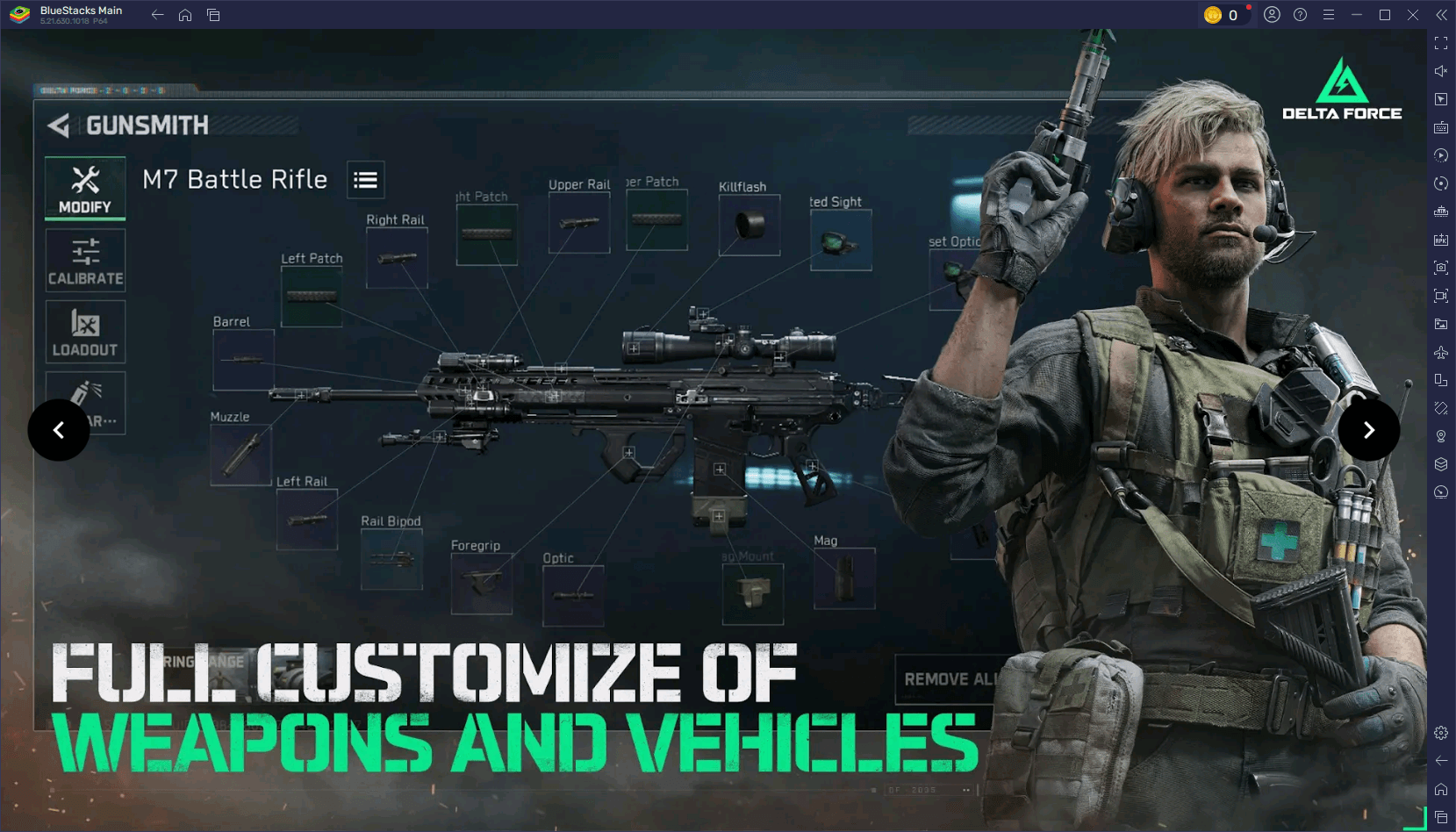
When playing with friends, clearly define roles within your team. Assign one player to focus on healing, another on scouting, and a third on offensive duties. This level of coordination not only boosts your chances of victory but also enhances the overall gaming experience for everyone involved.
Fine-Tune Your Settings for Better Performance
Optimizing your game settings can markedly improve your performance. On mobile devices, adjust your graphics settings according to your device's capabilities by lowering shadows and disabling motion blur to increase your FPS. When playing on PC with BlueStacks, you can push the boundaries further by enabling high-resolution textures and customizing advanced graphics settings, ensuring top-notch visuals without compromising performance.
For the best responsiveness, fine-tune your controls to suit your preferences. Adjust your sensitivity settings to enhance your aiming precision and test your setup in practice matches to ensure everything feels just right. This preparation will help you perform at your peak in every match.
Experiment and Stay Flexible
Adaptability is key in Delta Force. If a strategy isn't yielding results, don't be afraid to switch gears. Try out a new operator, experiment with different loadouts, or explore alternative paths on the map. Observing and learning from your opponents' tactics can also refine your own approach.
Embracing experimentation keeps the game exciting and helps you uncover new ways to play. Whether you're mastering a vehicle, trying a sniper build, or developing a fresh team strategy, the more you experiment, the more versatile and effective you'll become.
Delta Force challenges players to think tactically and adapt swiftly, making each match a thrilling test of skill and strategy. Armed with these tips, you're now better prepared to tackle any game mode, map, or opponent. For the ultimate gaming experience, play Delta Force on PC with BlueStacks to unlock enhanced controls and performance. Gear up, strategize with your team, and dominate the battlefield. With BlueStacks, play smarter and win bigger!






![Amy’s Ecstasy [v0.45 Final]](https://imgs.daqiang.cc/uploads/07/1719551527667e462789d0f.jpg)