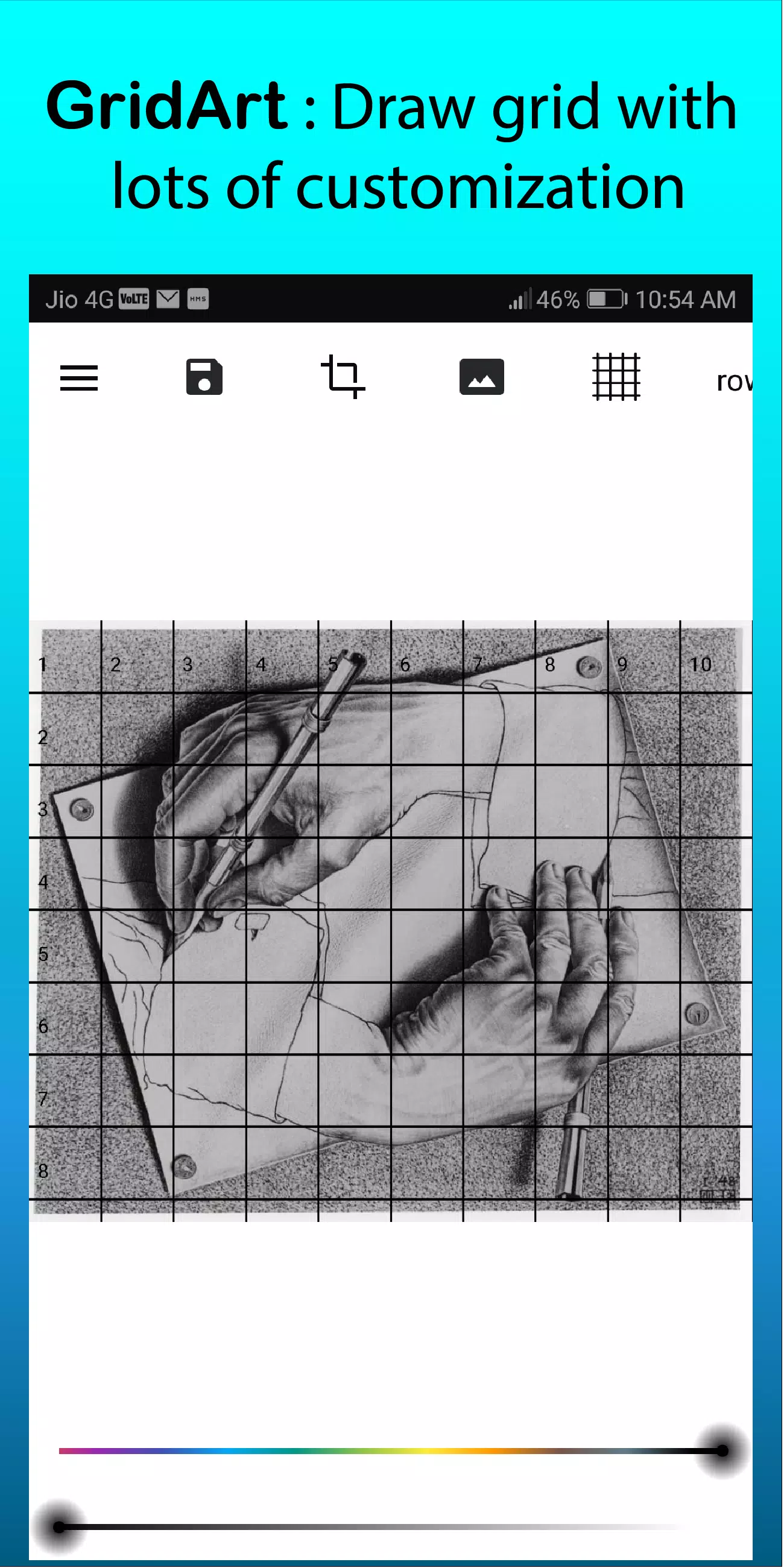
Grid Drawing for Artist – overlay customizable grids on any image with extensive options.
GridArt: The Ultimate Tool for Artists to Achieve Perfect Proportions and Accuracy!
Welcome to GridArt!
Whether you're a beginner or a professional artist, GridArt is your ideal companion for mastering the grid drawing technique. Our app simplifies the grid method, allowing you to overlay adjustable grids onto any image for precise and effortless artwork transfer to canvas or paper.
What is the Grid Drawing Method?
The grid drawing method is a classic technique that enhances accuracy and proportion in your artwork. It divides both your reference image and drawing surface into equally sized squares, enabling you to focus on individual sections for detailed and proportional results.
Why Choose GridArt: Grid Drawing for Artist?
The grid method has been used by artists for centuries. GridArt brings this trusted approach into the digital age, offering advanced customization and ease of use tailored to your creative style.
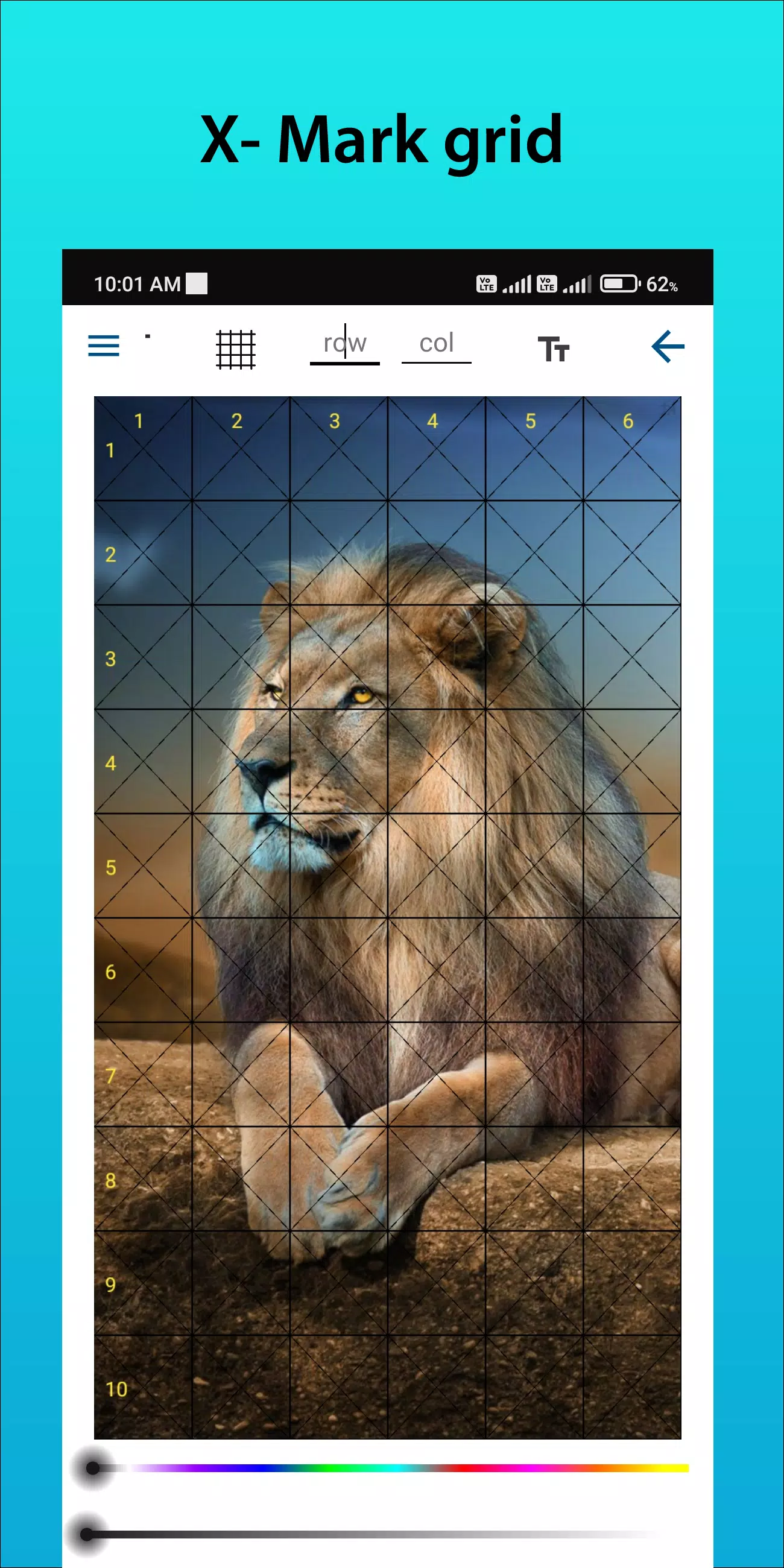
Customizable Grids: Select the number of rows and columns, adjust grid thickness and color, and include diagonal lines for additional guidance.
User-Friendly Interface: Easily upload images, customize your grids, and save projects with our intuitive design.
High-Resolution Output: Export grid-overlaid images in high resolution for print-ready references.
How to Use GridArt
Follow these steps to use the grid drawing method:
Select Your Reference Image: Pick the image you wish to draw.
Create a Grid on the Reference Image: Overlay your image with evenly spaced vertical and horizontal lines, typically using 1-inch or 1-centimeter squares.
Create a Grid on Your Drawing Surface: Draw a matching grid on your canvas or paper with the same number and proportions of squares.
Transfer the Image: Work square by square, reproducing each section from the reference image to your drawing surface to maintain correct proportions and placement.
Erase the Grid (Optional): Remove grid lines gently once your drawing is complete.
Key Features of Grid Drawing
1. Draw grids on any image, select from your gallery, and save for printing.
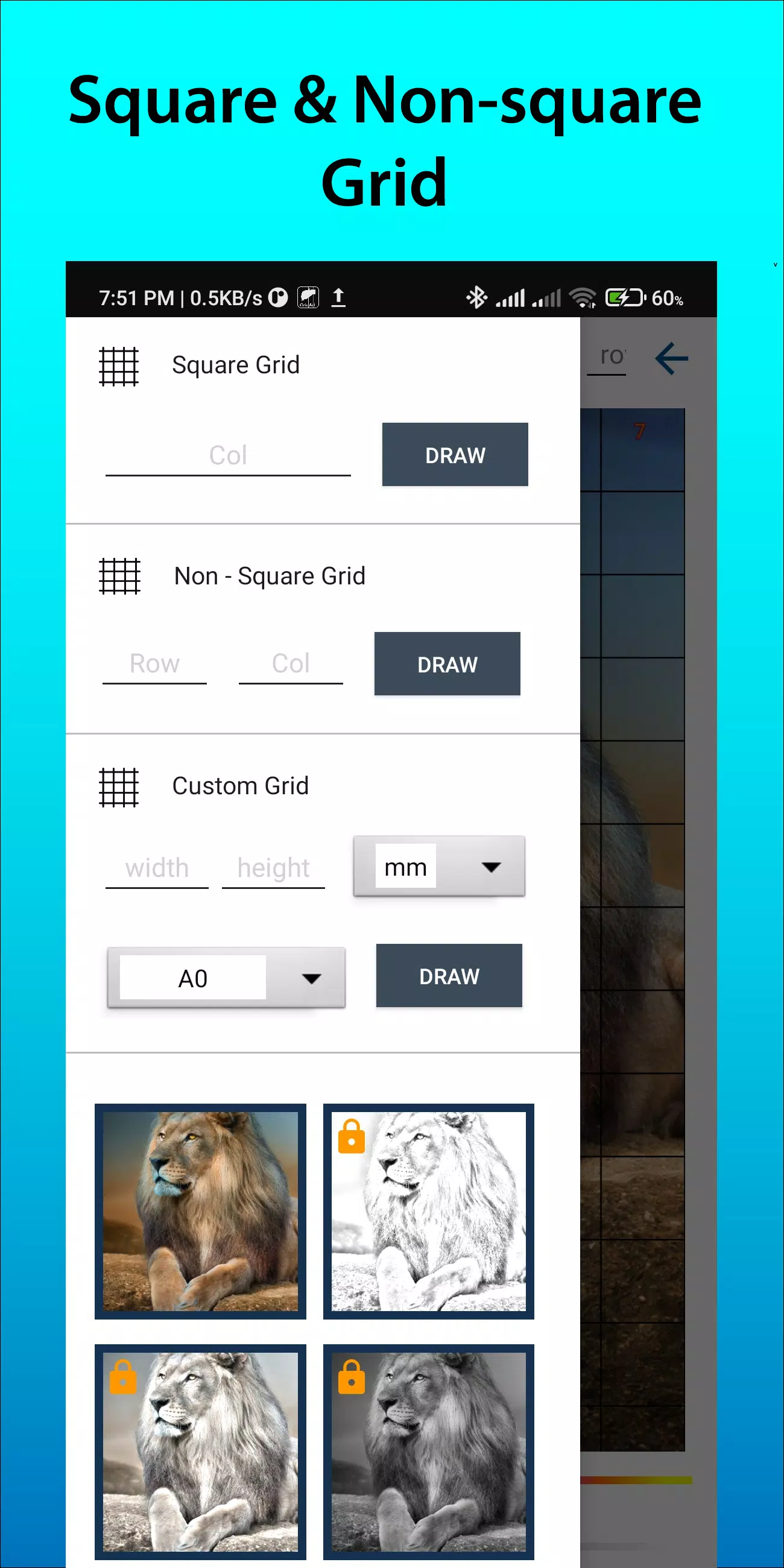
2. Grid drawing using square, rectangle, or custom grids with user-defined rows and columns.
3. Crop photos to any aspect ratio, including predefined options like A4, 16:9, 9:16, 4:3, and 3:4.
4. Enable or disable row and column numbers with adjustable text size.
5. Use different grid labeling styles.
6. Apply regular or dashed grid lines with customizable line width.
7. Change grid line color, opacity, and number appearance.
8. Apply sketching filters to simplify the drawing process.
9. Draw using measurement units (mm, cm, inch).
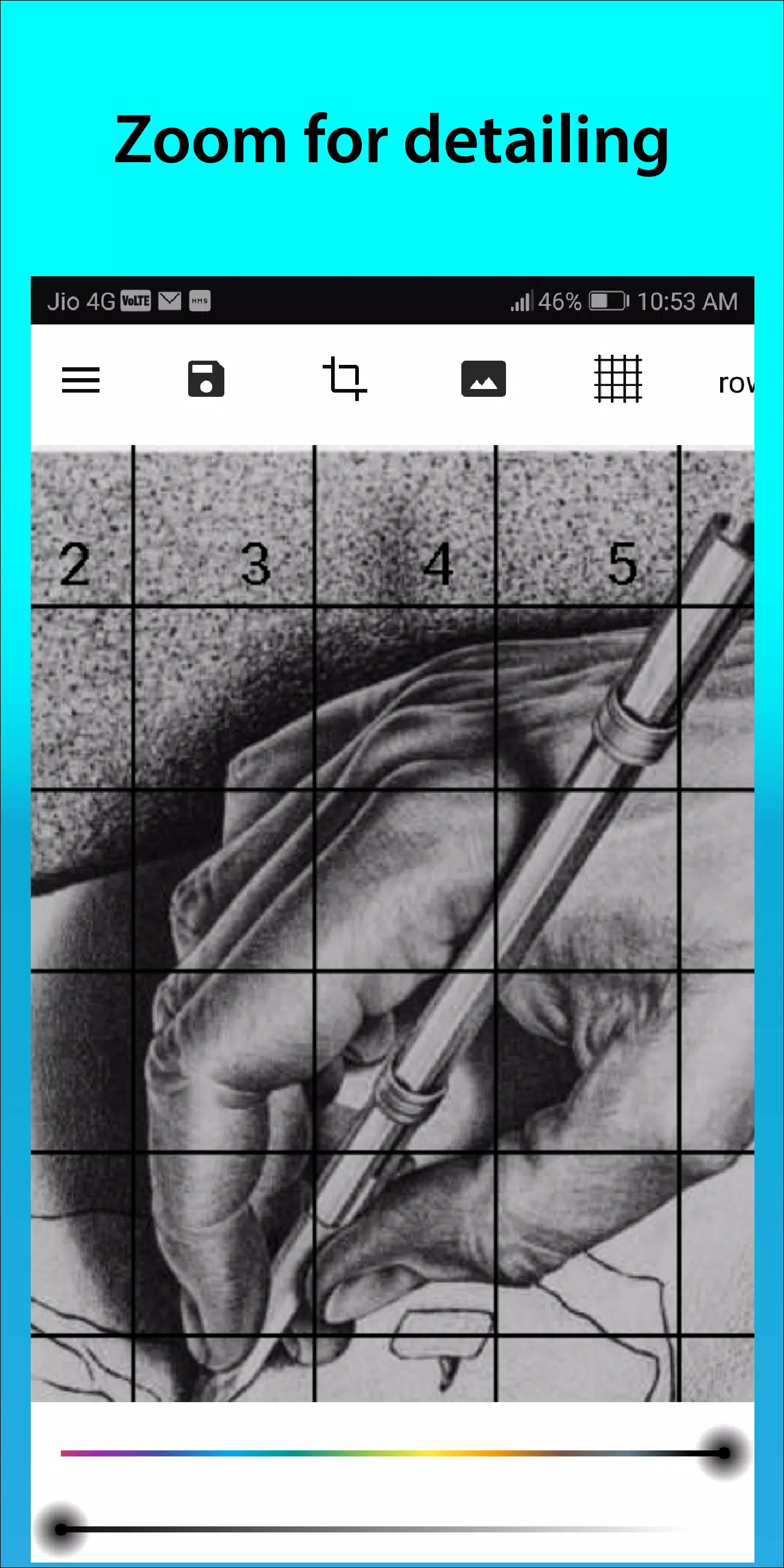
10. Zoom in on images to capture fine details.
Follow us on Instagram @gridArt_sketching_app and contact us with any questions or suggestions. Use #gridArt on Instagram for a chance to be featured!
What's New in Version 1.8.3
Last updated on Sep 14, 2024
# Screen lock added