
Use the Bring & T update app to upgrade your Bring Digital Key software to the latest version.
Use the Bring & T update app to upgrade your Bring Digital Key software to the latest version.
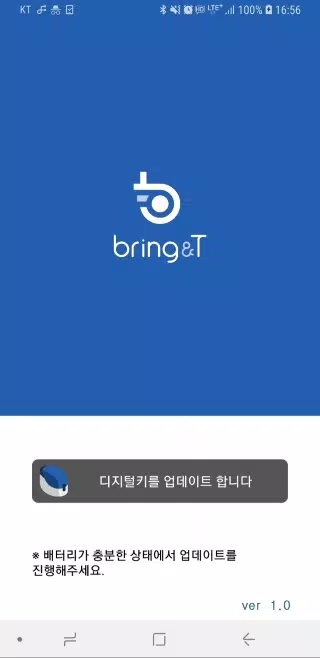
1. Launch the BringAnti update application.
2. Tap the "Update digital key" button located at the bottom of the screen.
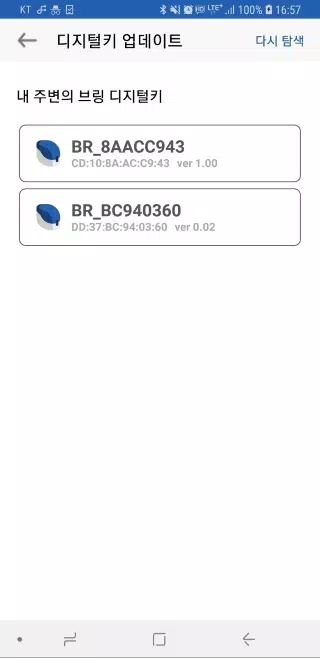
3. From the list, choose the digital key labeled "BR_xxxxxxxx".
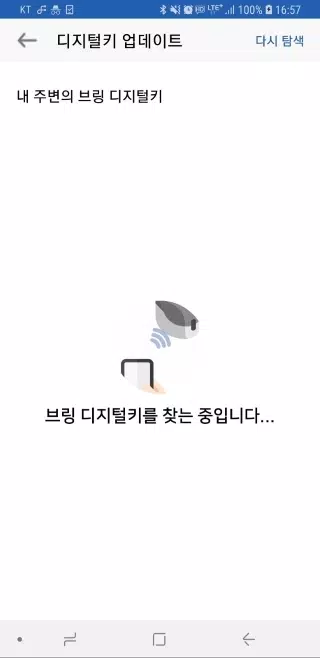
If the digital key is not visible, click the [Search again] button to refresh the search.
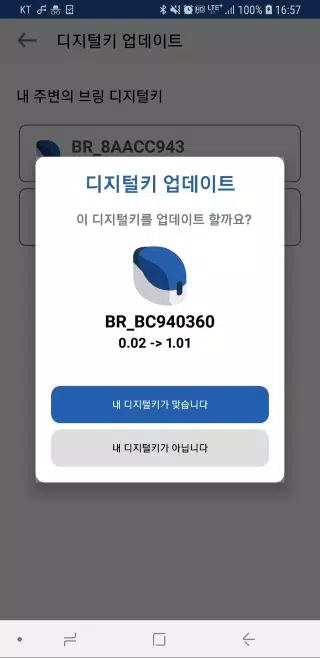
4. Upon selecting a digital key, you will see its current software version alongside the available update version.
5. Confirm by selecting “Your device is correct.” The digital key's indicator light will flash purple for about 10 seconds.
During this period, briefly press the digital key's button for approximately 0.5 seconds.
6. After a short wait, the indicator light will turn from purple to a steady blue, signaling the software update is complete.
7. Once the update finishes, select “Close” to exit the application.
8. As this update is performed wirelessly, keep the digital key near the device running the update app throughout the process.
9. The update process, which takes roughly 2-3 minutes, cannot be interrupted once started. Ensure your device has ample battery life before beginning.
10. Should the update halt or an error appear, close the app completely and restart the process.
11. Note that digital key software updates are only possible for registered keys.
Unregistered digital keys do not support software updates.