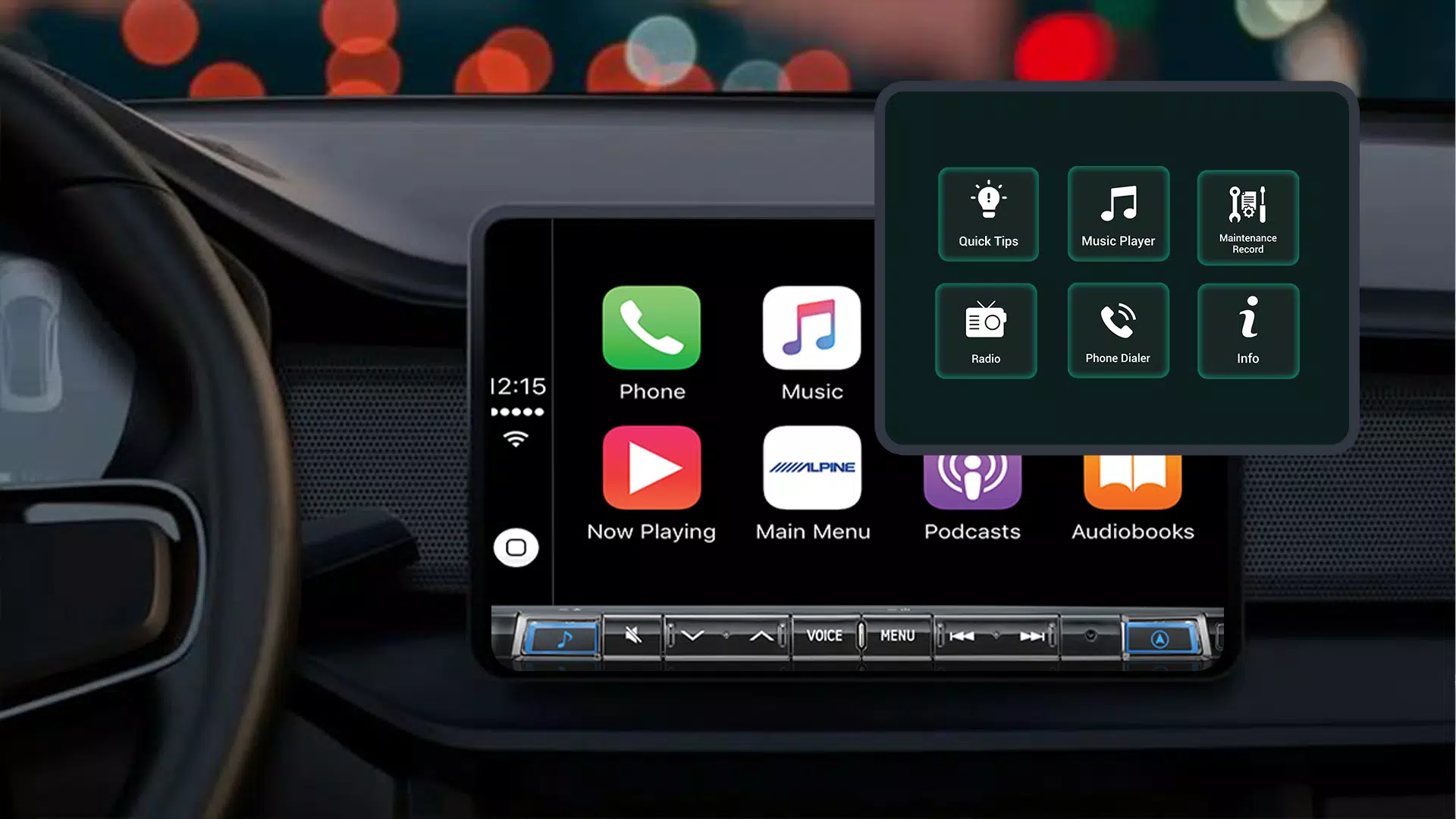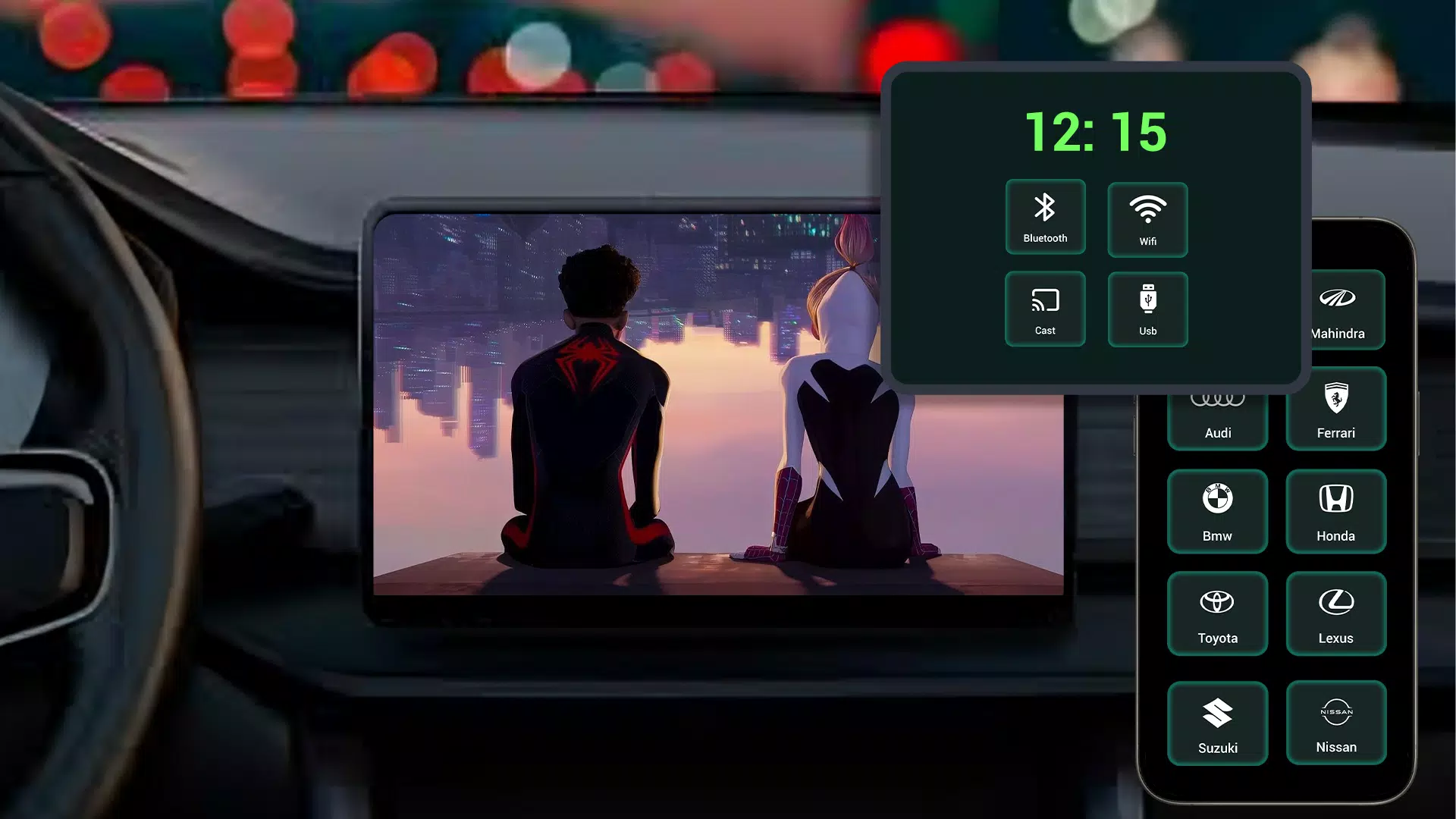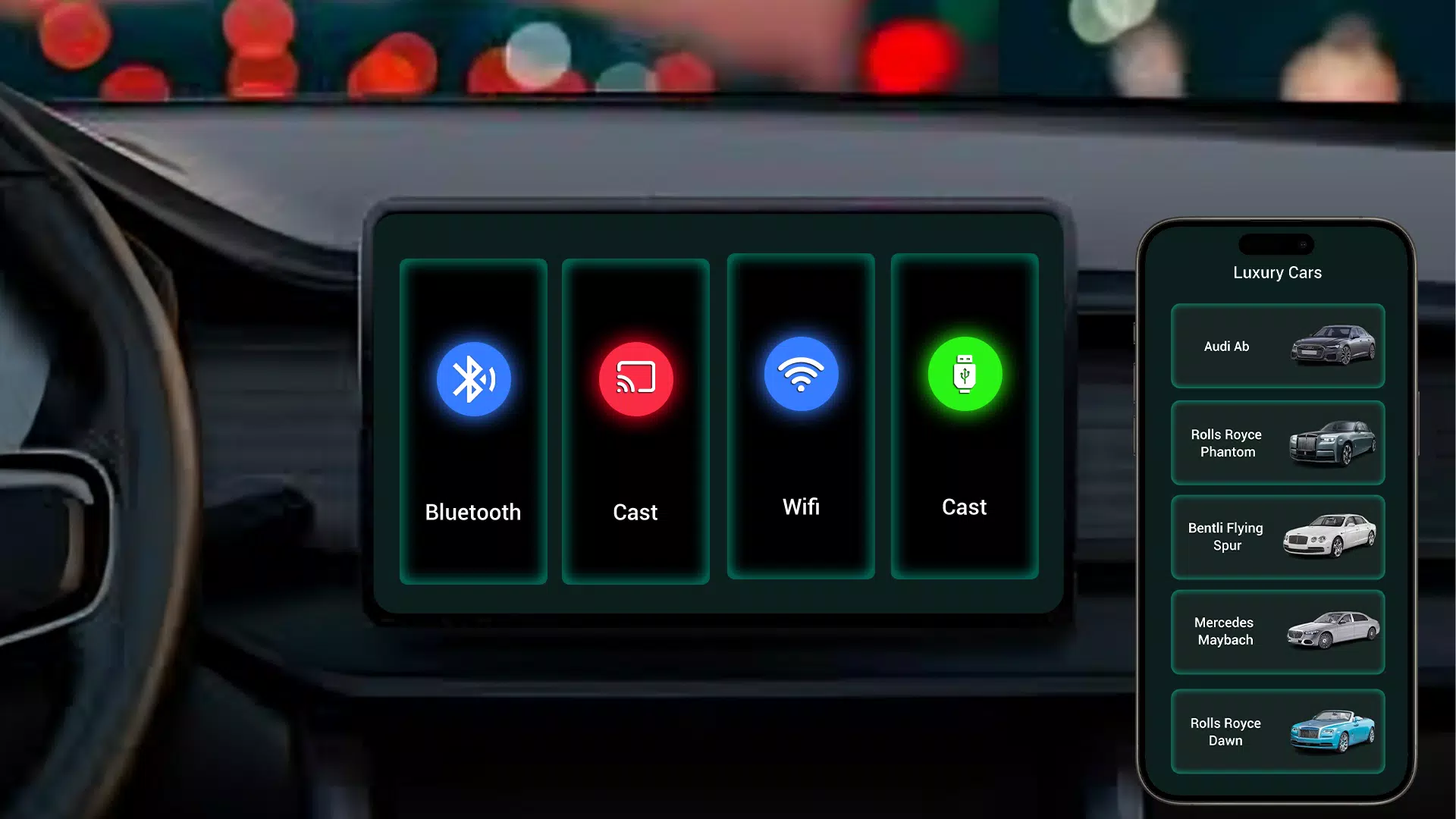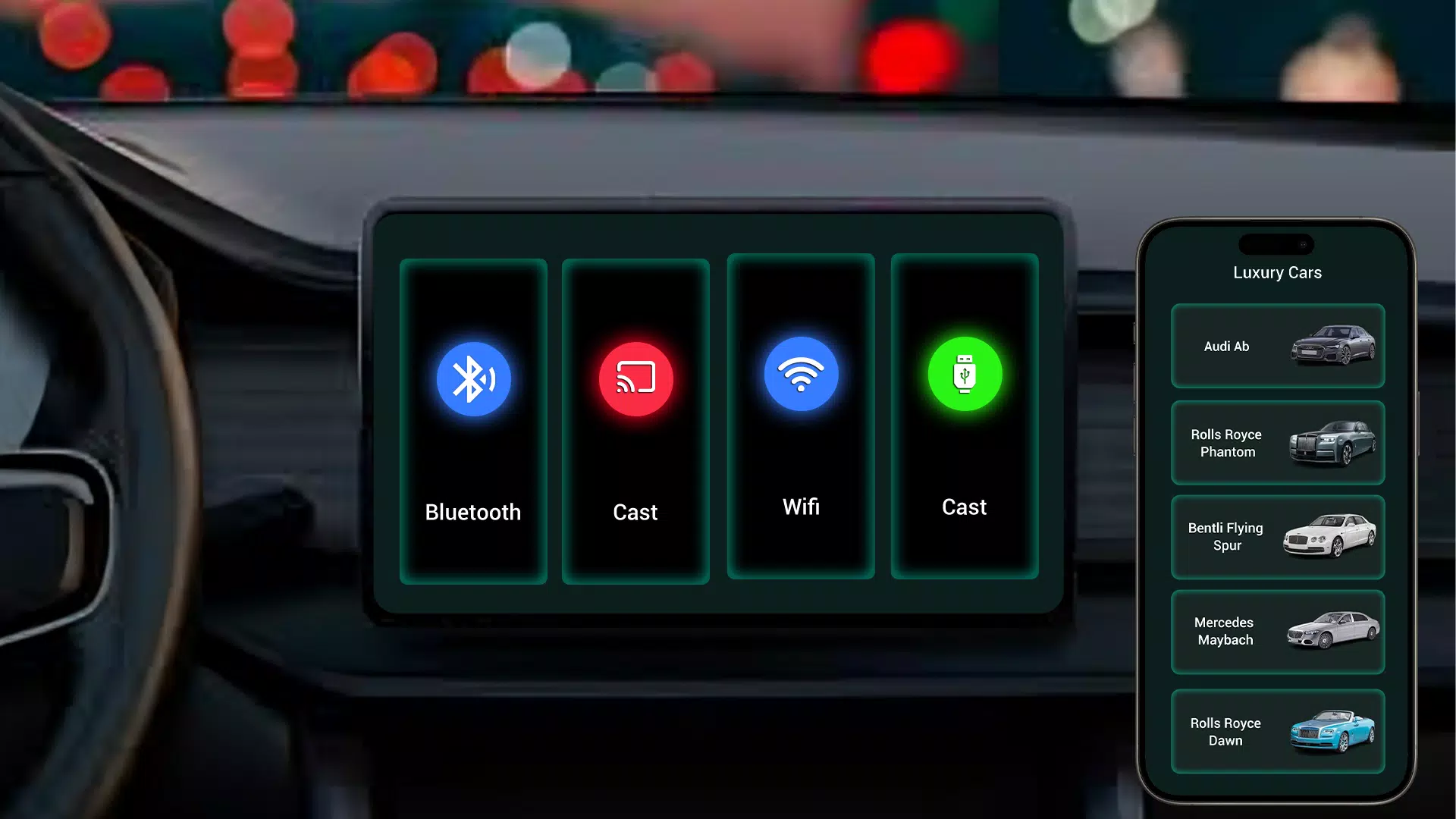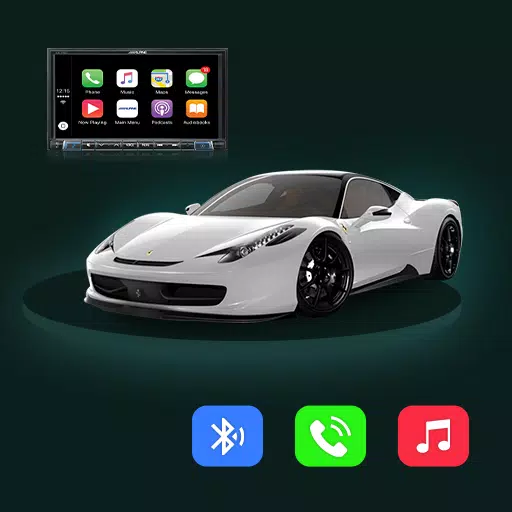
Easily mirror your Android phone to your car display using the Tima App's seamless car link functionality.
Tima App Car Link – Mirror Your Android Screen to Your Car Display
The Tima App Car Link simplifies connecting your Android phone to your car’s display through smooth screen mirroring. It creates a seamless bridge between your smartphone and vehicle, giving you easy access to navigation, entertainment, and your favorite apps while on the road.
Key Features of Tima App Car Link:
Simple Car Display Connection: Tima App lets you mirror your Android device to your car’s infotainment system quickly and intuitively, for uninterrupted viewing and control.
Hands-Free App Control: Use navigation, media, and communication apps directly from your car's display. Keep your focus on driving with easy, voice-assisted access.
Stream Music & Podcasts: Enjoy your favorite playlists, podcasts, and audio content streamed wirelessly from your phone to your car’s audio system.
Intuitive Interface: The app’s clean and simple design makes setup and daily use straightforward for every driver.
Stable Wireless Link: A reliable connection keeps your phone and car display in sync—no dropouts, no lag.
Why Choose Tima App Car Link?
Make every drive more connected and enjoyable. Tima App’s smart mirroring technology puts your phone’s essential features on your car screen—effortlessly control navigation, calls, and entertainment without distraction.
Drive Safer with Screen Mirroring
By integrating your phone with your car display, Tima App promotes safer driving. Use voice commands or your car’s controls to manage apps—so you never have to take your eyes off the road.
Bring Your Favorite Apps to Your Car
Access navigation, music, and messaging apps directly from your car's display. Tima App makes your vehicle an extension of your digital life—with personalized, in-car app control.
Quick Setup, Instant Enjoyment
Get started in moments. Just install Tima App Car Link, pair your Android device with your car’s display, and begin mirroring. No complicated settings—just plug, connect, and go.
Download Tima App Car Link Today!
Transform your driving experience with seamless Android-to-car mirroring. Download the app now to enjoy hands-free navigation, media streaming, and smart app integration right on your car display. Upgrade your drive with Tima App.
What's New in Version 1.1
Last updated on Oct 29, 2024
Includes minor bug fixes and performance improvements. Update now to enjoy the latest enhancements!