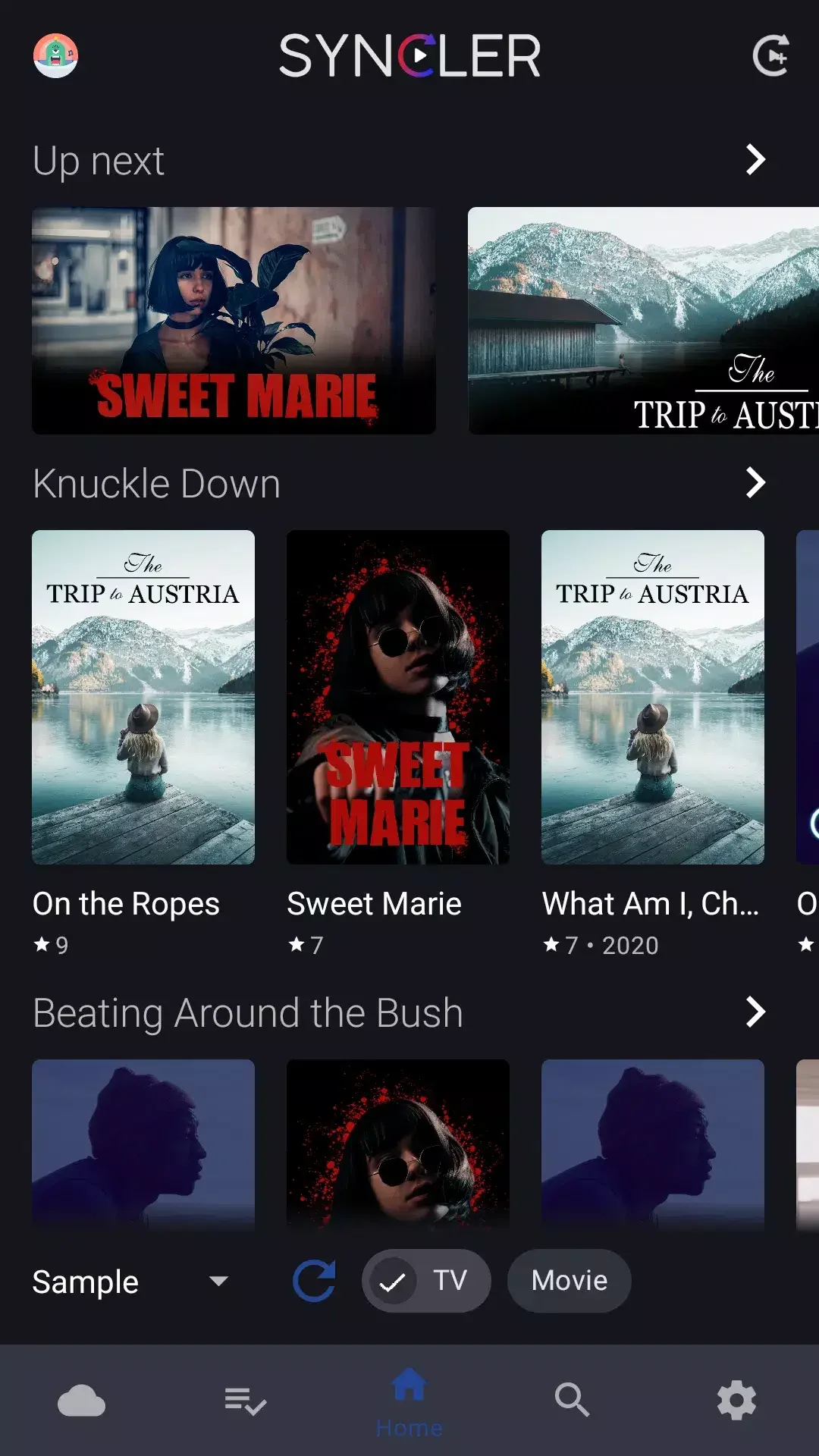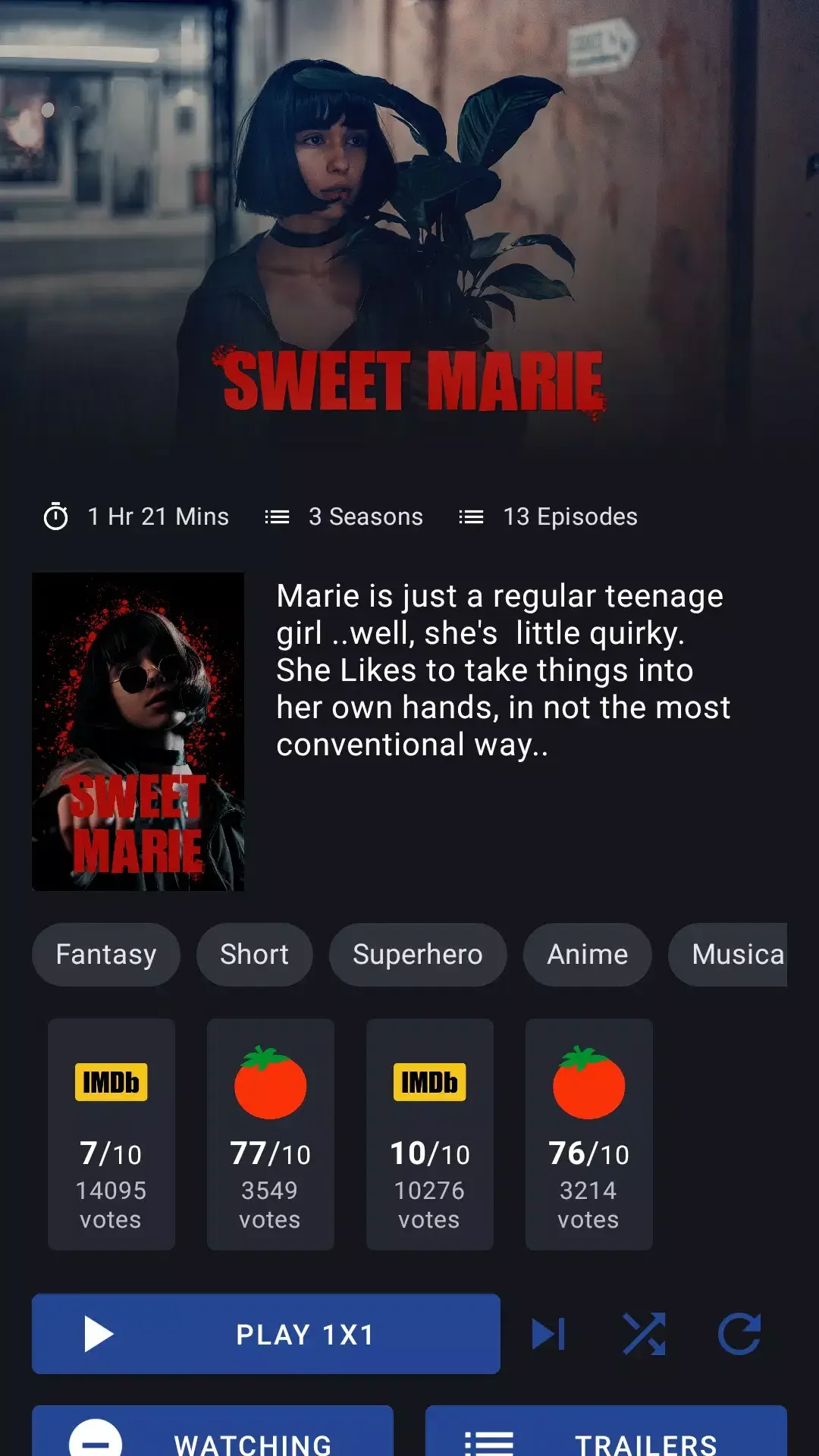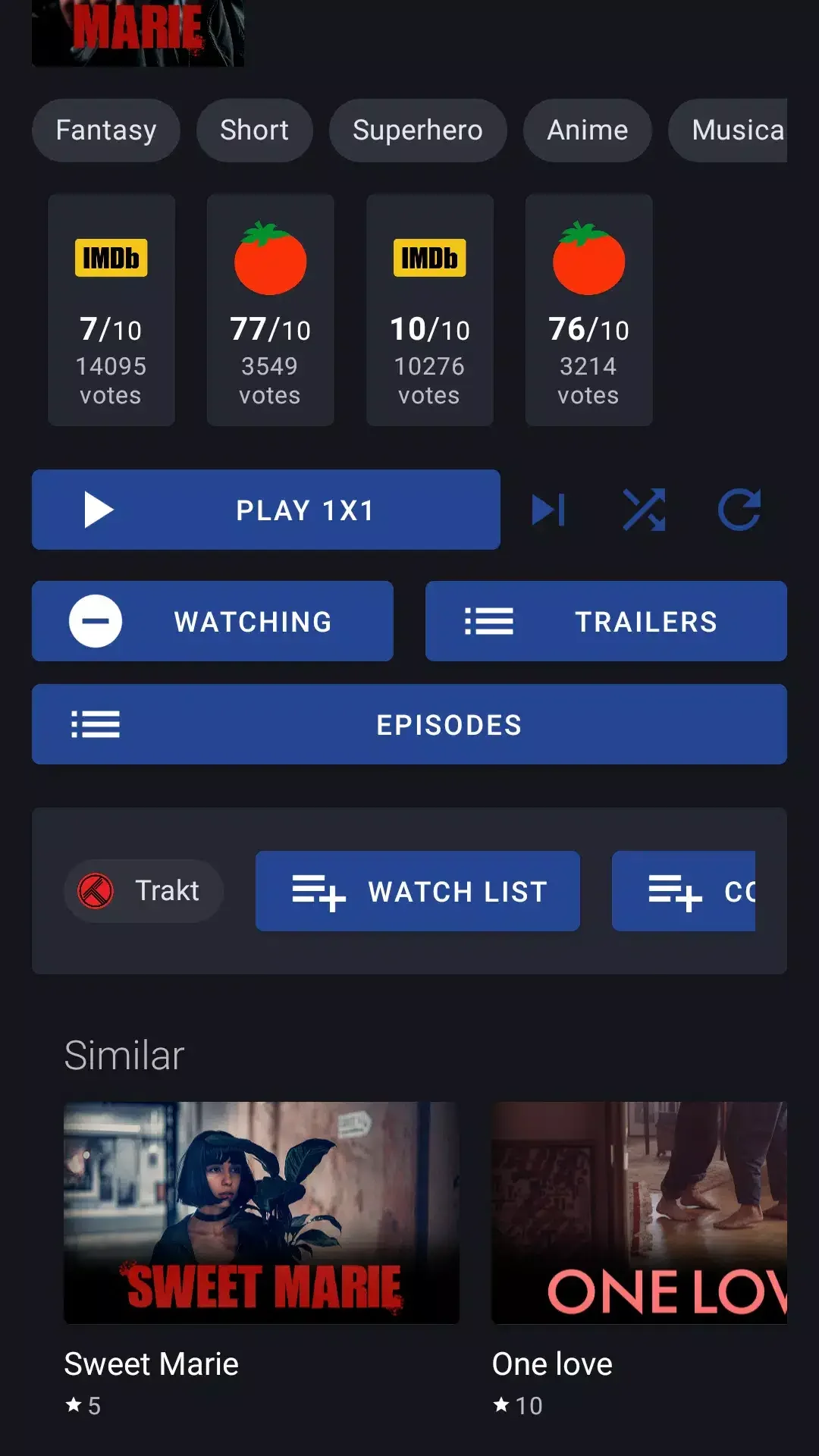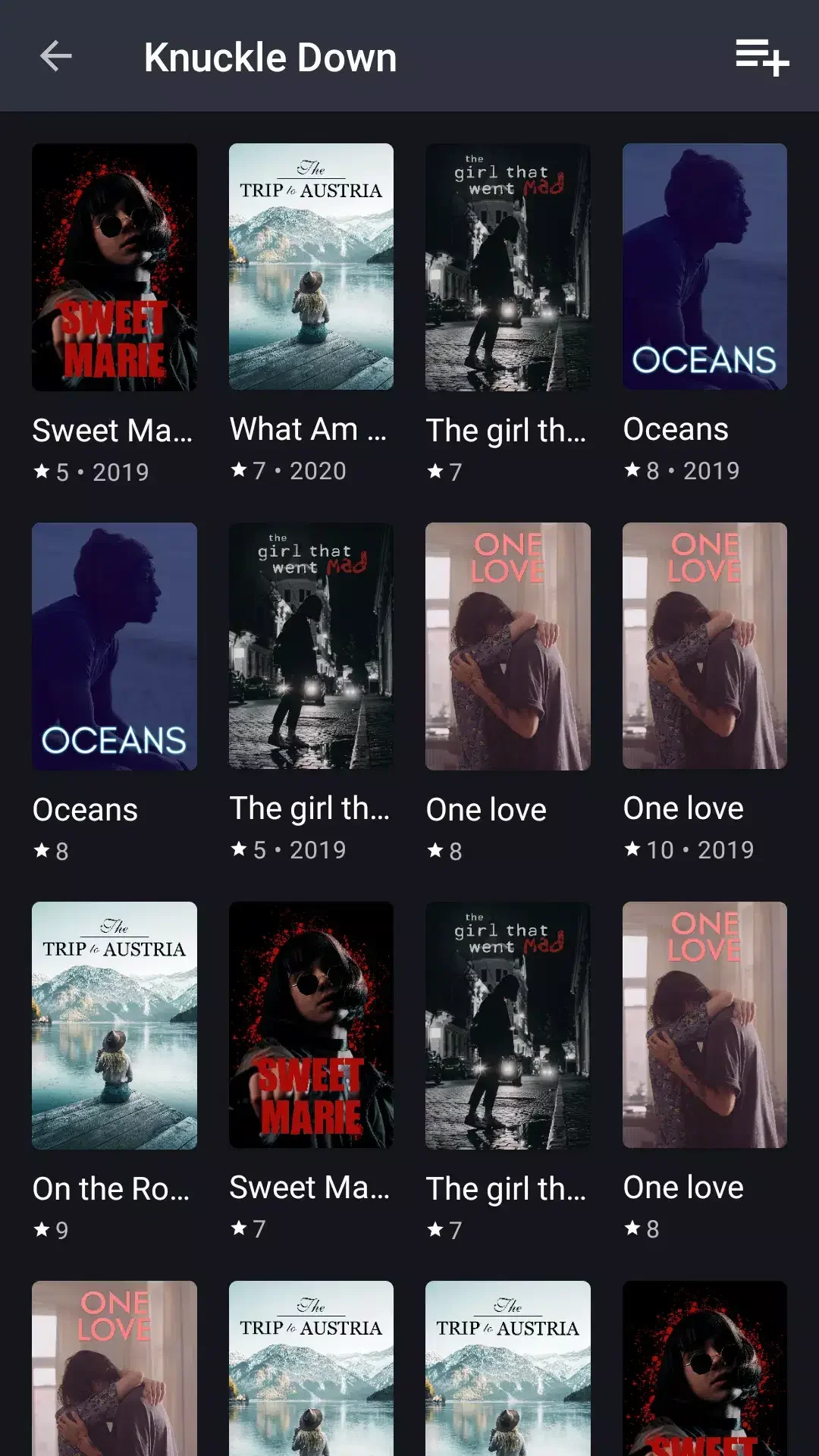
Syncler is the all-in-one destination for your movies, TV series, and anime, uniting them in a single, convenient hub on your television, smartphone, or tablet. By harnessing public metadata from TMDB, Trakt, and MyAnimeList, it helps you explore fresh titles while managing your watchlist and viewing progress. Featuring smooth Trakt sync, personalized home screens, voice search, external player support, Chromecast functionality, and cloud account linking, Syncler delivers a highly adaptable and intuitive experience. Whether you're searching for something new or accessing your personal media library, this app has everything you need.
Syncler Key Features:
- Discover new entertainment: Explore, monitor, and synchronize your movie, TV show, and anime watchlist using data from TMDB, Trakt, and MyAnimeList.
- Designed for television: Benefit from a TV-optimized interface that simplifies remote control navigation and integrates seamlessly with Android TV.
- Fully personalized: Tailor your home screen, select themes, and adjust thumbnail styles and dimensions to your liking.
- Track and sync automatically: Maintain an updated record of your watch history and progress through automatic Trakt integration.
- Voice search: Quickly find content using voice commands on your Android TV.
- External Players & Chromecast: Works smoothly with players like MX Player, VLC, and Kodi, and lets you Chromecast content to other screens around your home.
In Summary:
Syncler provides a streamlined, personalized solution for browsing, organizing, tracking, and syncing your preferred movies, TV shows, and anime. With customizable home screens, voice search, plus support for external players and Chromecast, the app ensures a smooth viewing experience across your TV, phone, or tablet. Download it today to elevate your entertainment setup.