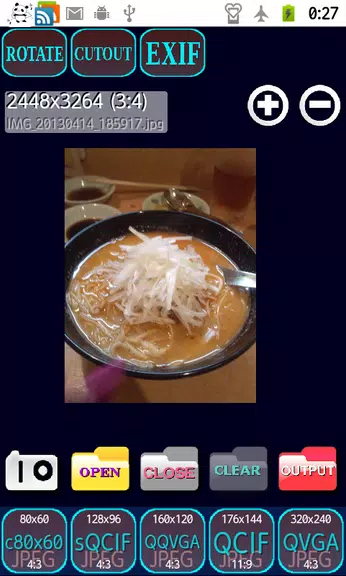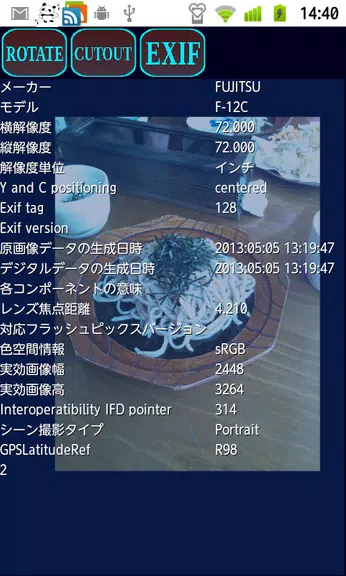
Effortlessly resize your photos with Shrink Photos Beautifully—an app that reduces image size without sacrificing quality and even lets you create custom cutouts. It's the ideal tool for sharing on social media, sending via email, or viewing on basic phones. Never worry about pixelated or distorted images again. With batch resizing, mosaic face blurring, and protection for your original files, this app simplifies your workflow while keeping your images crisp and clean. You can even explore EXIF data and GPS details, and share your resized pictures instantly with a single tap.
Key Features of Shrink Photos Beautifully:
High-Quality Resizing: Reduce photo size while preserving clarity and detail.
Batch Resize: Resize multiple photos at once to save time.
Text Legibility: Keep printed text sharp and readable after shrinking.
Privacy Guard: Automatically remove EXIF data to protect your privacy.
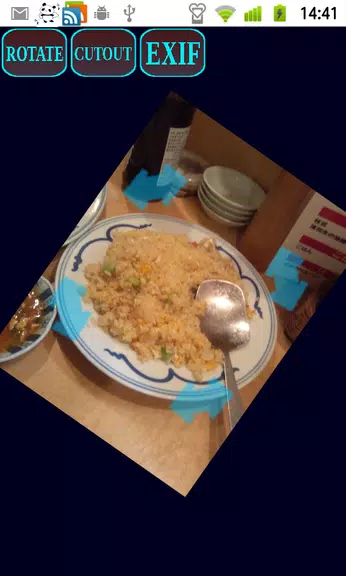
Blur Faces: Use mosaic overlays to hide faces for added privacy.
Dedicated Output Folder: Save resized images separately—originals stay untouched.
Helpful Tips for Users:
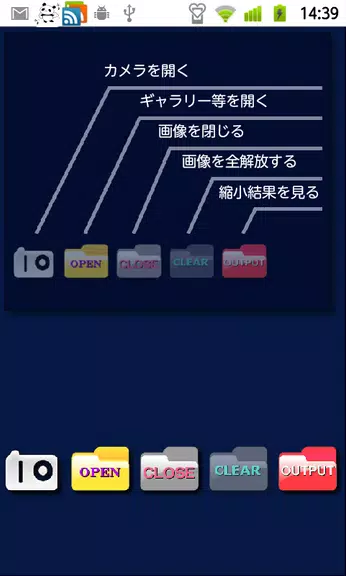
> Tap the intuitive icons on the home screen for smooth navigation.
> Choose the right reduction level when resizing to get the best result.
> Use the results screen to quickly share or delete processed images.
> Pinch to zoom, drag to inspect details, and rotate photos as needed.
> Tap the EXIF or GPS buttons to view additional image information.
Final Thoughts:
Shrink Photos Beautifully simplifies photo resizing and sharing like never before. Whether you’re emailing pictures or posting online, this app delivers high-quality results with batch processing and privacy-focused features like face blur and metadata removal. Enjoy beautifully resized images with total control and ease—all in one intuitive application.