OBD2 Diagnostics - Read & Clear Fault Codes & Access Vehicle Sensor Data
Piston puts your car's diagnostic information at your fingertips.
Is the Check Engine Light (MIL) on? Turn your mobile device into a professional-grade car scanner with Piston. Read Diagnostic Trouble Codes (DTCs) and Freeze Frame data to pinpoint and resolve issues.
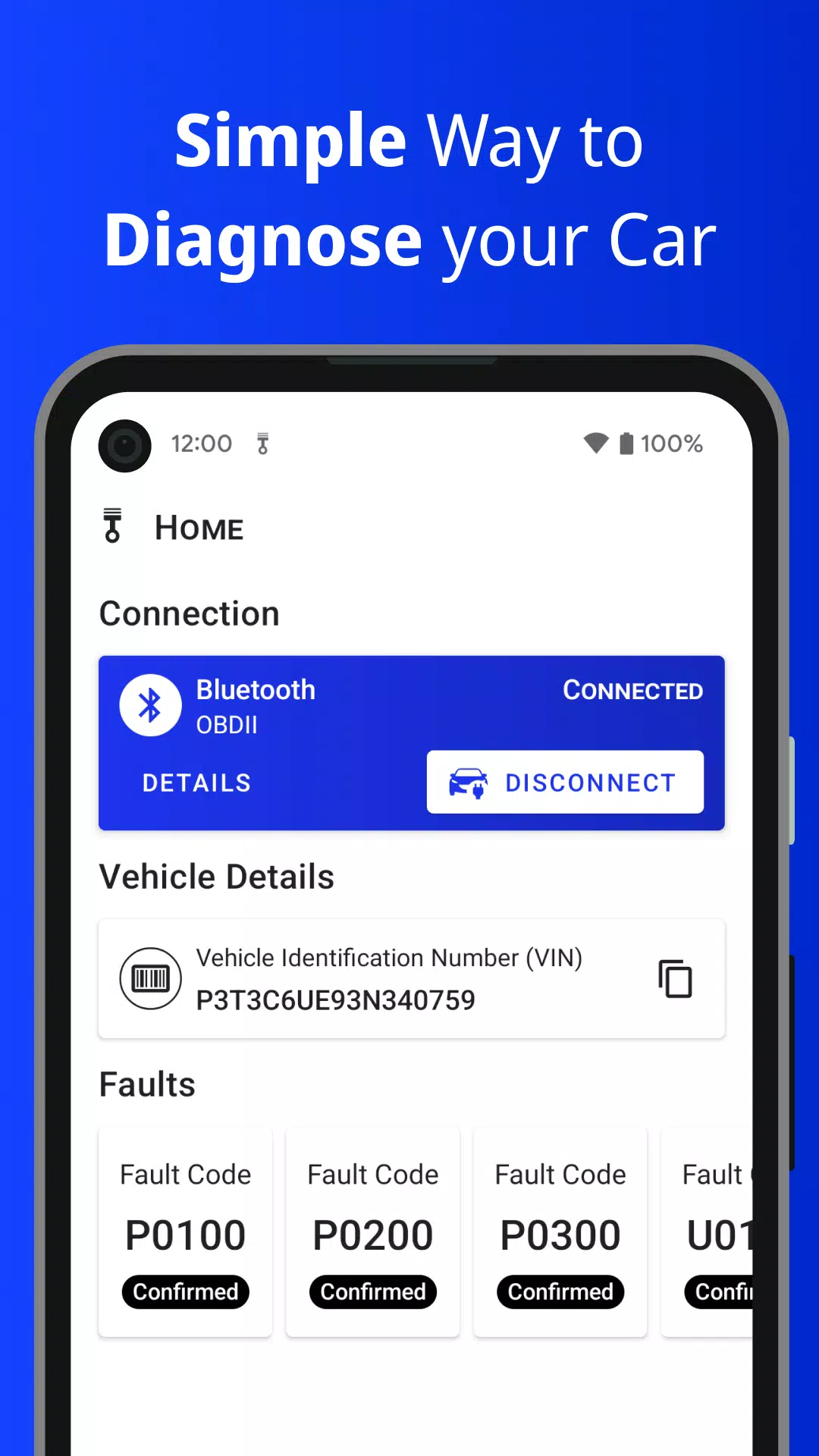
You'll need a Bluetooth or WiFi OBD2 adapter based on the ELM327 chip, plugged into your vehicle's OBD2 port. Piston guides you through the connection process. Find setup instructions on the Home page after first install or anytime in Settings.
With Piston you can:
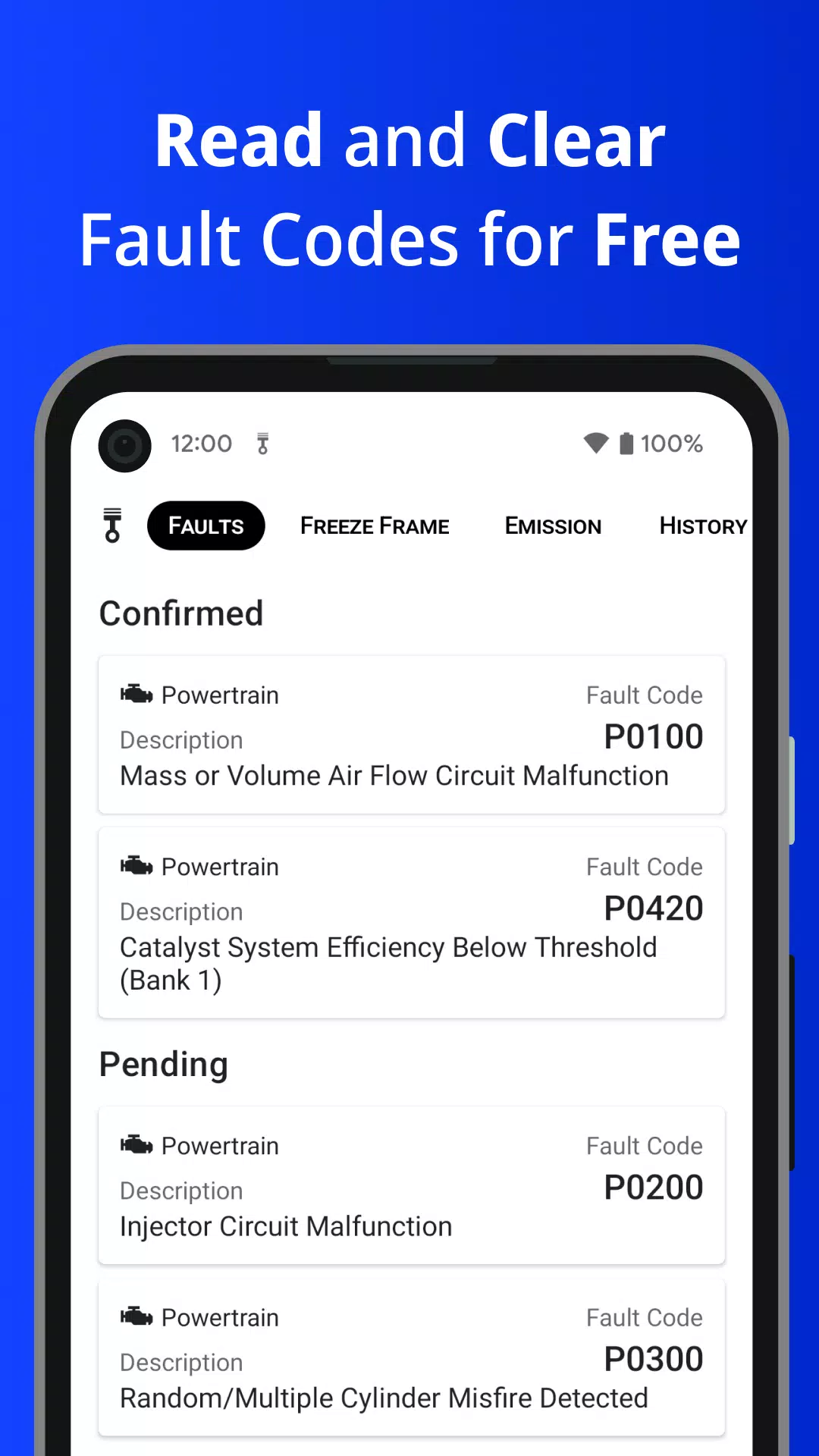
• Read and clear OBD2-standard Diagnostic Trouble Codes (DTCs)
• Review Freeze Frame data (a sensor snapshot from when the ECU detected a fault)
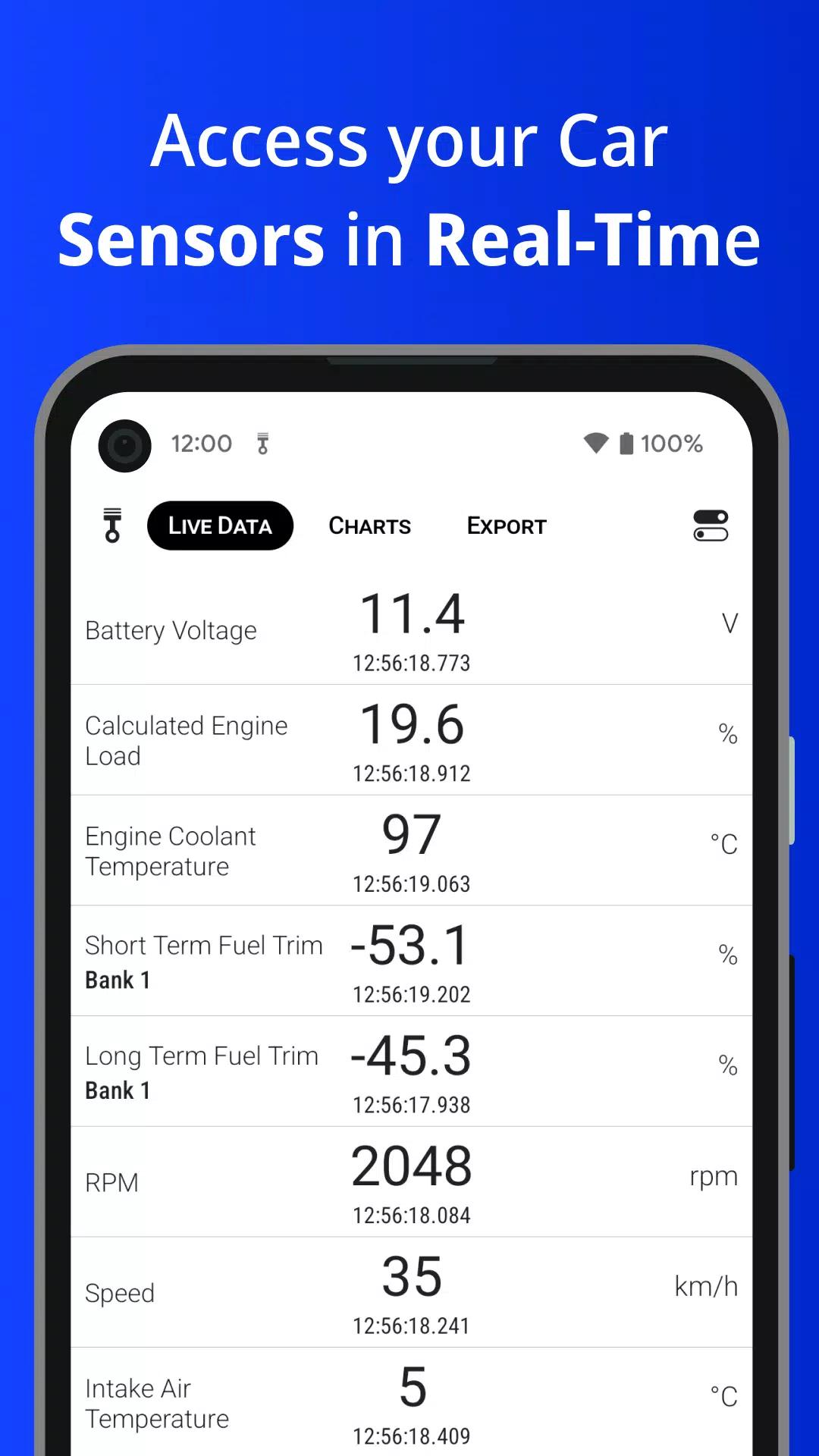
• Access live, real-time data from vehicle sensors
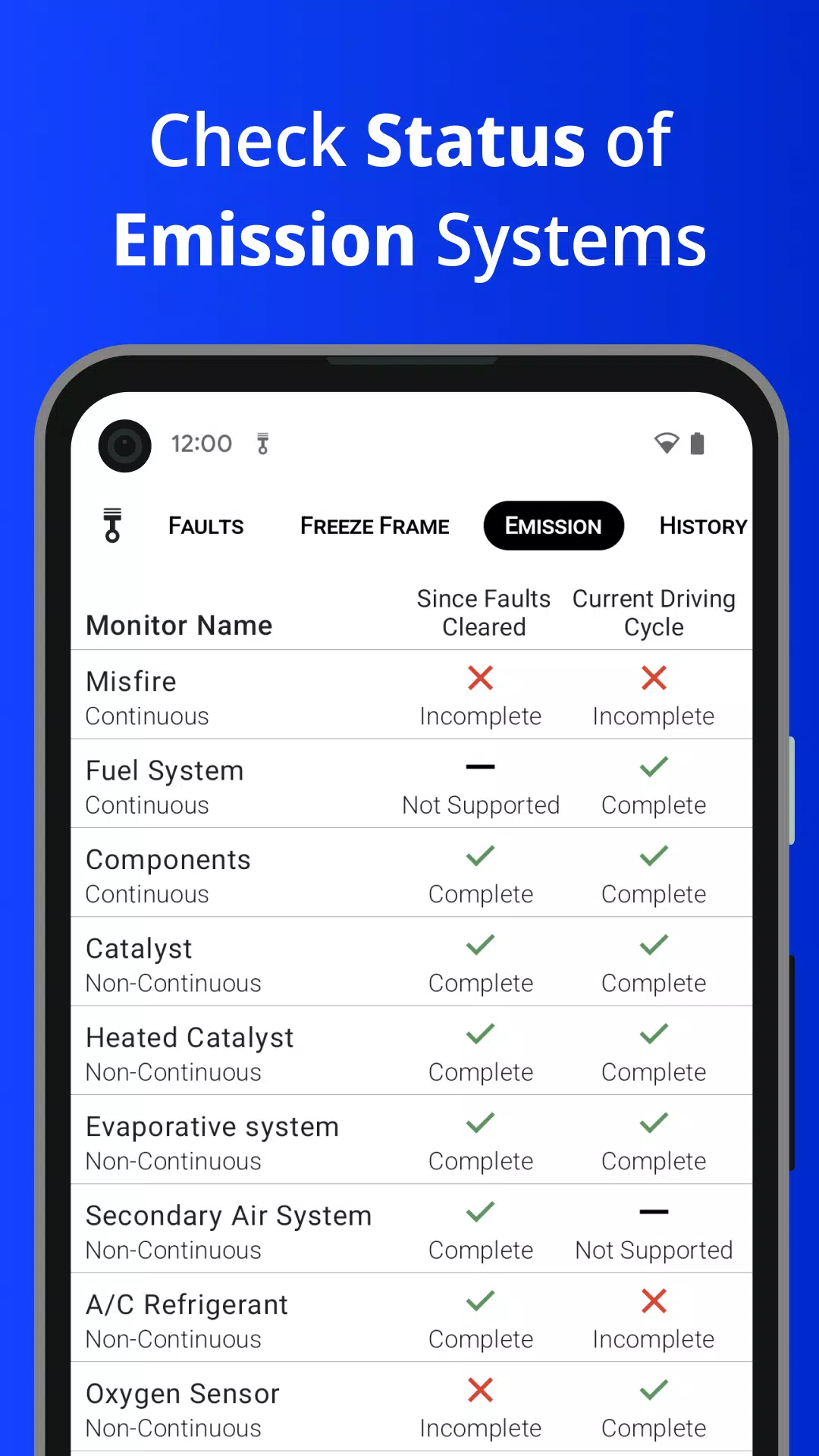
• Check Readiness Monitor status (for emission control systems)
• Save read DTCs to a local history log
• Log in to store your DTCs securely in the cloud
• View graphs and charts of sensor readouts
• Export real-time sensor data to a file
• Retrieve your car's VIN number
• Examine ECU details, such as the OBD protocol or supported PIDs
Some features are Premium and require a single, one-time in-app purchase to unlock everything—no subscriptions.
To function as a car scanner, this app requires a separate Bluetooth or WiFi ELM327-based adapter. Piston is compatible with OBD-II (OBD2/OBDII) and EOBD standards.
All vehicles sold in the USA from 1996 onward are required to support OBD2.
In the European Union, EOBD became mandatory for petrol vehicles from 2001 and for diesel vehicles from 2004. In Australia and New Zealand, OBD2 is required for all petrol cars from 2006 and diesel cars from 2007.
Important: This app can only access the data your vehicle supports and provides via the OBD2 standard.
For questions or suggestions, contact us at [email protected].
What's New in Version 3.8.0
Last updated on Aug 2, 2024
• Support for Android 14
• Improved Sensor Selection Screen
• Support for additional sensors (availability may vary by vehicle)