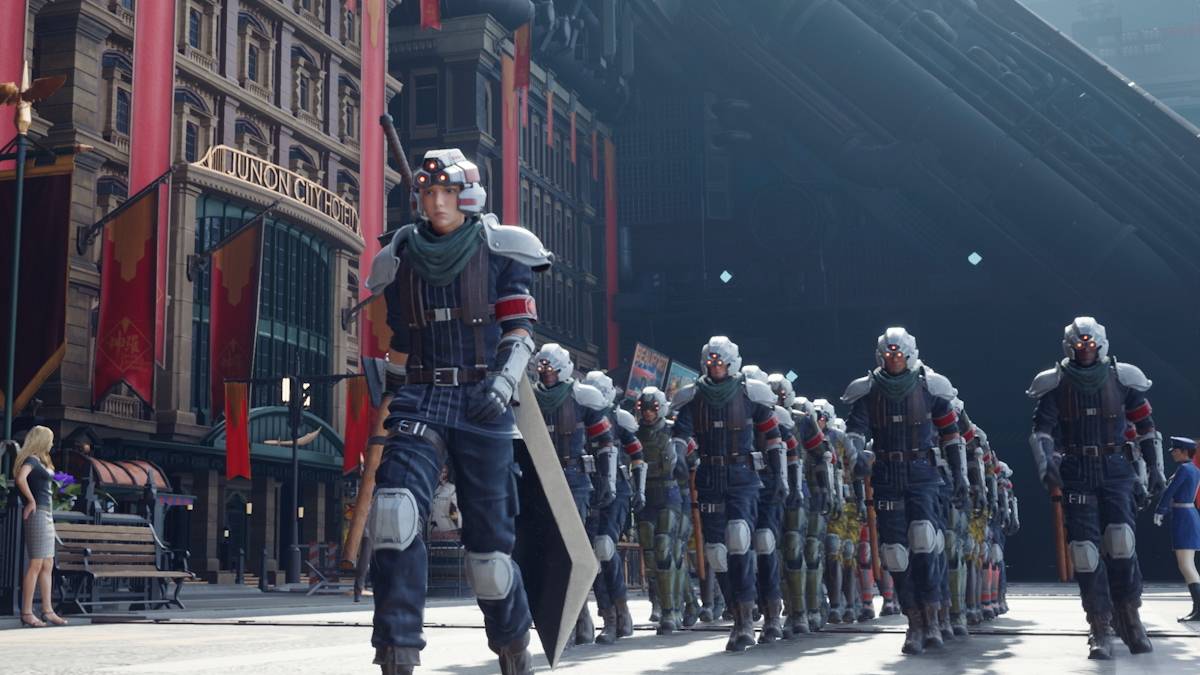
The long-awaited release of *Final Fantasy 7 Rebirth* on PC has been marred by reports of significant stuttering issues. However, there are several effective solutions that players can try to enhance their gaming experience and minimize these performance hiccups.
Table of contents
Final Fantasy 7 Rebirth PC Stuttering Solutions Lower Graphics Settings Update Your GPU Driver Use Mods Change Your Nvidia Settings
Final Fantasy 7 Rebirth PC Stuttering Solutions
Lower Graphics Settings
Final Fantasy 7 Rebirth is a visually stunning yet demanding game, requiring your PC to meet or exceed the recommended system specifications to prevent stuttering. If your hardware only meets the minimum requirements, you'll need to adjust your graphics settings carefully. Navigate to the game's menu and access the graphics options. Start by setting everything to the lowest possible settings and then incrementally increase them, keeping a close eye on the game's performance.
For further improvement, consider switching your Display Sync Technology to VRR. Several users have found that this adjustment helps mitigate lag and stutter, though be aware it might introduce some visual fragmentation.
Update Your GPU Driver
In addition to tweaking graphics settings, ensuring your GPU driver is up-to-date is crucial. Newer drivers often bring performance enhancements tailored for the latest games. Nvidia users can check for updates by launching GeForce Experience and selecting the 'Drivers' tab on the left. Meanwhile, AMD users should open AMD Adrenalin Edition, where the main menu will indicate if you're running the latest version.
Related: All Minigames in FF7 Rebirth, Ranked from Worst to Best
Use Mods
Mods can be a powerful tool to address stuttering in Final Fantasy 7 Rebirth. Two recommended mods are Fantasy Optimizer and Ultimate Engine Tweaks, both of which can significantly boost the game's performance. Installing these mods is straightforward: create a mod folder within the game's directory and place the mod files inside. Alternatively, you can use the Vortex Mod Manager from Nexus Mods for a seamless installation process. Keep in mind that Ultimate Engine Tweaks requires FFVIIHook for full functionality.
Change Your Nvidia Settings
For Nvidia users, there's an additional method to combat stuttering in Final Fantasy 7 Rebirth. Enable V-Sync and G-Sync in the Nvidia Control Panel under the Graphics settings, but ensure V-Sync is disabled within the game itself. Also, consider adjusting the Low Latency Mode to either 'On' or 'Ultra' to further optimize your gaming experience.
That’s all the essential information you need to resolve stuttering issues in Final Fantasy 7 Rebirth.
Final Fantasy 7 Rebirth is available now on PlayStation and PC.





![Amy’s Ecstasy [v0.45 Final]](https://imgs.daqiang.cc/uploads/07/1719551527667e462789d0f.jpg)