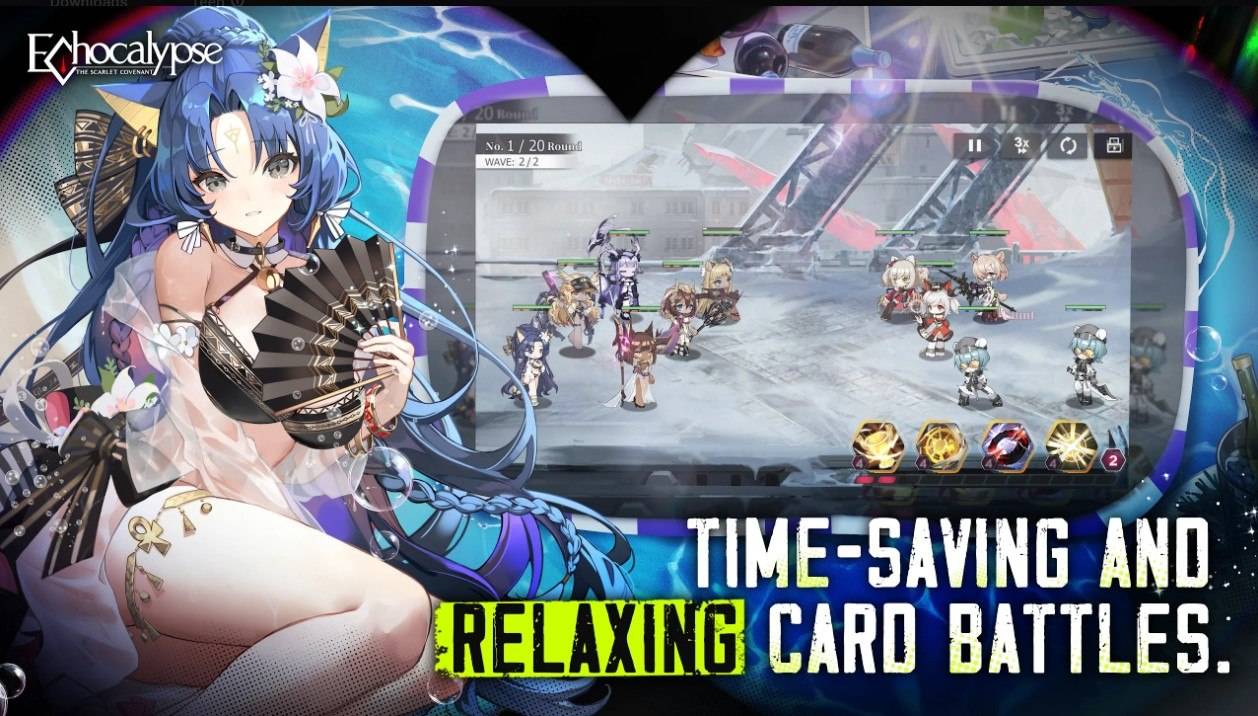
Echocalypse has been generating buzz for quite some time, and its recent global release has only amplified the excitement! This anime-styled, turn-based game seamlessly blends gacha and city-builder RPG elements, allowing players to collect their favorite characters. Boasting an all-female cast adorned in adorable kimonos, Echocalypse is currently hosting a series of events to celebrate its global launch. These events offer players the chance to earn substantial rewards, setting a solid foundation for their game accounts. Echocalypse is available to download for free on both the Google Play Store and iOS App Store.
For those playing Echocalypse on BlueStacks, you can optimize your computer's performance by utilizing the Eco Mode feature. This mode helps free up RAM by reducing the frame rate of the game instance, making it easier for your computer to handle other tasks simultaneously. To activate Eco Mode, simply locate the "Speedometer" button on the right side of the BlueStacks toolbar. A single click lets you turn this feature on or off, and you can even adjust the FPS settings for either a single instance or all of them, tailoring your gameplay to your needs.
The Best Graphical Settings for Your Comfort
Echocalypse shines brightest when played on BlueStacks, where you can enjoy the game at its highest visual settings without experiencing lag or frame drops. Take advantage of BlueStacks' High FPS and High-Definition features to experience Echocalypse in all its glory. To enable the highest FPS setting, navigate to BlueStacks settings, go to Performance, and toggle on High frame rate. Additionally, you can customize your screen resolution by accessing BlueStacks settings, heading to Display, and experimenting with different resolution and Pixel density options to achieve your preferred visual experience.