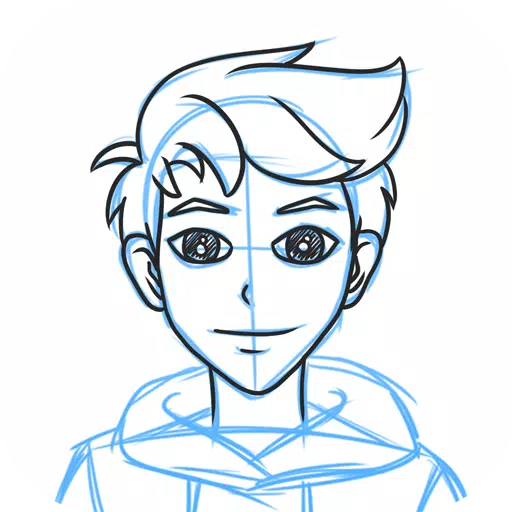
The official JUMP app for creating manga! Packed with exclusive tips from JUMP's own authors!
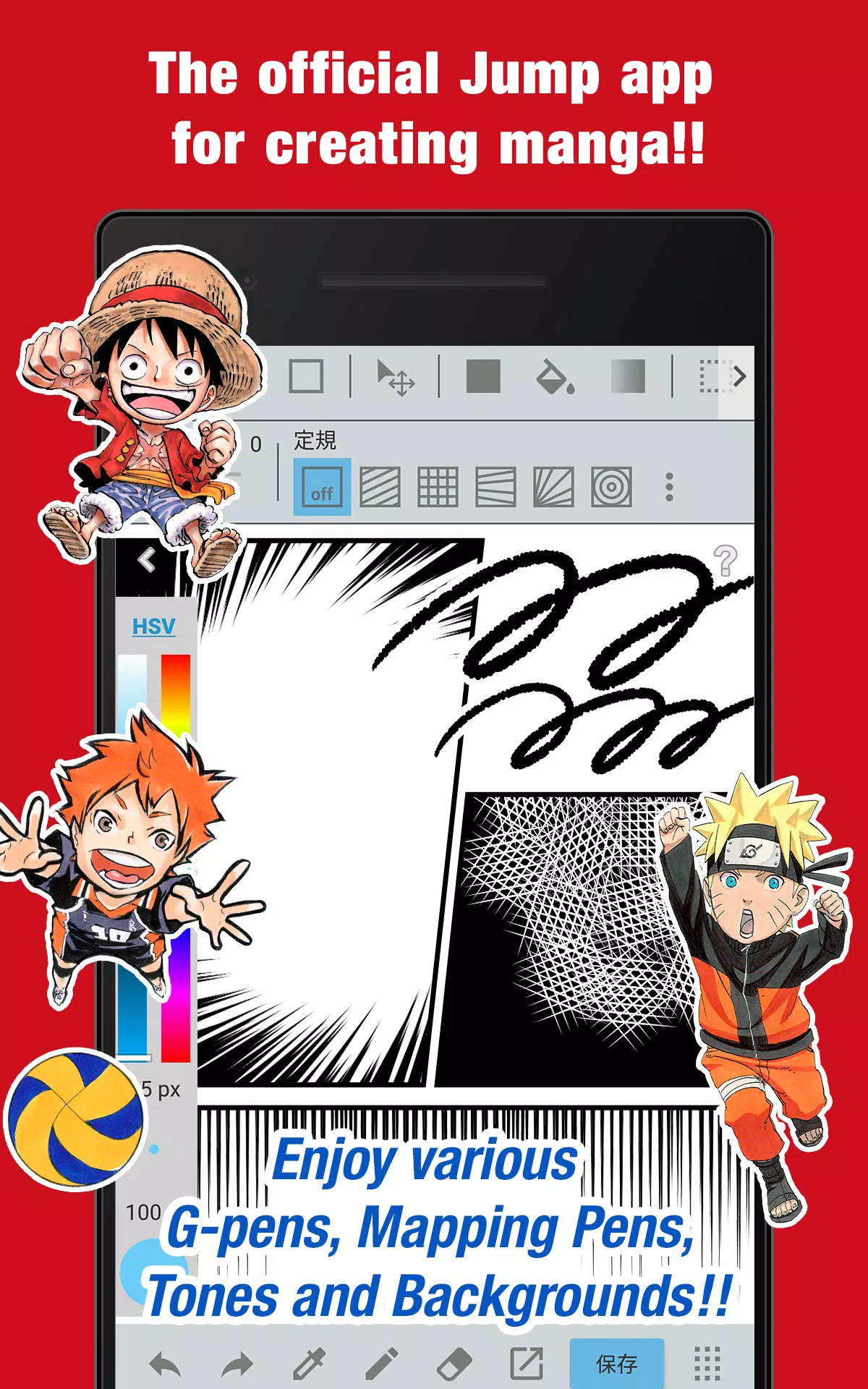
■ A totally free app for drawing official Weekly Shonen Jump-style manga and illustrations!
Use G-pens, Mapping Pens, screentones, and backgrounds completely free of charge!
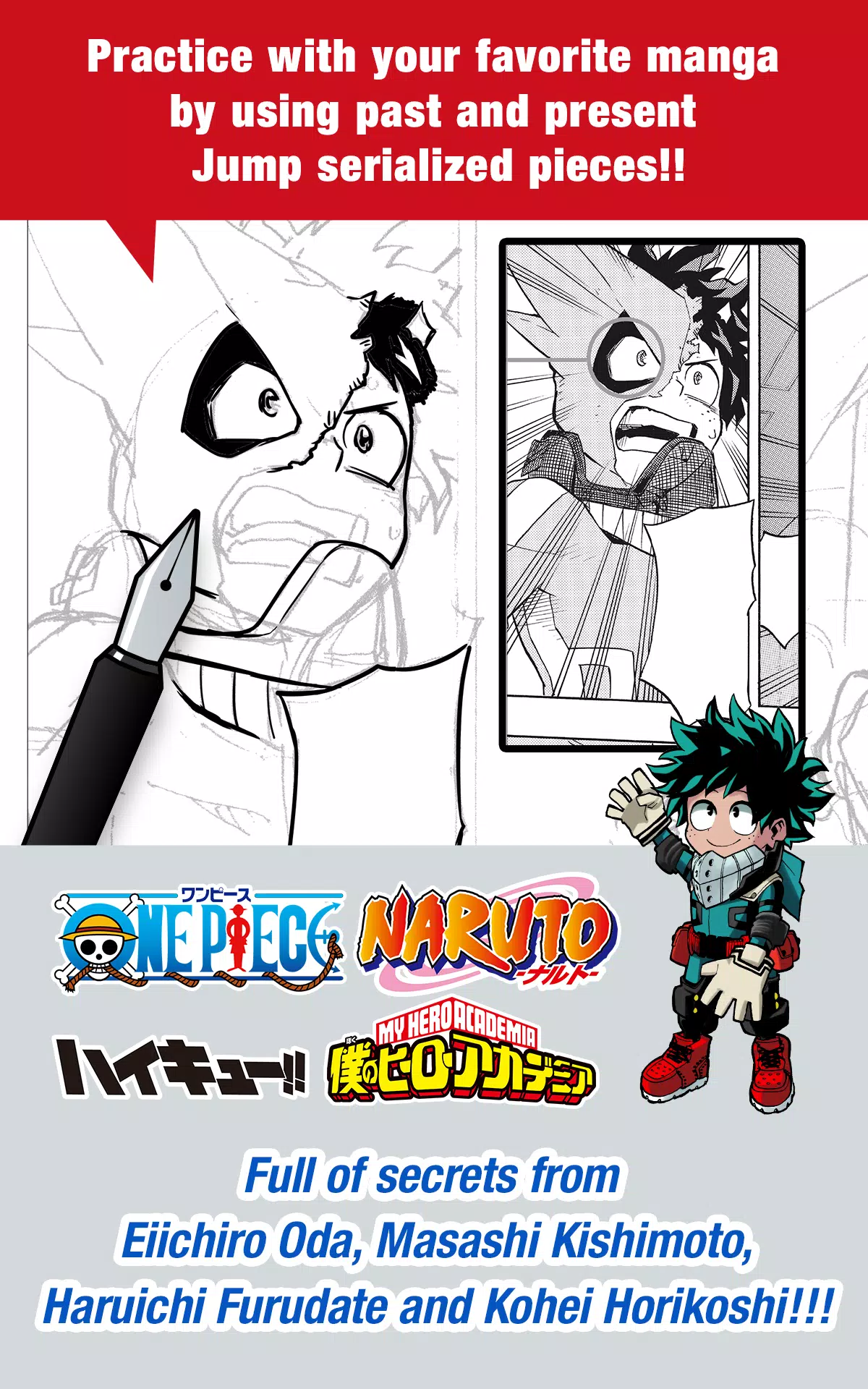
■ Practice with your favorite series using both classic and current Jump manga!
Discover secrets from legendary Jump artists like Eiichiro Oda (One Piece) and Kohei Horikoshi (My Hero Academia)!
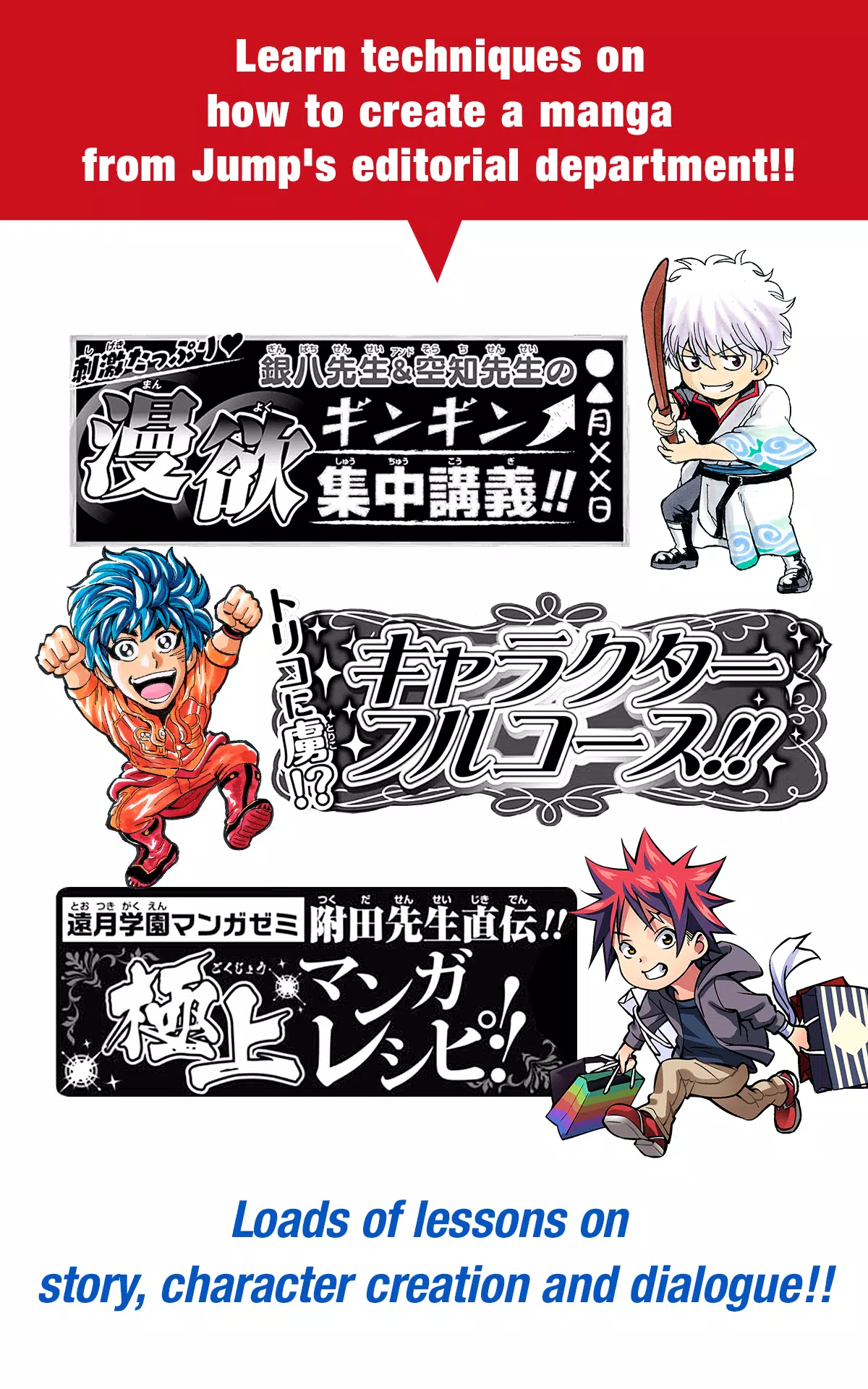
■ Master manga creation with professional techniques from the Jump editorial team!
Learn essential skills for crafting stories, designing characters, and writing authentic dialogue!
■ Enter official Jump contests directly through the app!
Get all the latest contest details and deadlines right here. Your big chance awaits!
What is JUMP PAINT?
The definitive manga and illustration app, born from a partnership between MediBang Paint (12 million downloads) and Weekly Shonen Jump.
JUMP PAINT was created to give artists a complete mobile drawing environment using MediBang Paint's powerful technology.
This is the ultimate painting software for illustrations and comics, packed with professional tools like diverse brushes, materials, and manga-specific fonts.
■ Draw Anywhere!
・Carry a full-featured desktop painting studio in your pocket with JUMP PAINT.
・Despite its extensive capabilities, the interface is thoughtfully designed for iPhone.
・Open or close the UI with a single tap.
・The clean, intuitive design makes adjusting brush size or color mode effortless.
■ Painting Tools
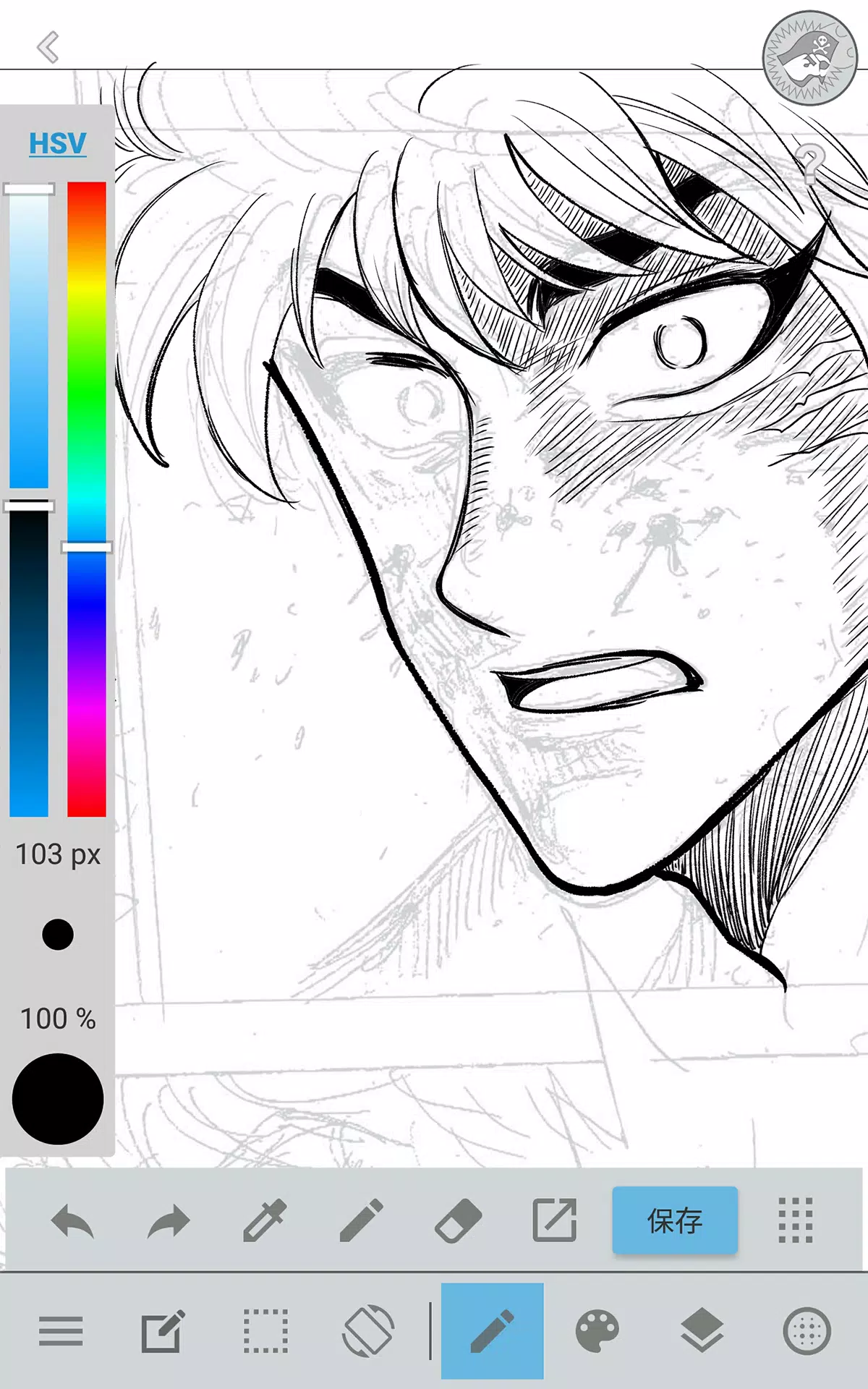
・Access 90 brushes for free!
・Beyond standard Pens, Pencils, Watercolors, and G-pens, explore 50+ varieties including Flat Brushes, Acrylics, School Pens, and Soft Pastels.
・Force Fade In/Out ensures crisp, sharp lines even when drawing with your fingers.
・Design and save your own custom brushes.
■ Free Resources
・Get 800+ free screentones and background textures.
・Includes pre-drawn elements like clouds, buildings, and vehicles.
・Apply tones instantly with one tap.
■ Layers
・Work with multiple layers featuring various blending modes.
・Keep different parts of your artwork organized and editable.
■ Comic Fonts
・Transform the feel of your comics with specialized lettering.
・Express your characters' emotions and personalities through text.
・Choose from 50 professional-grade fonts used in the industry.
■ Comic Creation
・Drag your finger to instantly create comic panel frames.
・Resize and reshape panels freely.
■ User Friendly
・Customize shortcuts to fit your workflow.
・Built to be welcoming for beginners.
・An intuitive interface that maximizes your drawing space.
・Switch to full-screen mode with one touch.
■ Other Tools
・Use guides for perspective drawing, straight lines, and smooth curves.
・Stroke stabilization helps you draw cleaner lines.
■ Photo Reference
・Capture photos within the app and place them on a separate reference layer.
・Perfect for studying subjects or learning new drawing techniques.
■ Cloud Storage
・Securely backup and manage all your projects.
・Transfer your work between devices easily.
■ Manage Project
・Save and organize multi-page documents effortlessly.
■ Syncability
・Sync your custom settings with the desktop version of JUMP PAINT.
■ Team Creation
・Collaborate with friends on creative projects, no matter where they are.
■ Auto Recovery
・Your work is automatically saved if your device unexpectedly shuts down.
IMPORTANT
A free MediBang account (https://medibang.com/) is required to access the app's cloud features.