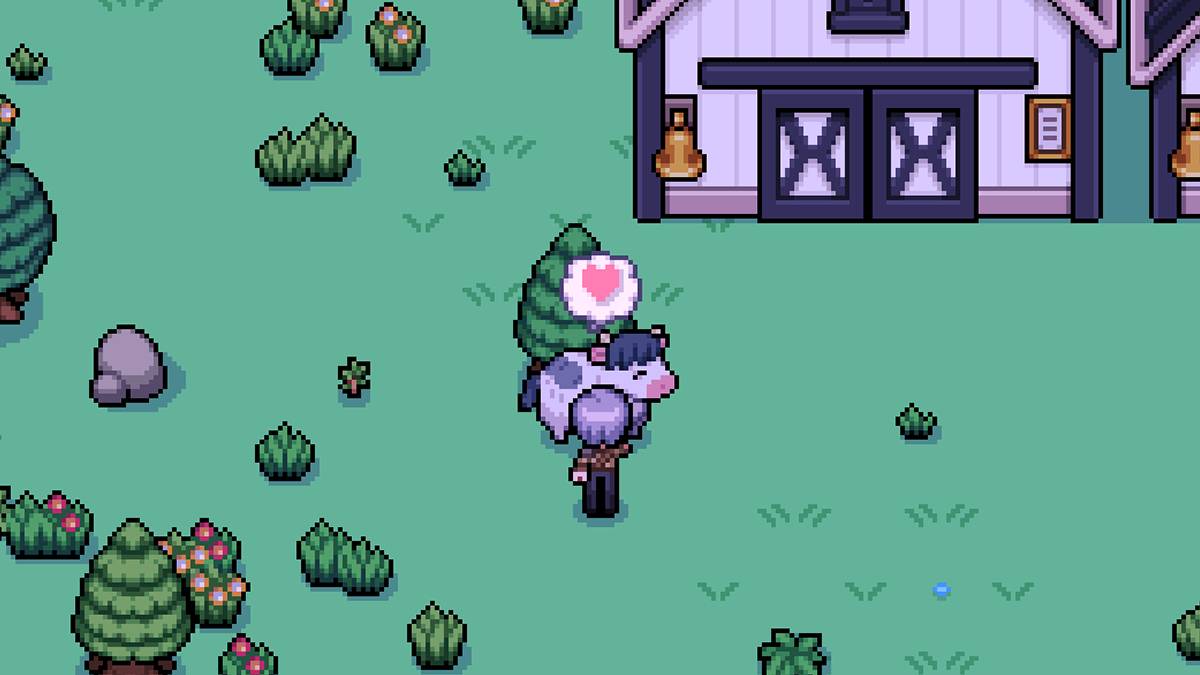
Having livestock in *Fields of Mistria* can be a lucrative endeavor, but the daily petting requirement can become tedious. A solution to this issue is integrating an auto-petter into your farm, which unfortunately isn't available in the base game. However, with the help of mods, you can automate this task and enhance your farming experience.
Recommended Videos: Fields of Mistria Auto-Petter Guide
-----------------------------------In the vanilla version of *Fields of Mistria*, you're required to manually pet your livestock each day. But there's a workaround for those looking to streamline their farming routine: mods. Specifically, the Animal Friends mod by annanomoly, available on Nexus Mods, not only introduces an auto-petter but also automates feeding. To utilize this mod, you'll need to download the Mods of Mistria Installer, a crucial tool for activating the mod.
To get started with the mod, follow these steps:
- Create a new folder named 'Mods' in the *Fields of Mistria* directory.
- Download the AnimalFriends.zip file and place it in the 'Mods' folder.
- Extract the zip file and then delete or move the original zip file elsewhere.
- Launch the Mods of Mistria Installer to complete the installation process.
The Animal Friends mod offers a range of features, including an auto-petter, auto-feeder, friendship multiplier, and a prevent friendship loss option. The friendship multiplier boosts the number of hearts your animals can gain, while the prevent friendship loss feature ensures these hearts don't diminish over time.
To tweak these settings, locate the AnimalFriends.json file within the mod's extracted folder. This file allows you to customize the mod by changing settings from 'false' to 'true' to activate features. For example, to enable the auto-petter, adjust the setting to: {"auto-pet": true}. Similarly, to disable any feature, revert the setting back to 'false'.
The friendship multiplier setting is adjusted by inputting a numerical value between 1 and 100. Setting it to 100 maximizes the hearts gained from each interaction, while setting it to 1 effectively disables the feature.
Upon installation, the mod comes with default settings where auto-pet and auto-feed functions are inactive, but the friendship multiplier is set to five, and the prevent friendship loss feature is enabled.
If you decide to remove the mod, don't simply delete the folder. Instead, use the Mods of Mistria Installer to uninstall it properly, ensuring no corruption occurs in your save files.
That covers all you need to know about setting up an auto-petter in *Fields of Mistria*. Before installing any mods, it's wise to back up your save files to safeguard against any unforeseen issues.
*Fields of Mistria is available to play on PC.*