
InsituArtRoom: The Ultimate Mockup Tool for Artists – Visualize Your Art in Real Interiors
Since its launch in 2019, InsituArtRoom has established itself as a leading art visualization app and a top choice for professionals. Designed specifically to streamline marketing efforts for artists, the platform allows you to simply upload your artwork photos, select from an extensive library of interior backgrounds, customize details, save, and share stunning mockups instantly. Backed by powerful tools, exceptional customer support, and a vibrant social media community, InsituArtRoom is dedicated to helping you succeed.
WHY USE INSITUARTROOM?
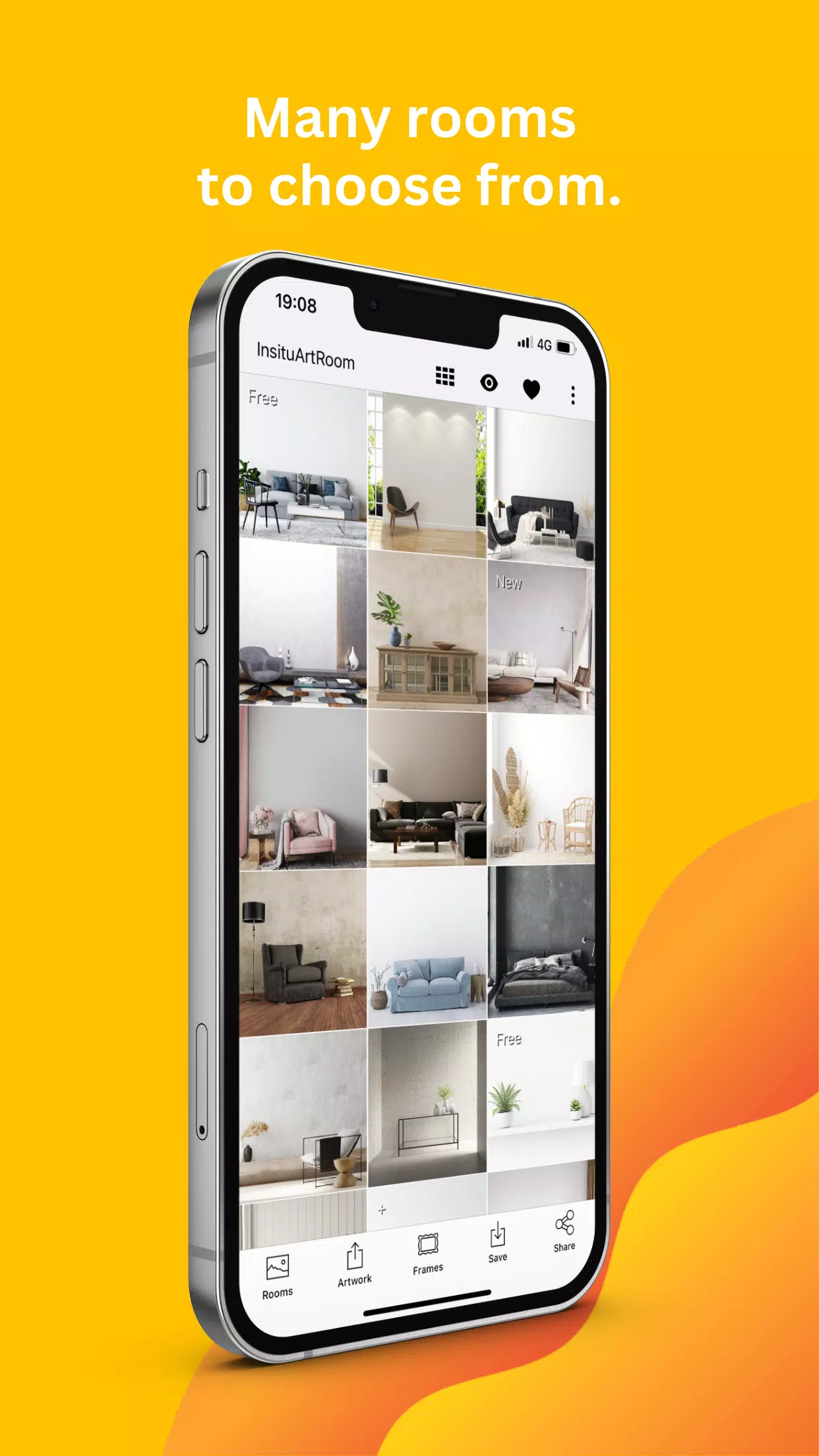
Presenting your art in beautifully styled environments significantly increases the likelihood of making a sale. That’s why InsituArtRoom provides a diverse and extensive collection of high-quality interior backdrops, regularly updated to ensure your portfolio remains fresh and engaging.
Say goodbye to complicated software like Photoshop, expensive equipment, or tedious setups. With just your smartphone, you can leverage our app’s comprehensive range of customizable interiors, smart tools, and user-friendly features to present your artwork in realistic, visually appealing settings—right from the comfort of your studio!
Artists worldwide trust InsituArtRoom to showcase their portfolios, make a strong impact on social media, simplify workflows, and effectively attract potential buyers and art collectors.
EXTENSIVE FEATURES FOR REALISTIC ART MOCKUPS
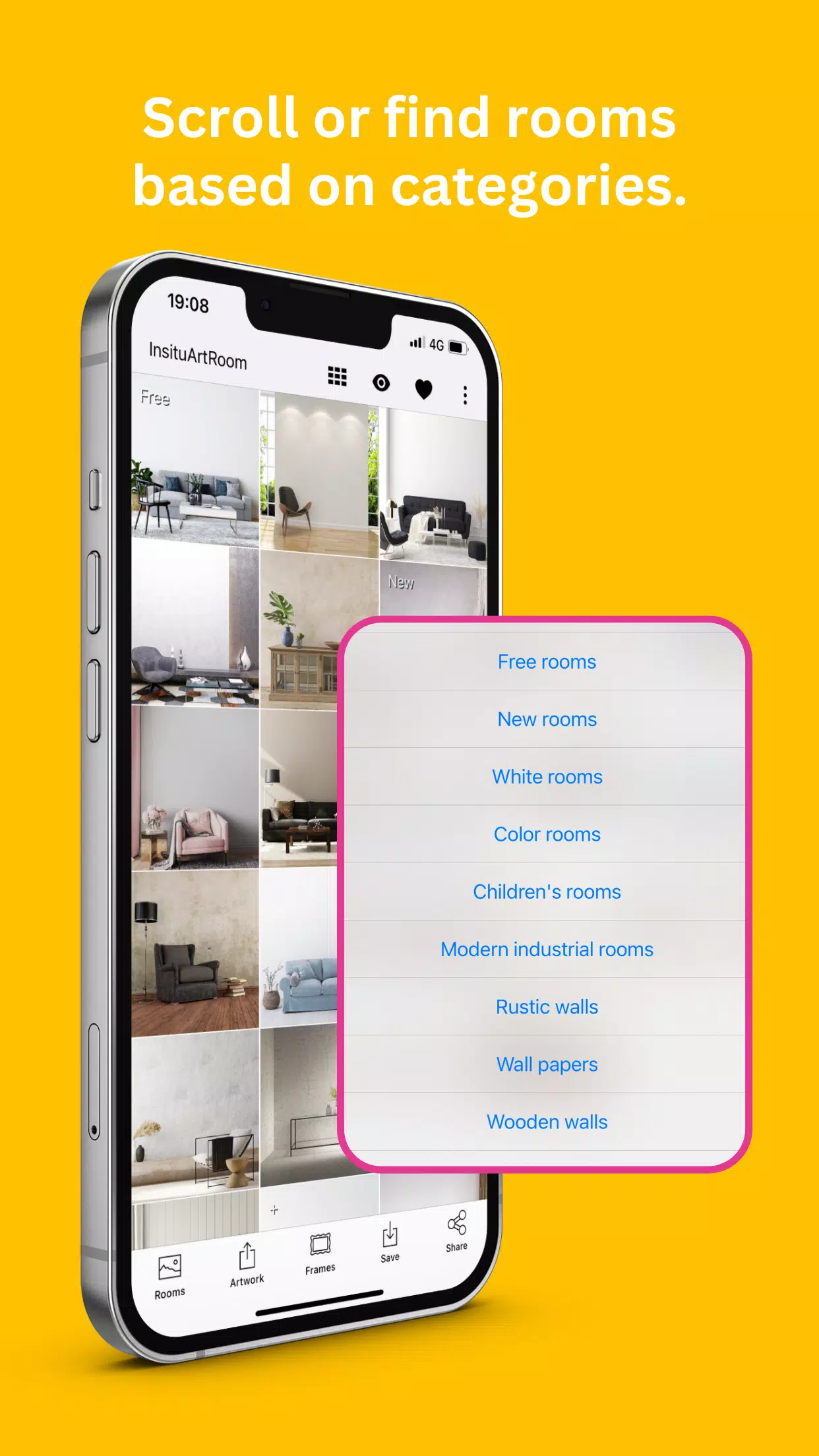
- Over 1000 diverse interiors, including residential, gallery, commercial, and seasonal themes.
- A wide variety of decorating styles such as industrial, modern, luxurious, Scandinavian, classic, minimalist, bohemian, and more.
- Interiors tailored for paintings of all sizes, from small to large formats.
- New interiors added weekly to keep your mockups current and trendy.
- Precise scaling of artwork within each interior scene.
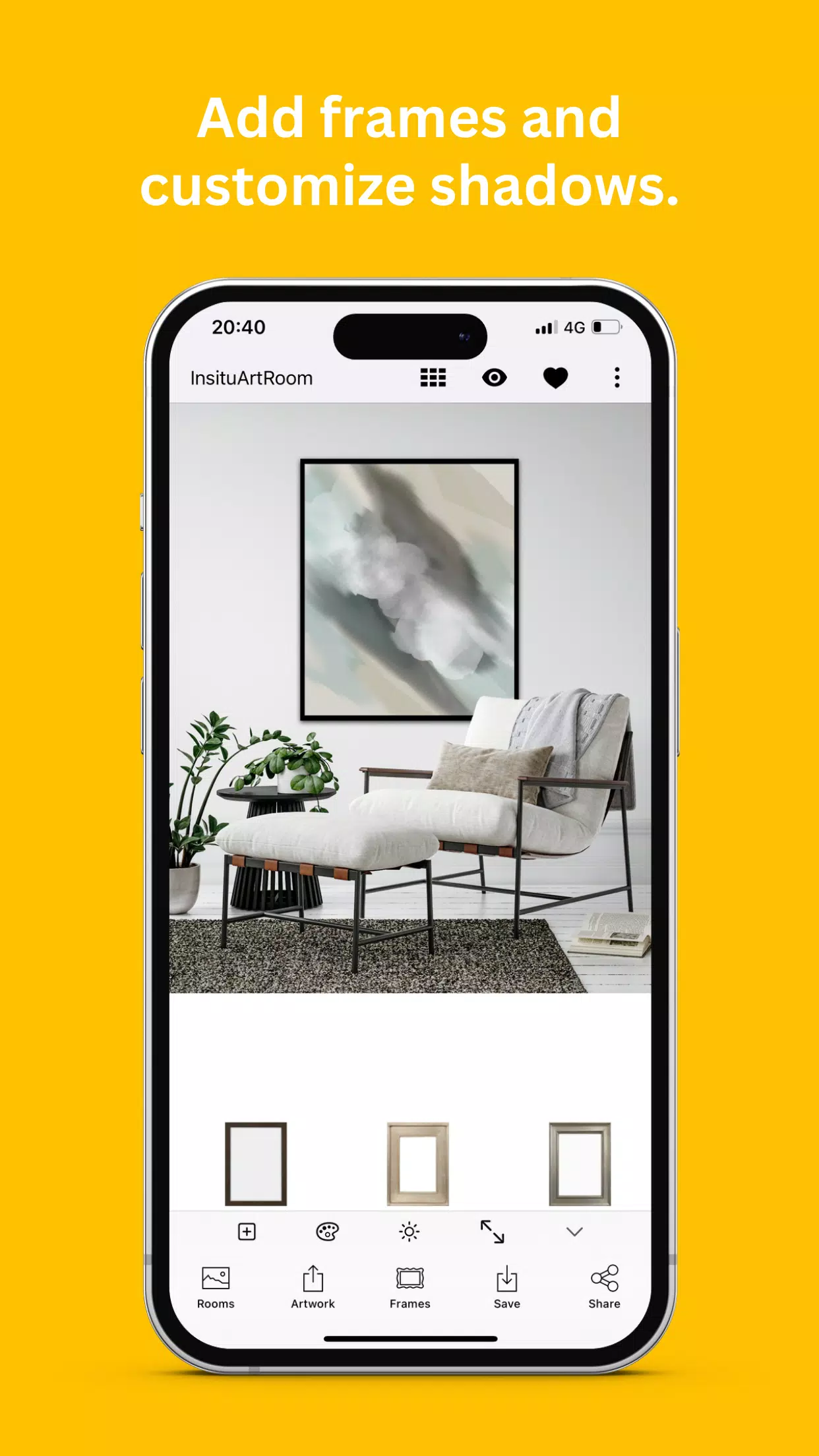
- Smart shadow adjustment tools that match the lighting conditions in the room.
- Options for displaying multiple pieces within a single interior space.
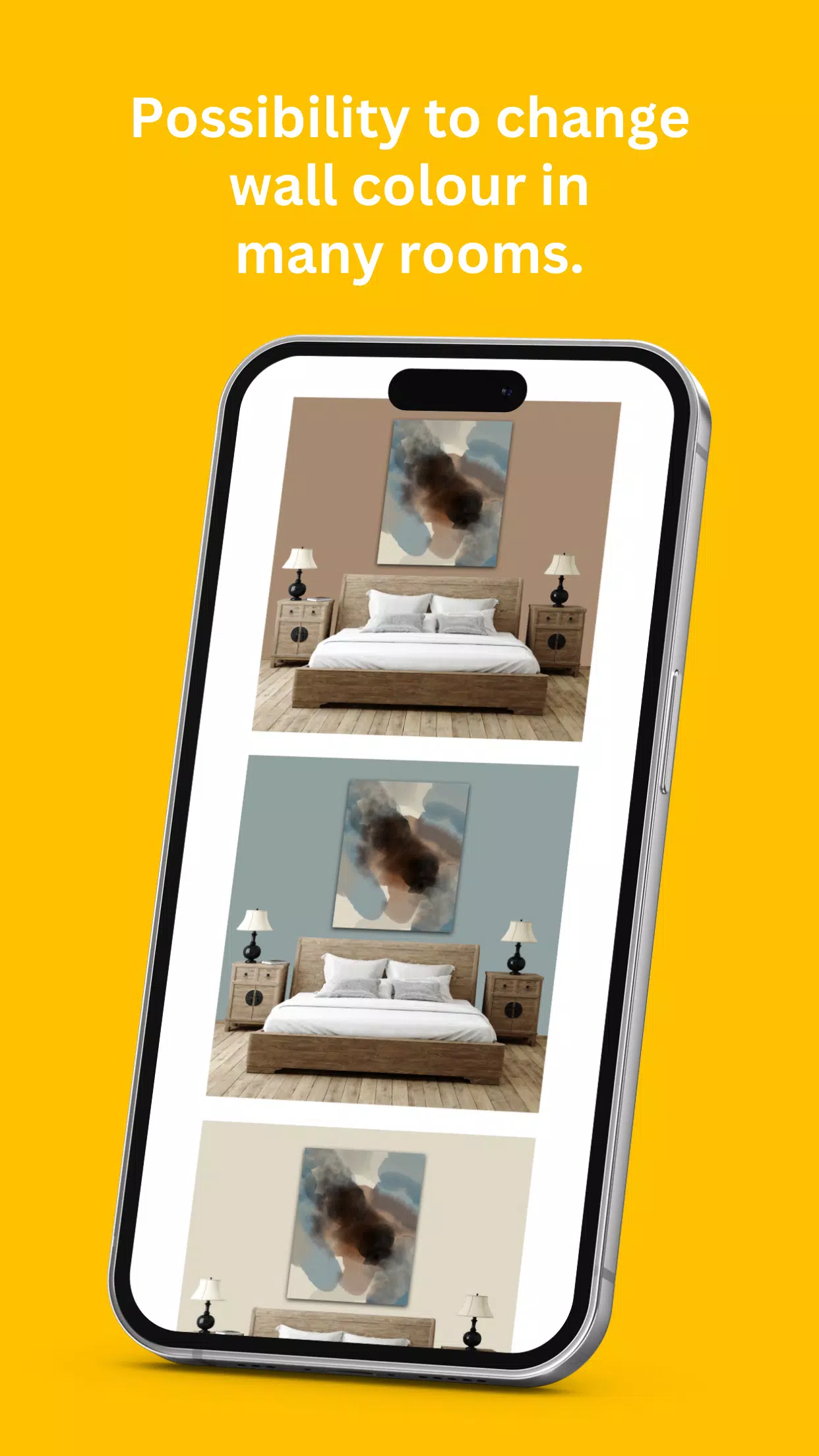
- Customizable wall colors to complement any setting and enhance your artwork.
- Fully adjustable frames and mats suitable for artworks of any dimension.
- The ability to place artwork behind decorative elements for a realistic 3D effect.
- An option to incorporate your own interior designs into the app.
- Support for popular image formats, ensuring easy sharing and showcasing.
HOW TO CREATE SMART ART MOCKUPS
InsituArtRoom simplifies the process of presenting your artwork in environments that collectors love to see.
- Upload: Add your artwork to InsituArtRoom.
- Adjust: Fine-tune dimensions and shadows for a realistic preview.
- Select: Choose from our library of 800+ interior designs or upload your own space.
- Customize: Select and adjust frames and mats to perfectly fit your artwork.
- Export & Share: Save your mockup and share it across social media, your webshop, and more.
SHOWCASE YOUR ART WITH EASE
You’ve put in the hard work on your art—let InsituArtRoom handle the rest! Our app is free to download and includes access to 6 rooms with full customization features. Upgrade to InsituArtRoom Premium for unlimited access to all interiors and the ability to add your own custom spaces.
We’re excited to see your art in situ. Share your InsituArtRoom mockups on social media and tag @insituartroom for a chance to be featured by us.