Create, animate, and edit pixel art and game textures with Inktica!
Meet Inktica—your powerful yet intuitive pixel art studio. Bring the charm of classic low-resolution graphics to life or craft perfect textures for modern games.
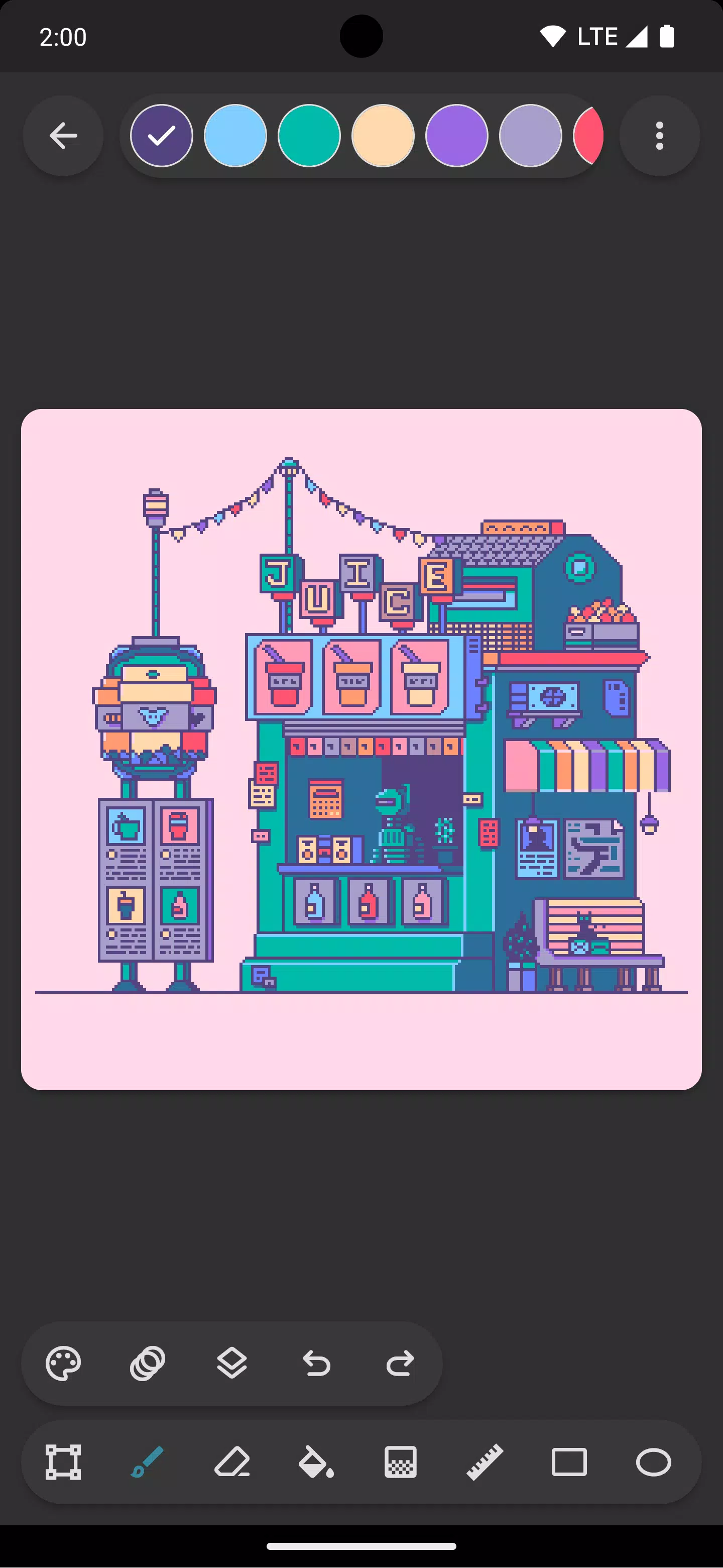
Inktica provides specialized pixel-level editing tools. Use the Brush, Eraser, Fill, Gradient, Line, Rectangle, Ellipse, and Eyedropper—each optimized for pixel art, featuring smart options like "pixel perfect" drawing for crisp, single-pixel lines.
Easily manage parts of your artwork with Inktica’s selection tool. Copy, cut, move, paste, rotate, or flip any selection to speed up your workflow.
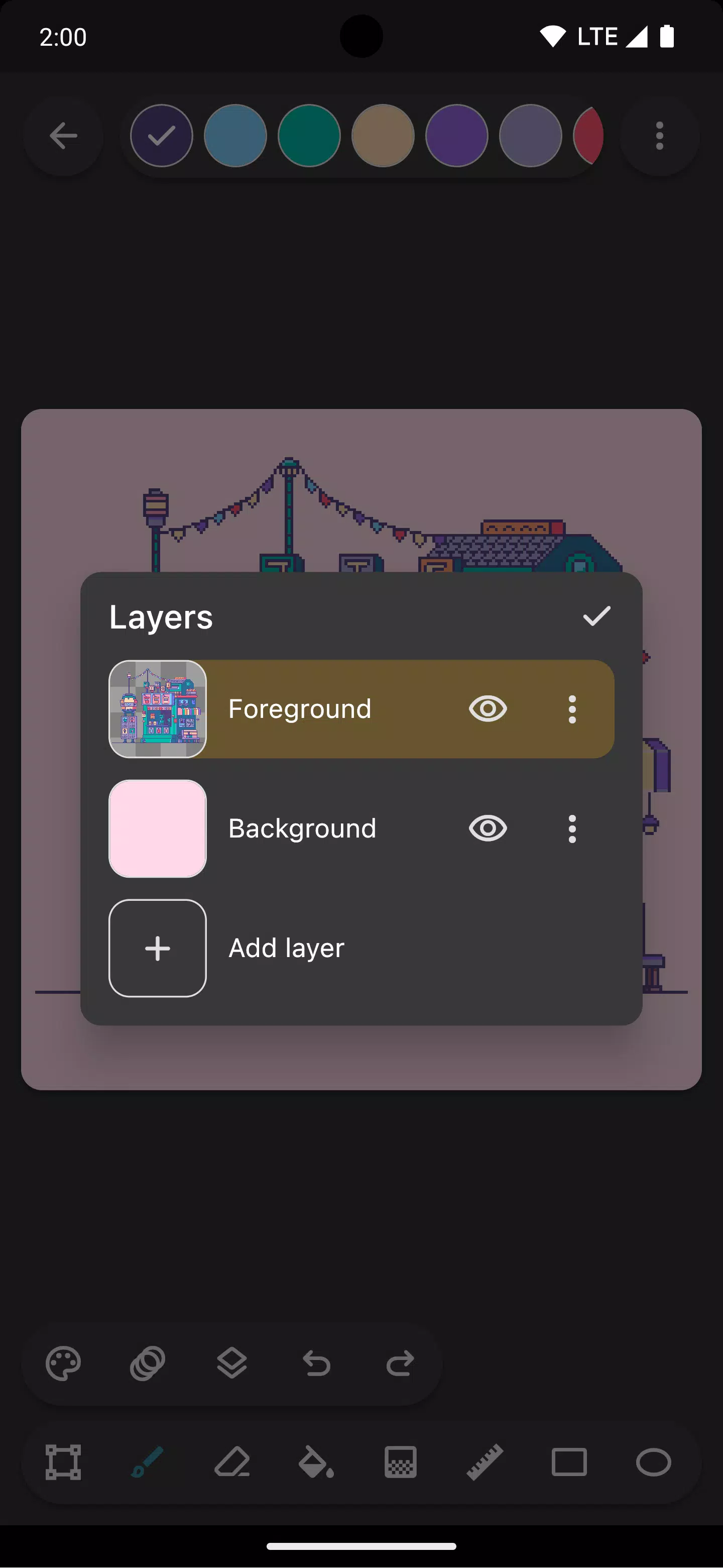
Stay organized with layer support. Separate elements of your pixel art to edit and refine with greater control.
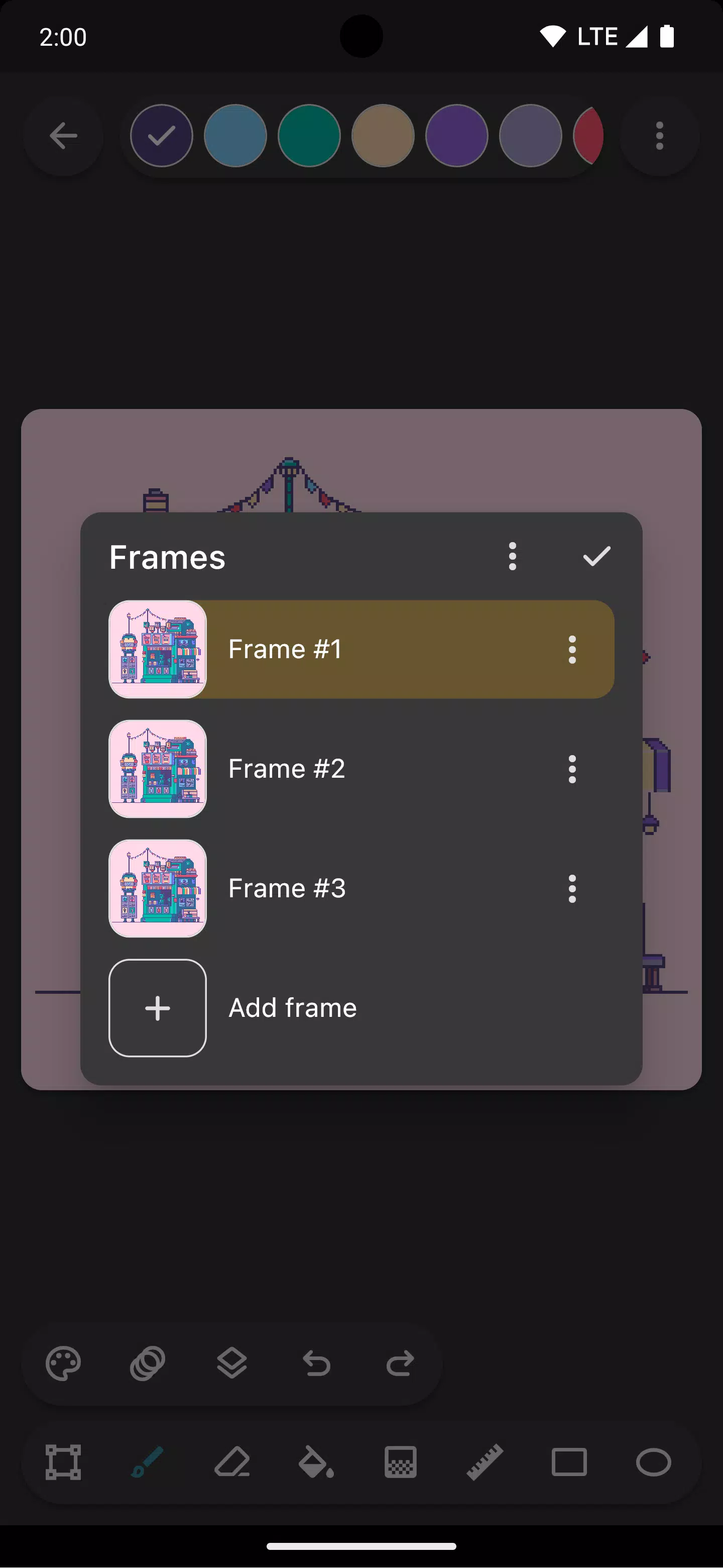
Give your sprites motion using Inktica’s animation tools. The onion skin feature lets you overlay previous frames, making frame‑by‑frame animation smooth and precise.
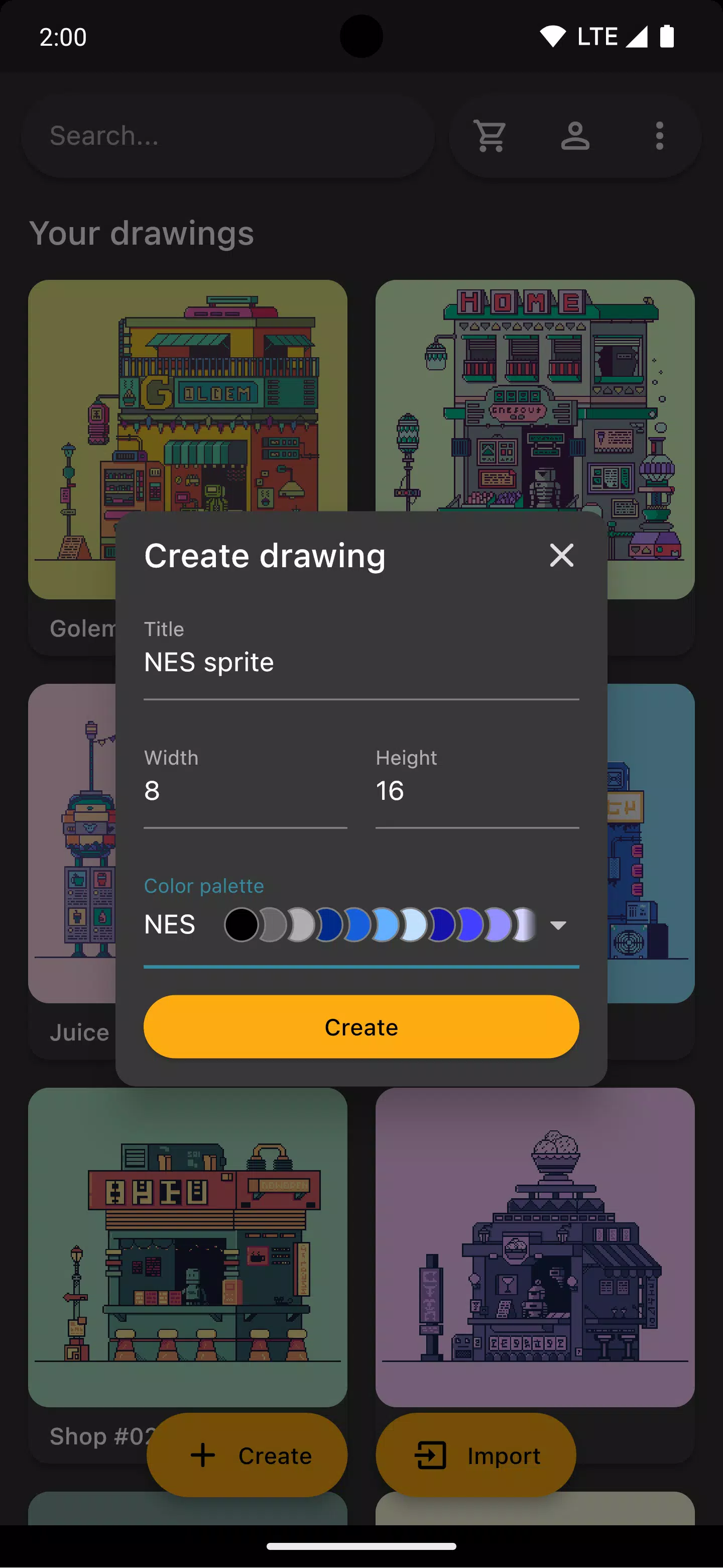
Choose from authentic color palettes of retro consoles like Atari 2600, NES, and Game Boy, or import curated palettes from Lospec for endless creative options.
Work smarter by opening a reference image right in the app to guide your drawing and ensure accuracy.
Once your artwork is ready, share it directly to social media or export it to your device. Upscale your exports to keep pixels sharp, even on non‑pixel‑friendly platforms.
Inktica works seamlessly with existing artwork, too. Import files from Aseprite (.ase, .aseprite) and common formats like PNG, JPEG, and GIF.
Art in screenshots by Pikurā
Privacy policy: https://inktica.com/privacy-policy.html
Terms of use: https://inktica.com/terms-of-use.html
What's New in Version 1.35.97
Updated on Nov 11, 2024
- Updated color dialog layout to a grid for better color visibility
- Color dialog now closes automatically after selecting a color for faster workflow