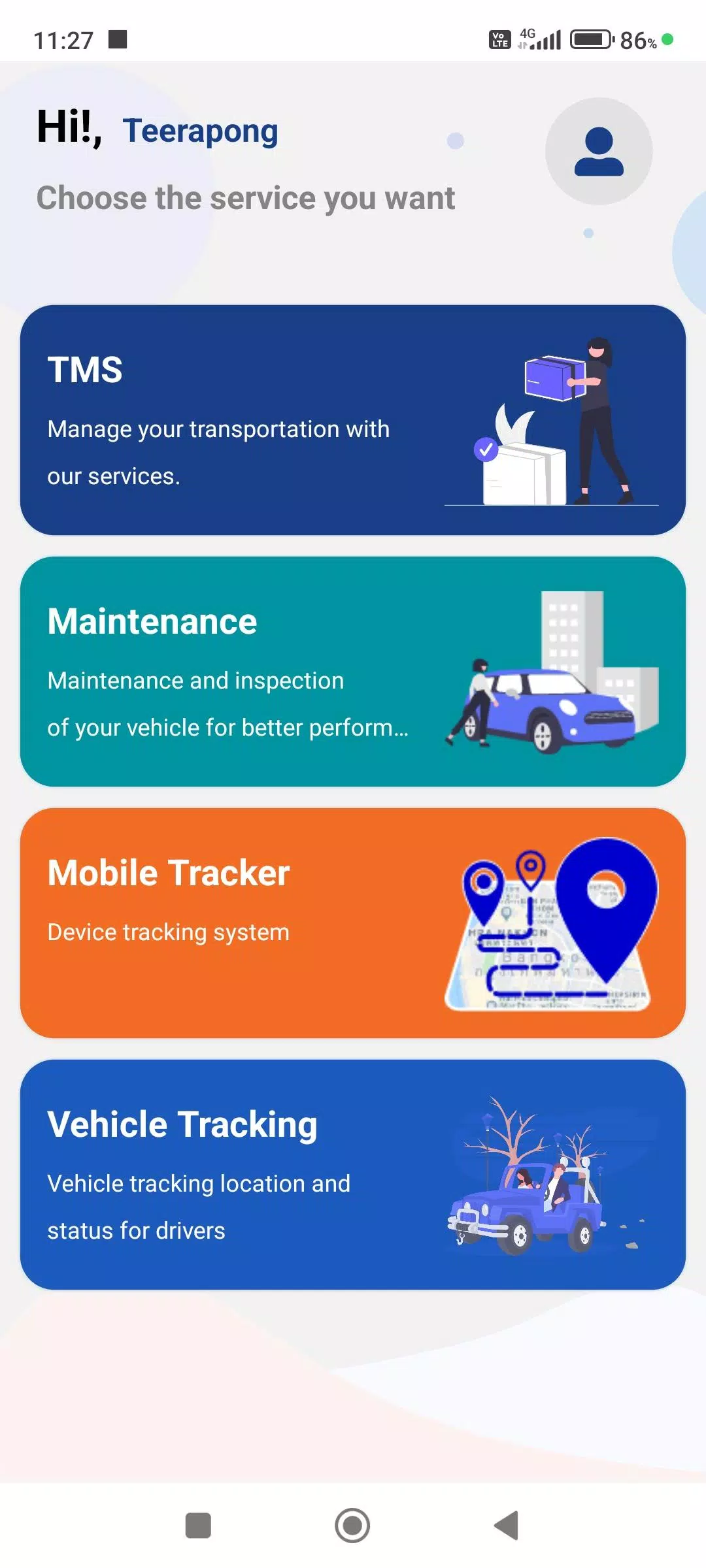

A mobile application that displays the real-time status of GPS tracking devices.
This driver-focused app enables users to submit various work-related details, synchronized with the company's Web Console for enhanced accuracy and comprehensive reporting. Key features include:
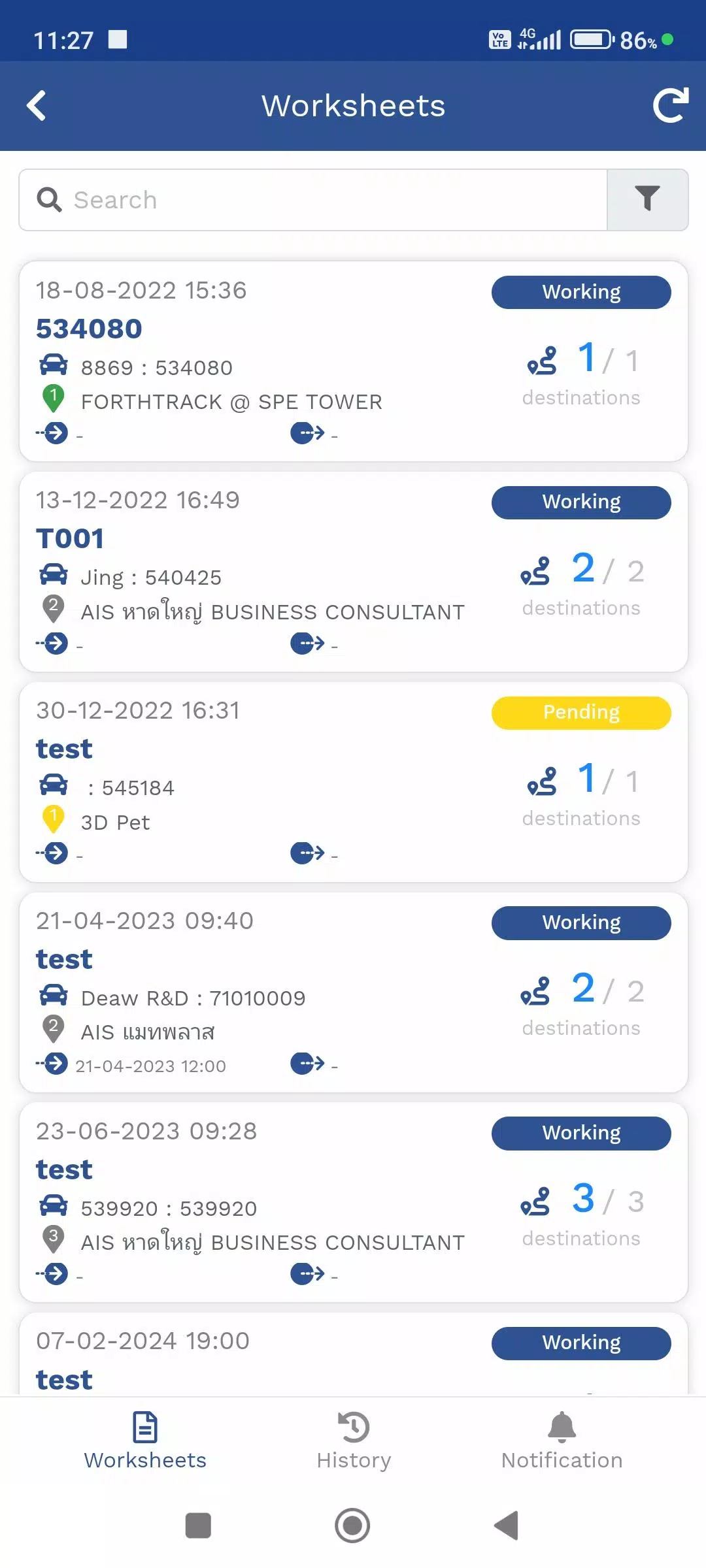
1. Travel Itinerary (TMS)
A dedicated module for managing assigned product delivery routes. Track real-time locations via GPS devices or the Mobile Tracker, monitor delivery destinations, and receive status updates throughout the process.
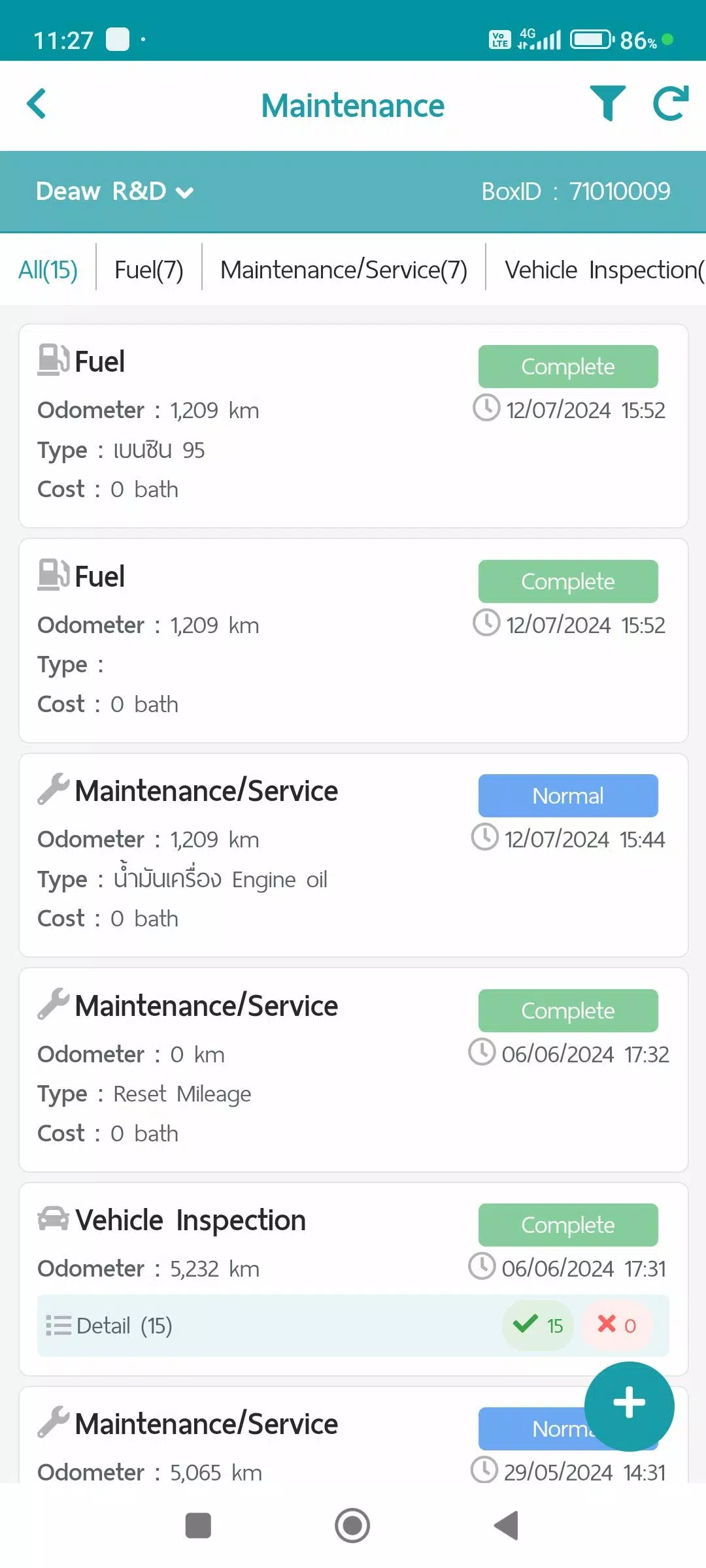
2. Maintenance Module
Centralized logging for vehicle maintenance records. Store operational data and generate consolidated reports through the Web Console, categorized as follows:
- Fuel Consumption
- Scheduled Maintenance
- Vehicle Inspection
- Repair Documentation
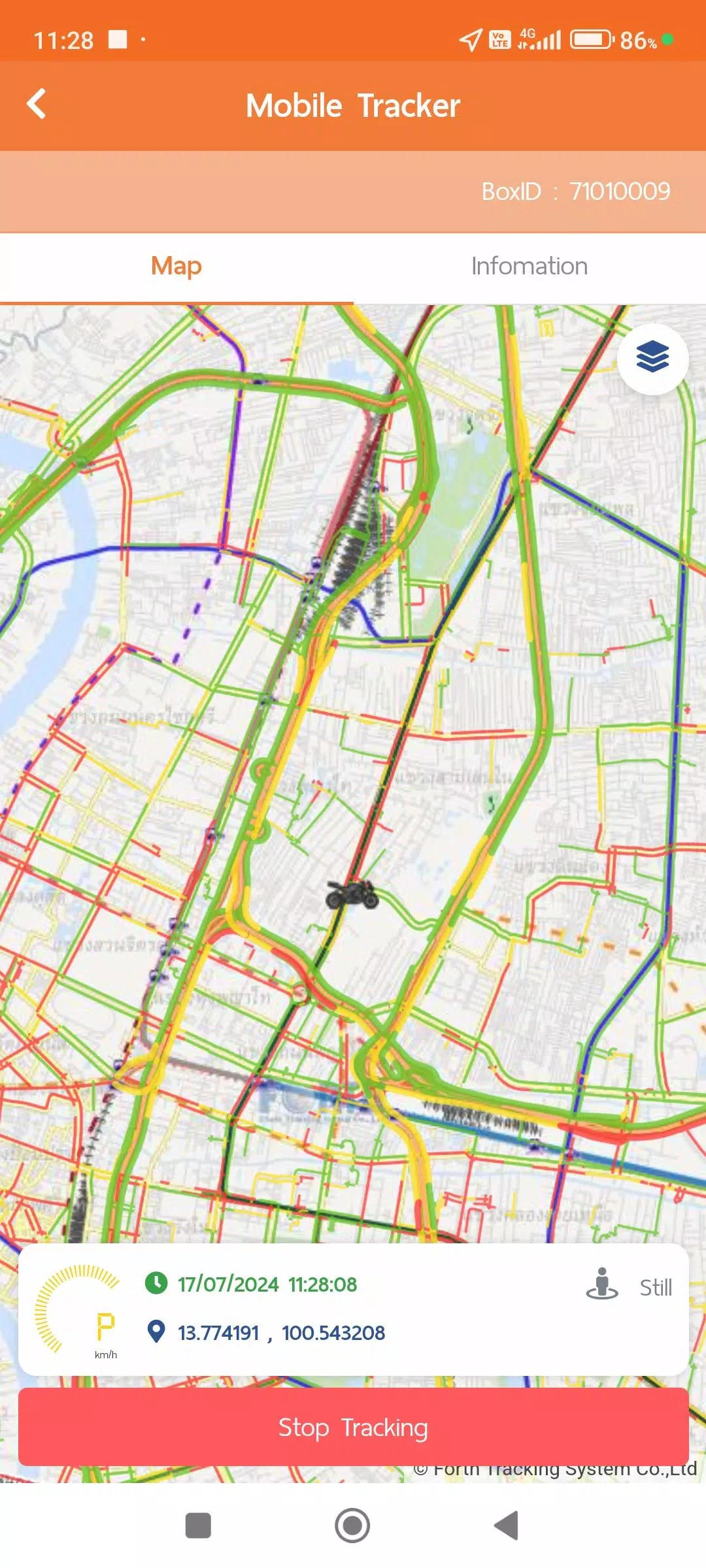
3. Mobile Tracker
Location monitoring functionality using smartphone GPS capabilities. This eliminates the need for dedicated hardware by transmitting position data during active tracking sessions. Integration with other modules (TMS, Vehicle Tracking) enables comprehensive reporting via the Web Console. Requires following permissions:
- Continuous Location Access: Enables background GPS tracking without manual app activation
- Physical Activity Recognition: Optimizes GPS polling intervals based on movement patterns to balance accuracy with battery efficiency:
1. Stationary: Updates every 5 minutes (Power Save Mode)
2. Walking: Updates every 60 seconds
3. Driving: Sub-second GPS sampling with minute-based transmission for precise speed/distance calculation
*Power Save Mode activates after 5 minutes of stillness and deactivates upon detecting movement
4. Vehicle Tracking
Real-time monitoring of asset locations through GPS/Mobile Tracker data with historical reporting capabilities:
- Device Specifications
- Alert Configuration
- Daily Route Summaries
- Custom Timeframe Movement History
- Supplementary Data from auxiliary systems (MDVR, TPMS installations)
Additional compliance documentation accessible via user account:
- Terms of Service
- Privacy Policy
- Cookie Usage Policy
What's New in the Latest Version 1.7.6
Last updated on Nov 9, 2024
1. System performance improvements and functional enhancements