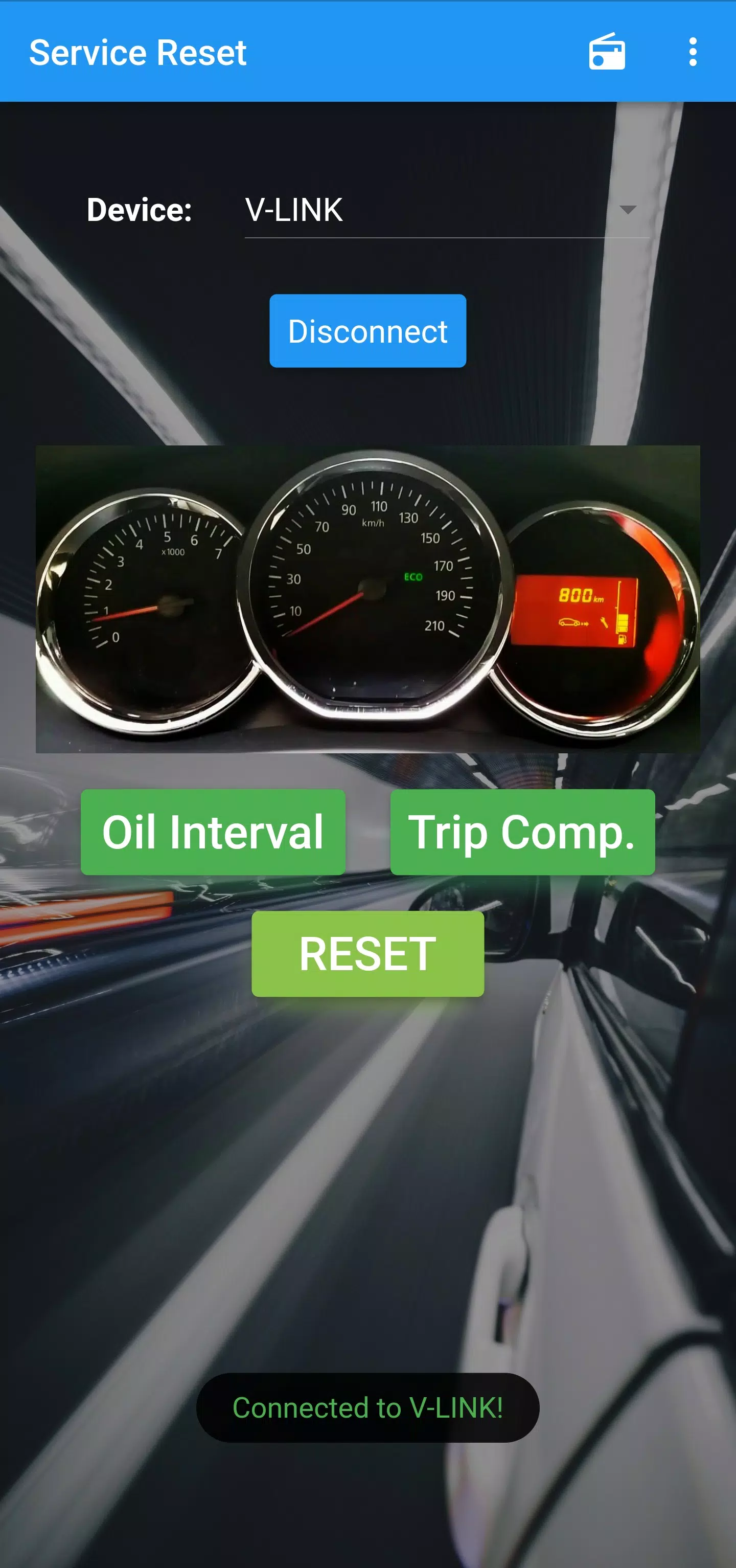
Use an OBD-II Bluetooth adapter to reset your vehicle's oil/service maintenance light
Important Note About Compatibility
⚠️ Many ELM327 clone adapters cannot perform this function as they lack the capability to communicate with your Instrument Cluster. These cheaper clones are often restricted to engine ECU communication only. If the app doesn't work with your current adapter, you'll need to try a different one. This application is guaranteed to work with genuine ELM327 and OBDLink devices.
The solution works with any compatible ELM327 Bluetooth OBD-II adapter
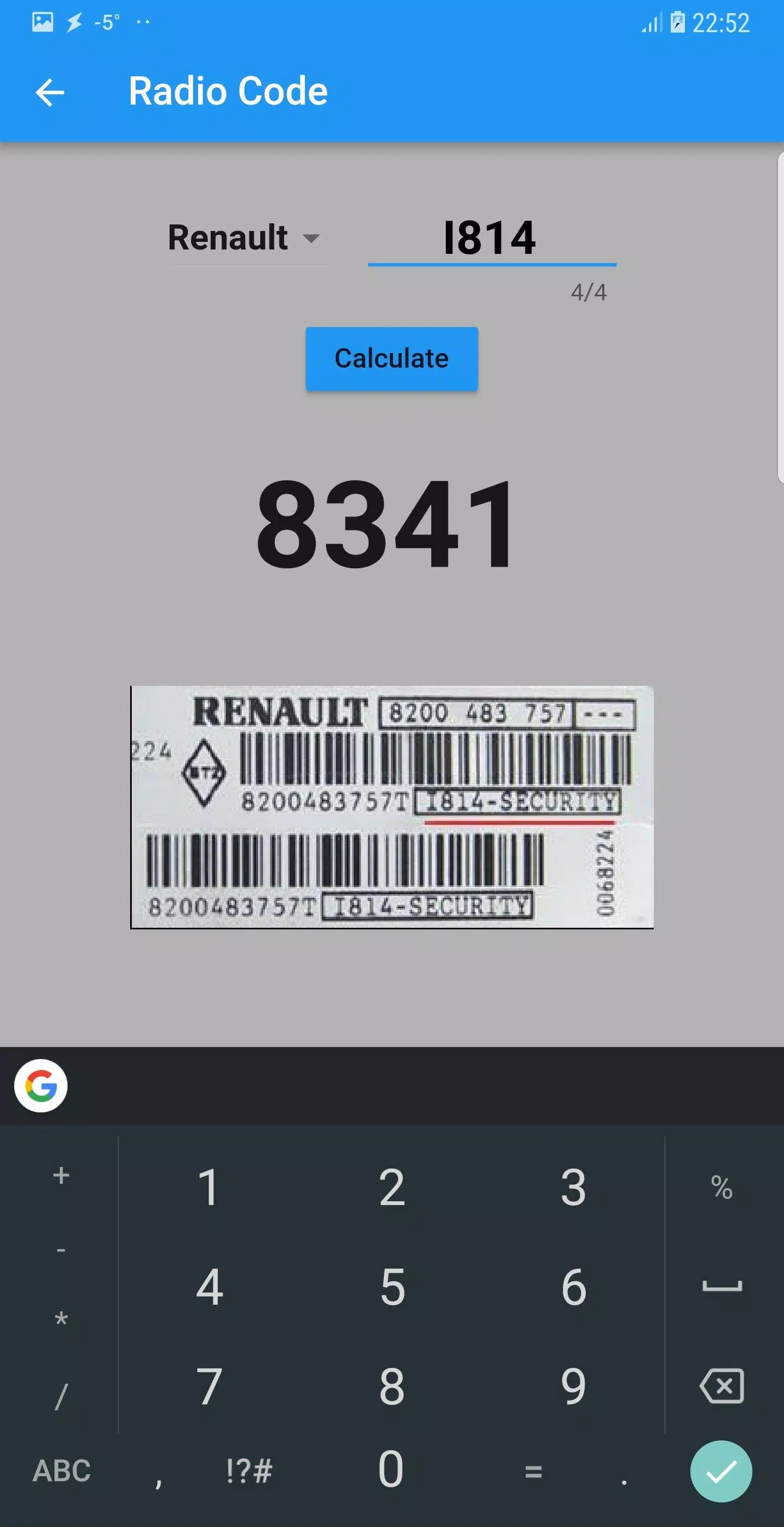
Bonus Feature: Includes special radio calculators for Renault and Ford M-Series vehicles
Latest Version 0.0.61 Update Details
Last updated: June 30, 2024
- Various updates and bug fixes implemented
- Fixed app permissions for different Android versions
- Maintenance release with updated dependencies and target SDK
- Resolved missing native symbols issue affecting older Android versions
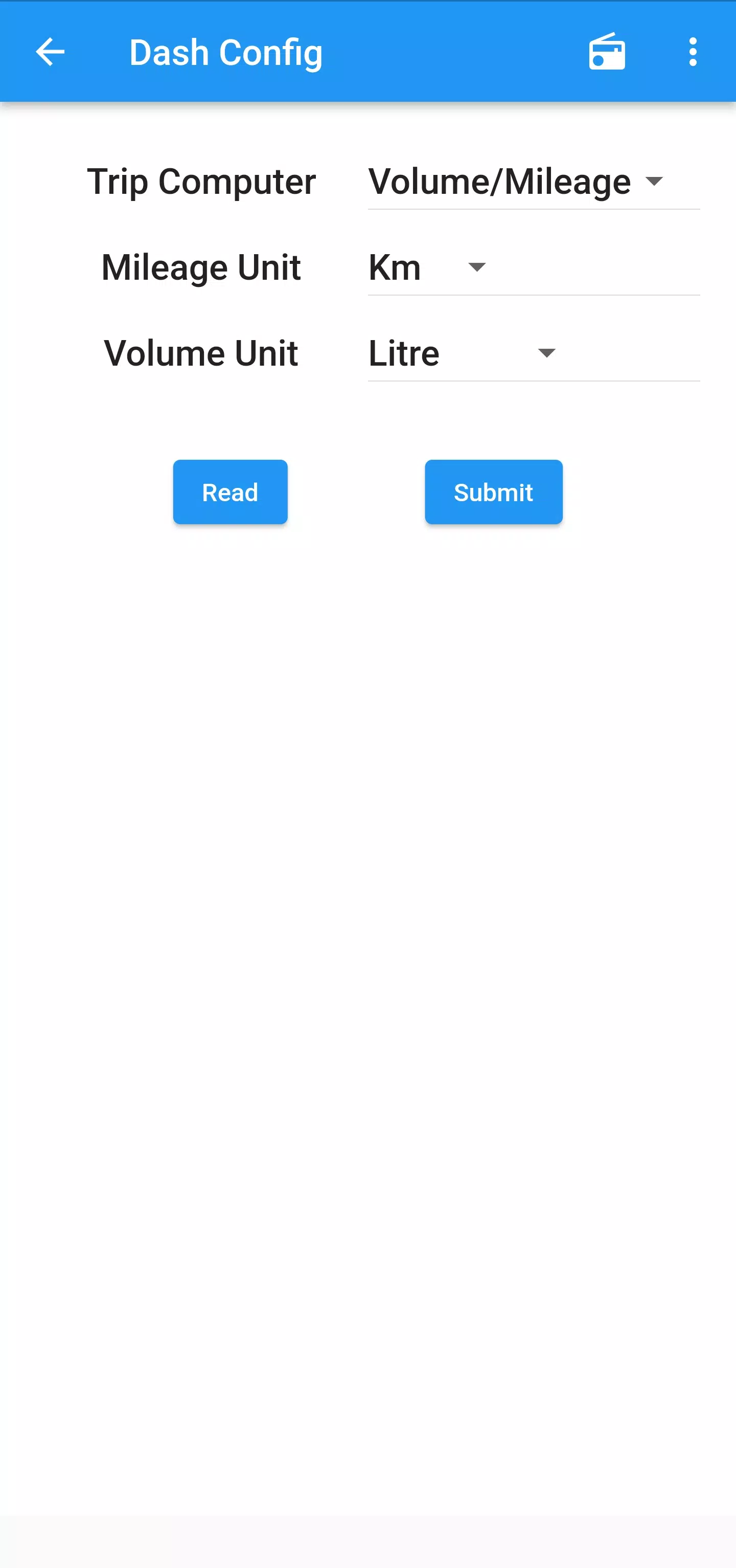
- NEW: Added ability to activate/deactivate Trip Computer
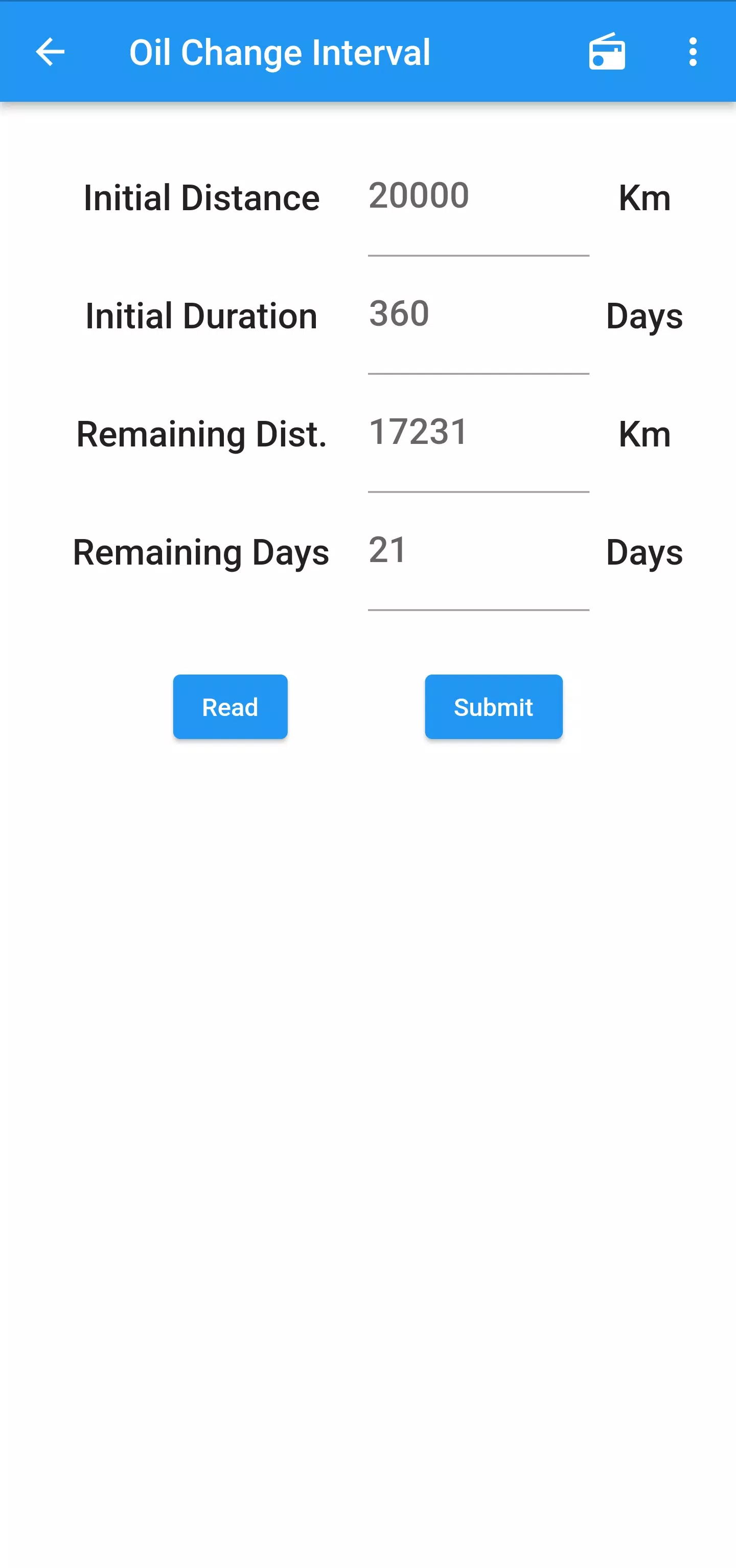
- NEW: Oil interval adjustment feature (km/days) - Note: Only works with genuine interfaces and select clone adapters. If unavailable, try a different adapter.
Pro Tip: For reliable performance, we strongly recommend using a certified OBD-II adapter rather than generic clones. Functionality may vary significantly between different adapter models.