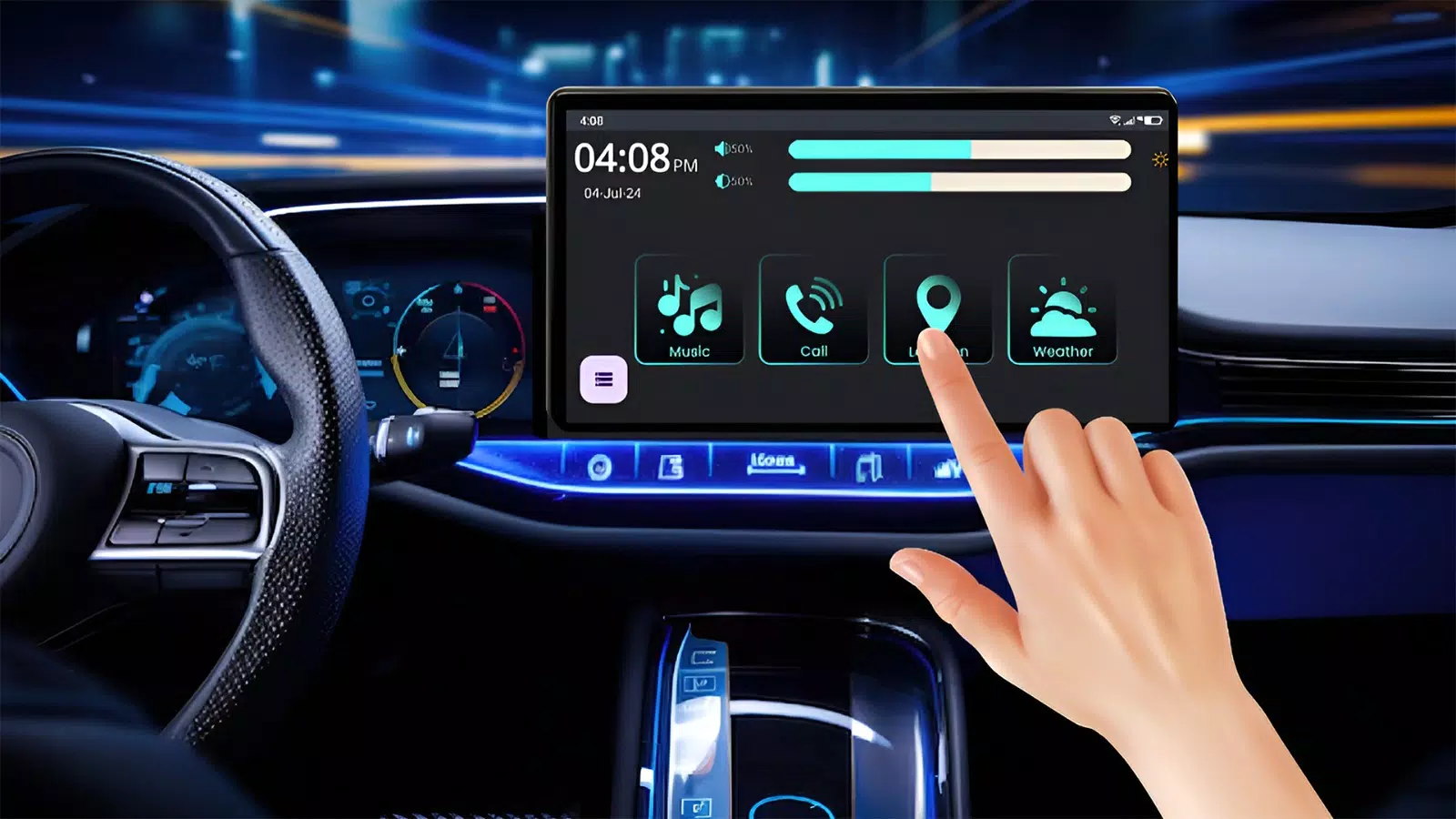
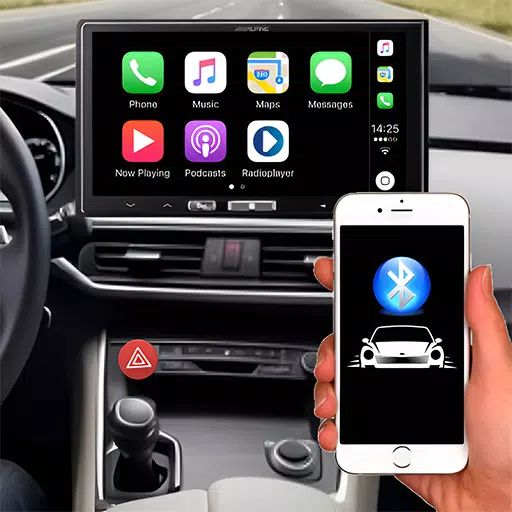
Connect your phone to your car’s infotainment system using Bluetooth or a USB cable.
Stay connected and entertained on every drive with the Auto Link for Android/Car Play app!
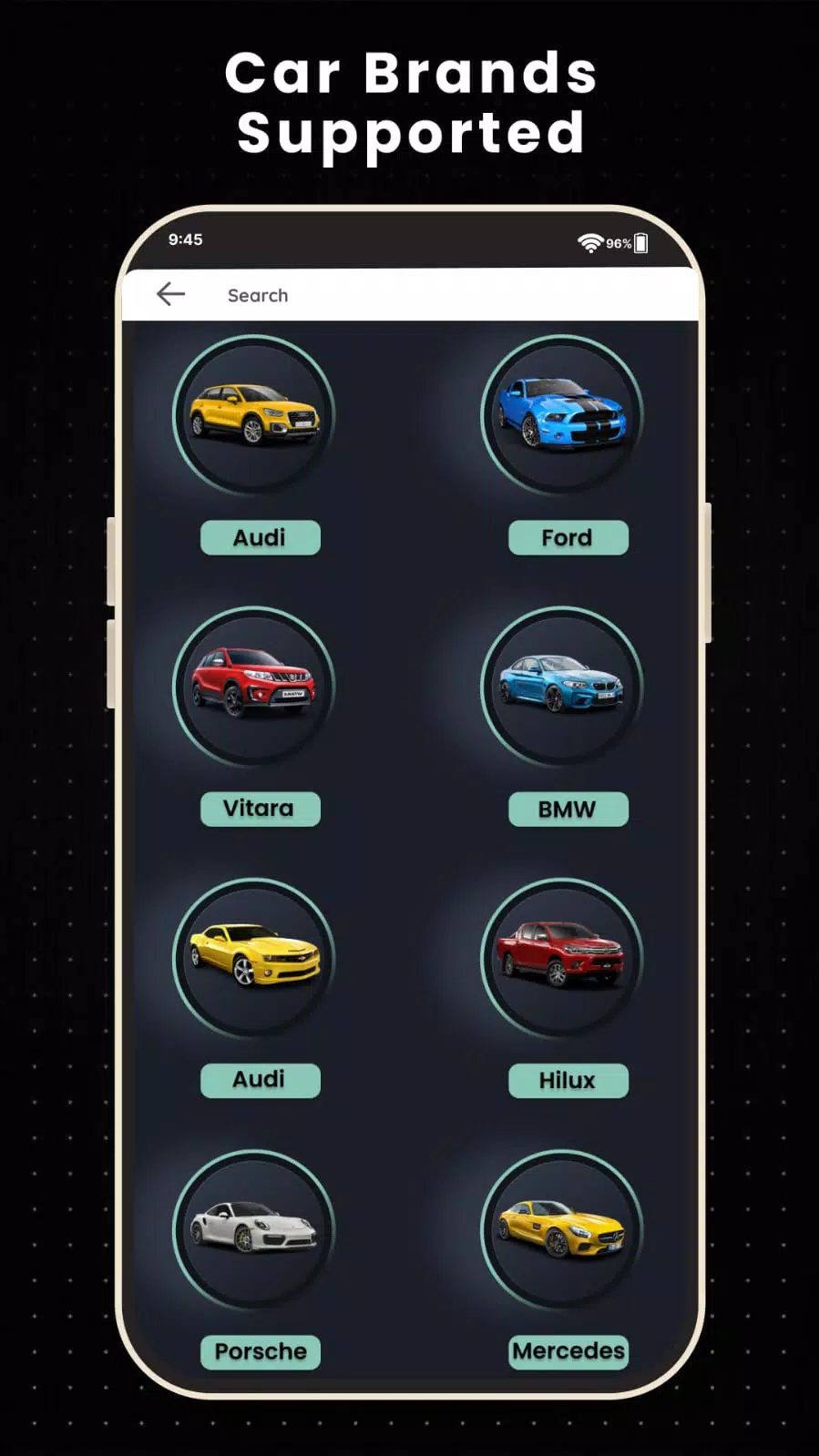
Auto Link for Android/Car Play is a screen mirroring app that instantly connects your phone to your car's display via USB, Wi-Fi, or Bluetooth. Using Bluetooth or USB, you can enjoy your favorite mobile apps right on the car dashboard. The app also lets you connect your phone to the car with a USB cable for a stable, reliable link. Its Bluetooth and USB connectivity automatically bring your phone's features to the car’s dashboard.
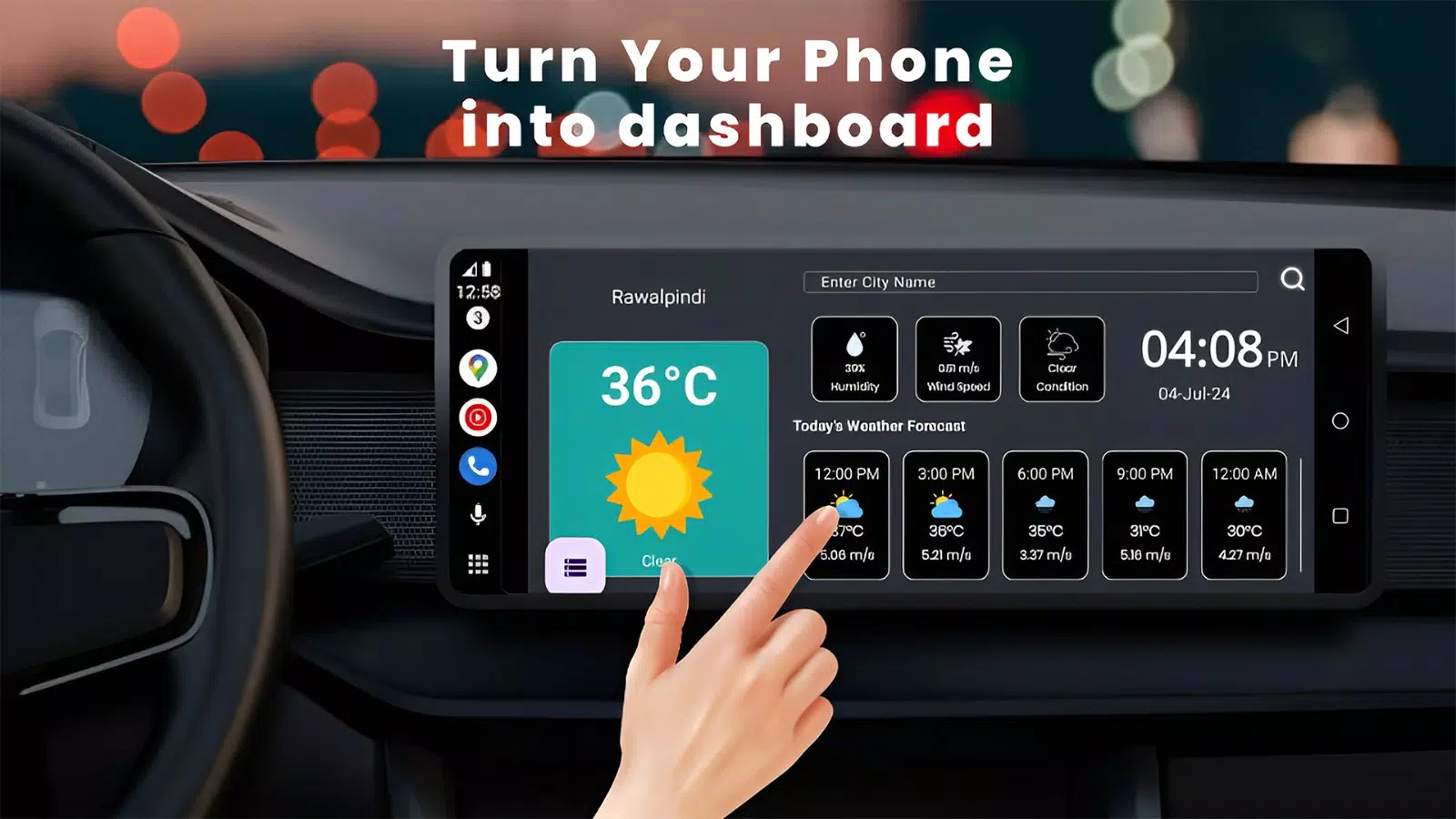
Experience seamless integration between your car and phone with Auto Link for Android/Car Play. Every feature is designed with user-friendliness in mind. Enhance road safety with Auto Link for Android/Car Mirror Link, which auto-connects and lets you safely use your phone while driving. Effortlessly link your phone to the car screen and easily access mobile apps on the road—all thanks to Auto Link for Android/Car Play Mirror Link.
This Auto Link for Android/Car Play Mirror Link app is your all-in-one driving companion, offering seamless access to contacts and calls so you stay connected. Enjoy your favorite music through an intuitive interface, and let advanced navigation guide you effortlessly to your destination. Stay on schedule with accurate time and date displays. Elevate your drive with this versatile, user-friendly app.
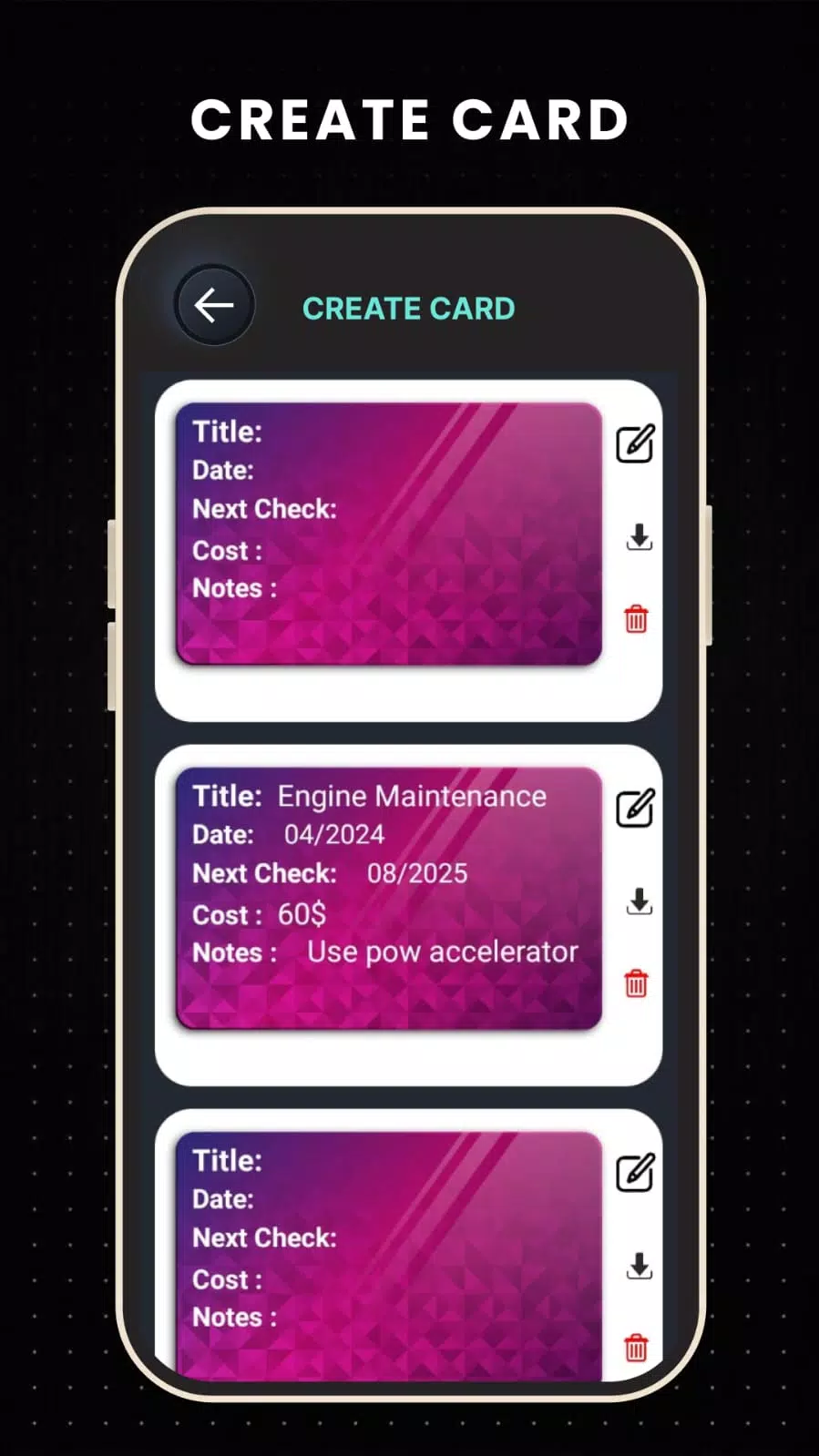
Auto Link for Android/Car Play Mirror Link also includes a comprehensive car maintenance log. Easily enter and save all your car maintenance records. Create and manage digital cards to track oil changes, tire care, and fuel history. We provide free cards so you can keep your vehicle's essential records organized and always within reach.