
Here's a clear and structured summary of the Werewolf Z Archive App (Version 1.4.0) based on your provided documentation, optimized for user understanding and future reference:
🌙 Werewolf Z Archive App – User Guide (v1.4.0)
Last Updated: March 7, 2023
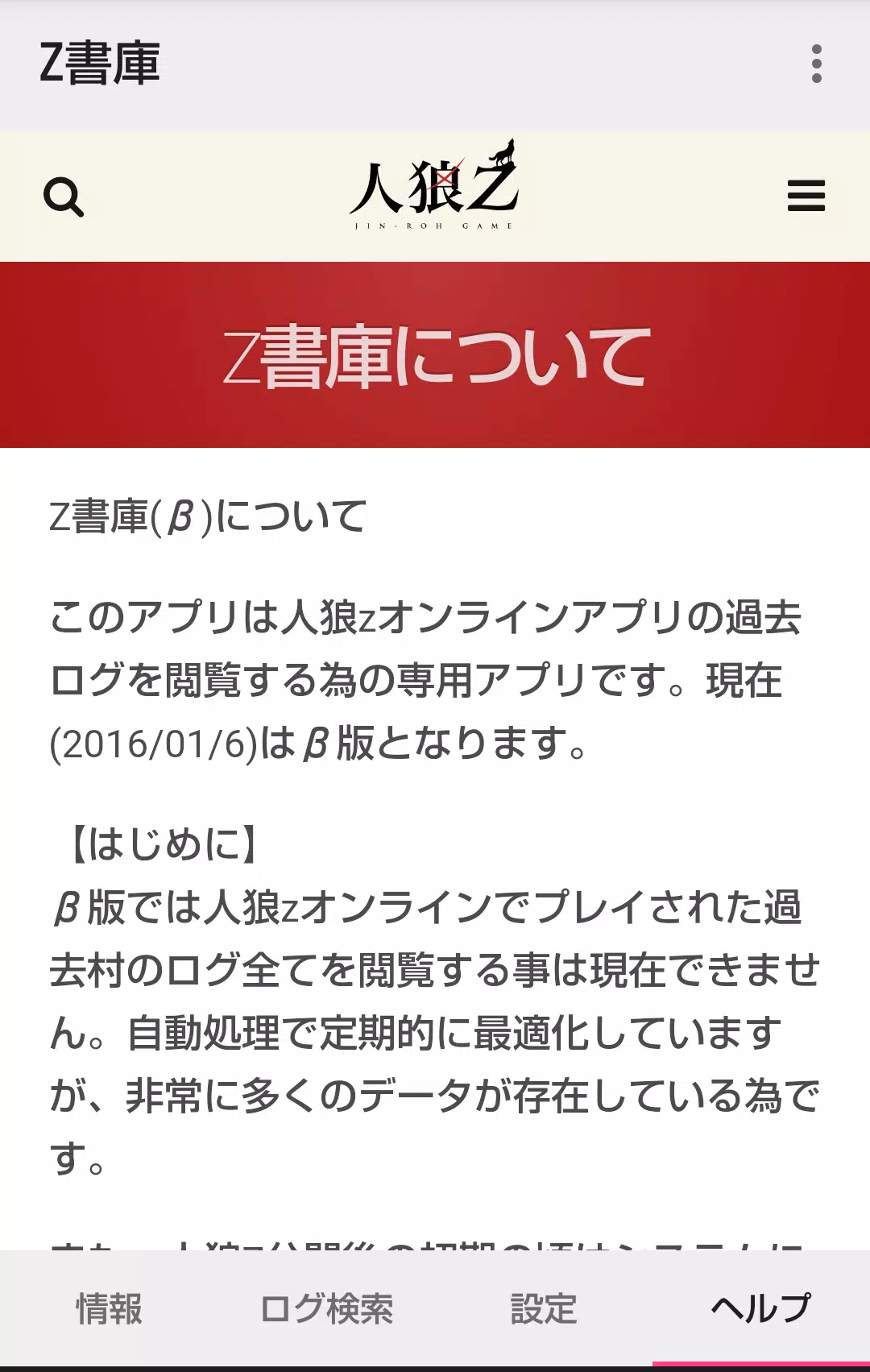
A dedicated tool for reviewing historical game logs from the Werewolf Z online app.
🏠 Home Screen Overview
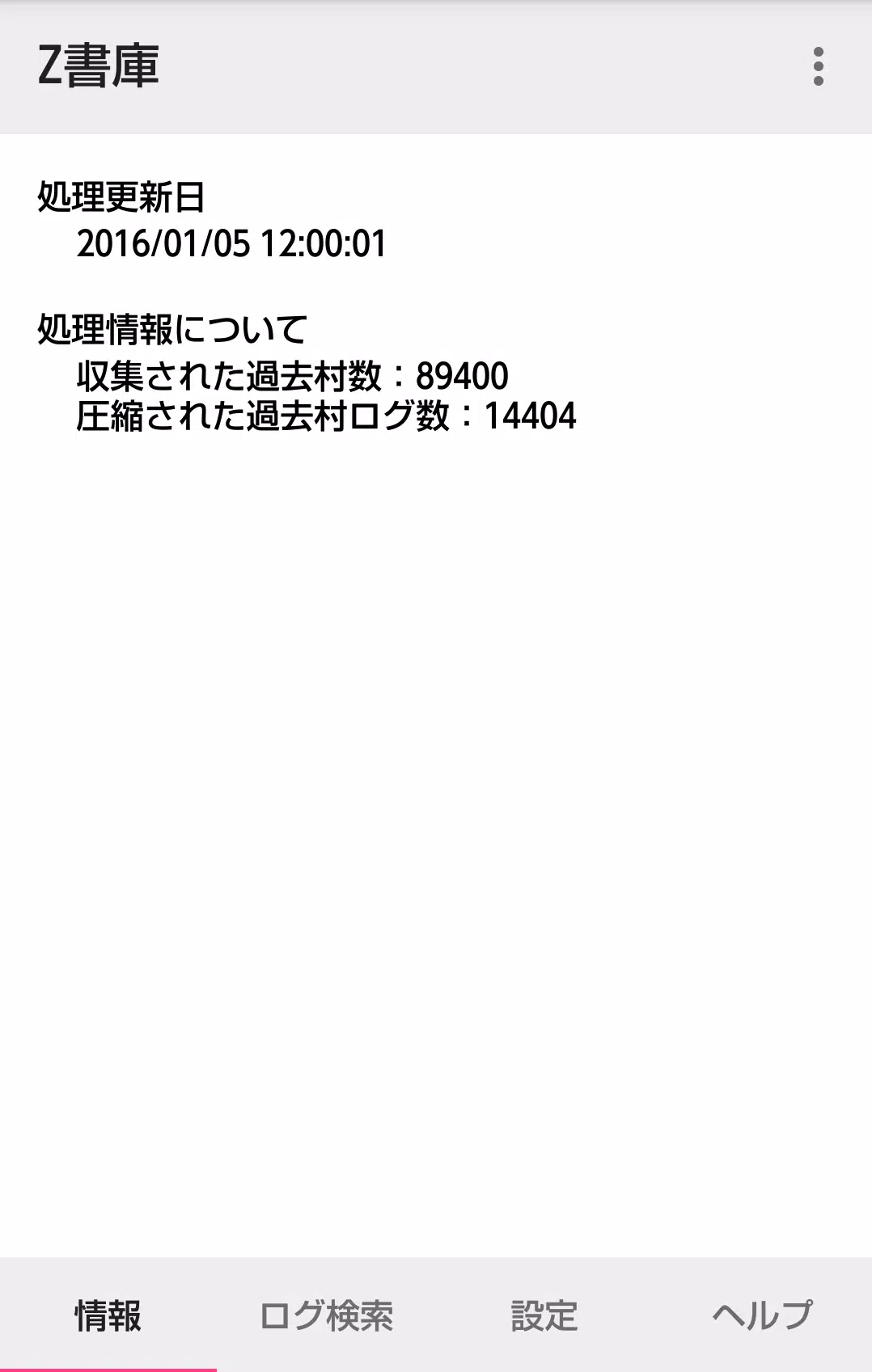
1. Information Tab
- Displays real-time stats and details about currently processed villages.
- Future Update: Additional analytics and metadata will be added (e.g., game duration, win/loss rates, player roles).
2. Log Search Tab
Find past villages using one of three search methods:
🔍 ① Search by Village Name
- Supports partial matching (e.g., typing “Moon” finds “Moonlight Village”).
- ❌ Does not support multiple keywords (e.g., "Wolf Moon" won’t work).
- Best used for known village names.
🔍 ② Find Villages You Participated In
- Accessible only if you launched the Z Archive app from within the Werewolf Z online app.
- Automatically detects and lists villages where you were a player.
🔍 ③ Locate Villages You Created
- Also activated via in-app menu launch.
- Lists all villages you’ve hosted or created.
✅ Note: If you accessed the archive via method ② or ③, or searched by name, no browsing code is required to enter a village’s detail screen.
3. Settings Tab
-
Clear Cached Log Data:
- Use this to free up storage or fix display issues.
- Warning: This will delete locally stored logs. You’ll need to re-download them if you return later.
-
Chat Visibility Toggle (New in v1.4.0):
- Toggle visibility of:
- Werewolf Team Chat
- Graveyard Chat
- Default: Hidden (to reduce clutter).
- ⚠️ Performance Note: In villages with long logs (>500 messages), toggling these chats may cause lag or delays.
- Toggle visibility of:
📚 Past Village Detail Screen
- Requires a browsing code to access, unless:
- You’re viewing a village you created (③),
- Or participated in (②),
- Or found via name search (①).
✅ Browsing code not needed if you accessed via any of the 3 search methods above.
📝 Detailed Log Screen
-
Logs are displayed chronologically, starting from:
- The GM’s game initiation message → to the latest entries.
-
Default Hidden Messages:
- Werewolf team chat
- Graveyard chat
(Can be toggled on/off in Settings)
-
New in v1.4.0:
- ✅ Co-owner messages are now visible in the log feed.
-
⚠️ Performance Tip:
In long-running games with heavy chat activity, enabling hidden chats may cause delays. Consider disabling them if you’re only reviewing key events.
✨ What’s New in v1.4.0 (March 7, 2023)
- Minor Bug Fixes
- Improved stability during log loading and navigation.
- Added: Co-Owner Message Display
- Previously hidden co-owner communications are now visible in the log stream.
📌 Tips for Best Experience
- Launch the app from within the Werewolf Z online app to unlock auto-detection of your past villages (for ② and ③).
- Use partial name searches for quick access to familiar villages.
- Clear cache regularly if storage is low or logs appear corrupted.
- Disable chat toggles in long logs to improve performance.
📘 Stay updated with new features and improvements via future app updates.
📞 For support, contact the Werewolf Z development team through the official app.
Let me know if you'd like a printable PDF version, a help video script, or a version tailored for new users!
















![Amy’s Ecstasy [v0.45 Final]](https://imgs.daqiang.cc/uploads/07/1719551527667e462789d0f.jpg)